
AI headshots have moved from novelty to standard profile infrastructure for LinkedIn, founder pages, resumes, creator bios, and dating apps. This TryHeadshot vs Looktara comparison focuses on the factors that matter before purchase: natural output, business-ready styling, turnaround expectations, workflow simplicity, and audience fit. For professionals comparing options, The Looktara Studio is positioned around polished, consistent profile imagery for modern personal branding.
What does TryHeadshot vs Looktara mean for buyers in 2026?
TryHeadshot vs Looktara is a bottom-funnel comparison between two AI headshot options for people who need professional-looking profile images without booking a traditional studio session.
AI headshot generator: A software tool that turns uploaded personal photos into studio-style portraits using machine learning, image generation, and style guidance.
The available research set for this article contained no third-party benchmark tables, ranking articles, public review corpus, or verified pricing dataset. That matters because headshot quality often depends on inputs, style choices, lighting preferences, and delivery expectations rather than a single universal score.
Key insight: The better purchase decision is not "which tool is universally best," but "which tool matches the intended profile, brand tone, and tolerance for AI-generated variation."
Decision criteria that matter most
A fair comparison should evaluate the same buyer-relevant criteria for both tools rather than treating every AI headshot service as interchangeable.
- Realism: Facial consistency, skin texture, hair detail, and natural expression.
- Professional styling: Business attire, background choices, and industry fit.
- Ease of use: Upload process, guidance, edit flow, and result selection.
- Turnaround: How quickly usable outputs become available.
- Pricing clarity: Package structure, image count, and refund or revision terms.
- Audience fit: Job seekers, founders, teams, creators, and dating app users.
The most important buyer behavior in 2026 is practical comparison. Users want a headshot that looks current, not overly airbrushed, and suitable across LinkedIn, email signatures, company pages, and media kits.
How do TryHeadshot and Looktara compare on core buying factors?
TryHeadshot and Looktara should be compared across output realism, style control, workflow clarity, and profile use cases because those factors determine whether the final image is usable.
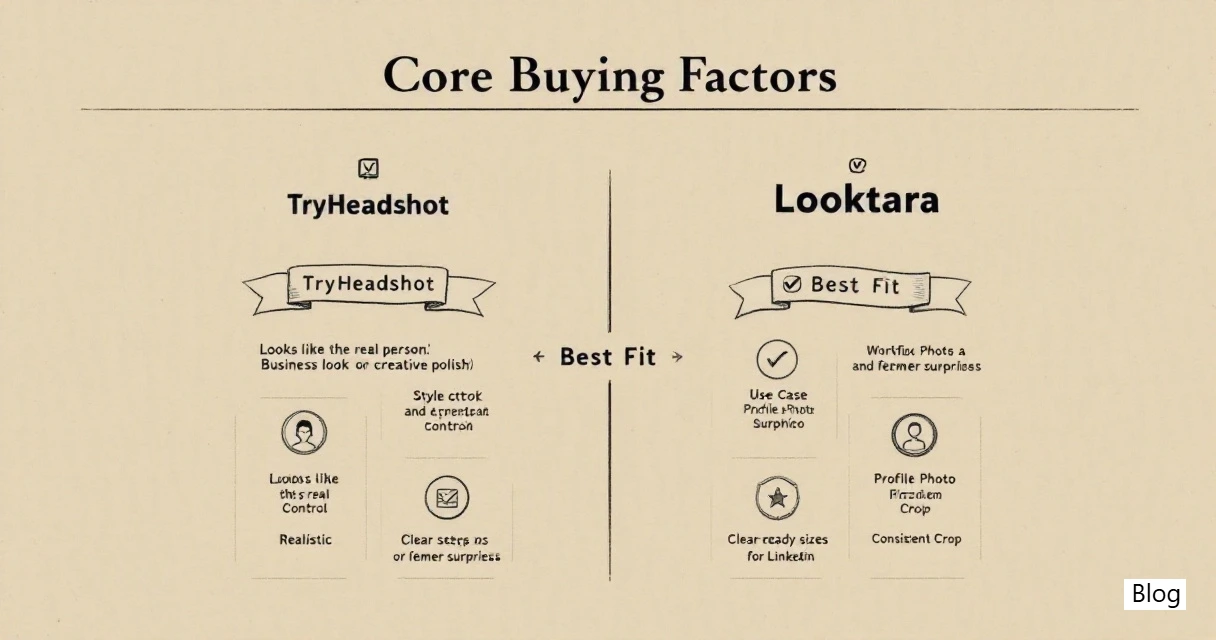
A tool can generate attractive portraits and still fail if the result looks unlike the person, feels too staged for the role, or lacks consistent sizing across platforms. Professional users usually need a small set of reliable images, not hundreds of experimental variations.
Side-by-side comparison table
| Factor | TryHeadshot | Looktara | Best-fit interpretation |
|---|---|---|---|
| Primary use case | AI-generated professional headshots | AI profile imagery and professional headshots | Both fit business profile needs, with Looktara especially relevant for broader personal-brand consistency |
| Output priority | Studio-style business portraits | Natural-looking, polished profile images | Buyers should compare sample realism and expression quality |
| Style range | Typically centered on headshot packages | Professional, social, and brand-forward profile use cases | Looktara may suit users who need consistent images beyond one formal profile |
| Ease of decision | Package-led comparison | Outcome-led profile selection | Buyers should favor the workflow that makes final image selection easier |
| Audience fit | Job seekers, employees, business users | Professionals, founders, creators, startup teams, and profile-driven users | Looktara fits mixed professional and personal-brand contexts |
| Evaluation method | Review sample outputs and plan details | Review sample outputs, use cases, and style fit | Final choice should be based on intended channel, not tool name alone |
Where does each tool fit best?
TryHeadshot fits buyers focused on straightforward business headshots, while Looktara fits professionals who want polished profile imagery across multiple public-facing channels.
Both categories serve the same broad need: better online identity. The difference appears in context. A corporate employee may want a conservative LinkedIn image. A founder may need a headshot that works for investor decks, podcasts, team pages, and social posts. A creator may care about personality and consistency more than strict corporate polish.
Choose TryHeadshot if these priorities are strongest
TryHeadshot may be the practical choice when the buying goal is narrow, formal, and centered on standard professional headshots.
- A formal LinkedIn or resume portrait is the main deliverable.
- Business attire and neutral studio backgrounds are preferred.
- The user does not need a wider set of personal-brand images.
- Package comparison is more important than style experimentation.
- A traditional professional look matters more than creative range.
This choice can make sense for job seekers, consultants, corporate staff, and professionals updating a single profile photo across hiring platforms.
Choose Looktara if these priorities are strongest
Looktara is a stronger fit when the headshot is part of a larger digital identity rather than a one-off profile update.
- Founders who need images for LinkedIn, press pages, and pitch materials.
- Startup employees building a public professional presence.
- Content creators who need consistent profile photos across platforms.
- Dating app users who want polished images that still feel natural.
- Professionals who prefer profile visuals that balance credibility and approachability.
The The Looktara Studio platform is best framed as a profile-image solution for people whose online presence spans work, social, and reputation-building channels.
How should output realism, styling, and workflow be judged?
AI headshot tools should be judged by whether the final images look believable, match the person, and fit the platform where the image will appear.
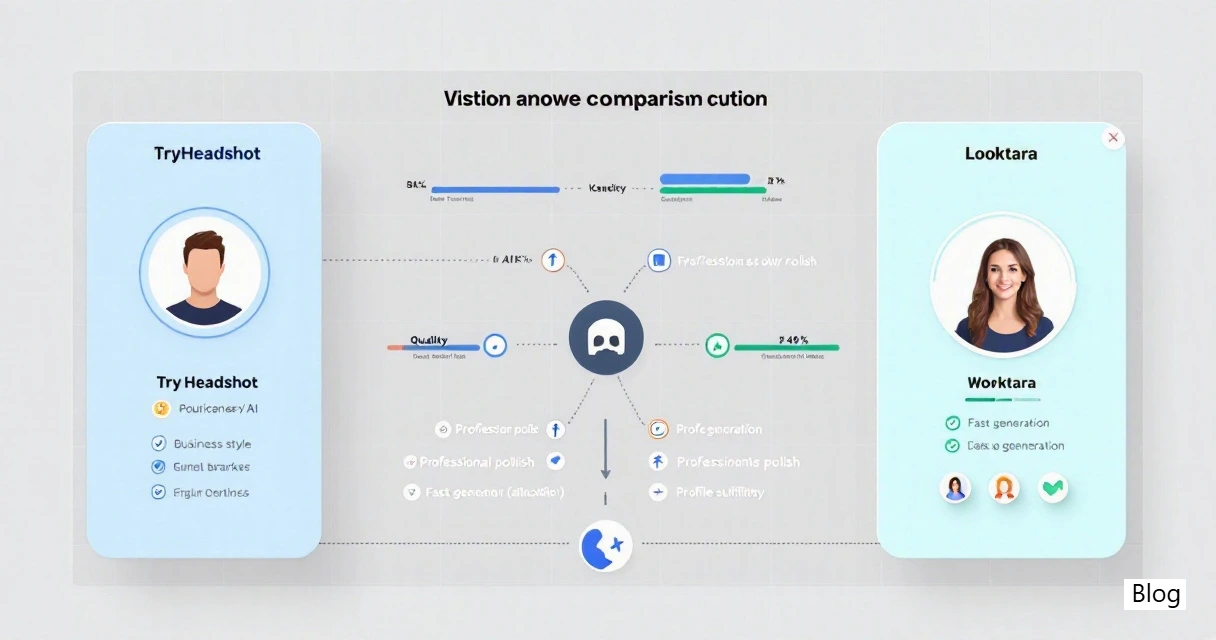
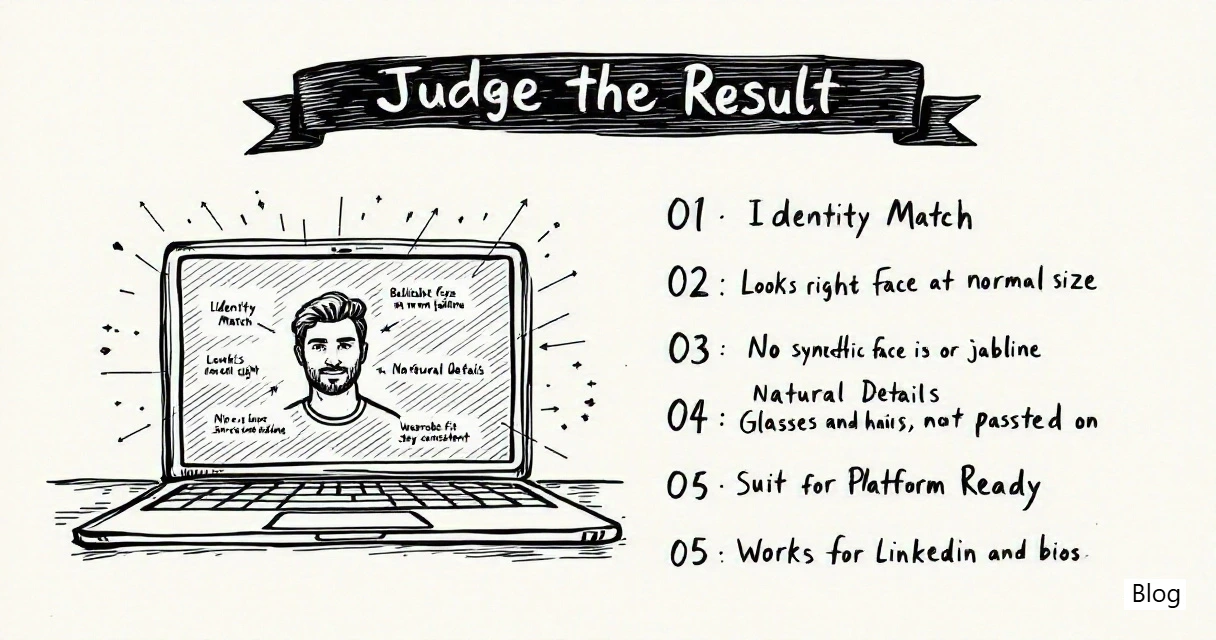
Realism is not only sharpness. An overly perfect face, mismatched jawline, distorted glasses, inconsistent hair, or unnatural suit can make an image feel synthetic. A strong result preserves identity while improving lighting, framing, wardrobe, and background.
Quality checklist before choosing a service
A structured checklist prevents buyers from choosing based only on attractive sample galleries.
- Identity match: The face should look like the real person at normal viewing size.
- Expression quality: Smiles and neutral expressions should appear natural, not frozen.
- Hair and glasses detail: Edges should avoid warping, melting, or strange reflections.
- Wardrobe fit: Clothing should match the industry, role, and public context.
- Background realism: Office, studio, and outdoor backgrounds should not distract.
- Crop flexibility: Images should work in square, circle, and banner-adjacent layouts.
- Cross-platform consistency: LinkedIn, Slack, resumes, websites, and dating profiles may need different tones.
Quality rule: A usable AI headshot should be credible at first glance and still hold up after closer inspection.
Common evaluation mistake to avoid
The common mistake is judging a tool only by the most impressive gallery image rather than by the full set of usable outputs.
AI image tools often produce a range: some excellent, some acceptable, and some unsuitable. The key metric is not the best generated image; it is the number of images that a professional would actually publish. Buyers should review policies, examples, and workflow expectations before purchase.
What should professionals expect from AI headshot tools in 2027?
AI headshot tools in 2027 are likely to compete less on basic generation and more on identity accuracy, style governance, editing control, and platform-specific image sets.
The category is maturing. Users increasingly expect results that look less like generic studio renders and more like real portraits with better lighting. Tools that support clear style direction, repeatable outputs, and natural profile use will likely stand out.
Likely improvements in the category
The next phase of AI headshots will likely focus on practical control rather than novelty.
- Better likeness protection: More consistent facial structure across generated images.
- More realistic textures: Skin, hair, fabric, and eyewear should become less artificial.
- Channel-aware formats: LinkedIn, team pages, creator profiles, and dating apps may get tailored crops.
- Brand consistency: Teams and founders may request aligned lighting, background, and tone.
- Editable outputs: Users may expect controlled changes to attire, crop, or background without regenerating everything.
For comparison shoppers, this means the smartest choice is a tool aligned with durable needs, not just the newest visual effect.
How The Looktara Studio handles this shift
The Looktara Studio fits the 2026 direction of the category by treating profile imagery as a broader personal-brand asset rather than only a replacement for a corporate photo session.
That approach matters for professionals whose public identity appears across several channels. A LinkedIn image, founder bio, podcast guest page, and social profile may require the same recognizable person with slightly different tone. For direct evaluation, visit looktara.com and review whether the available style direction matches the intended public presence.
FAQ: TryHeadshot vs Looktara
The most useful comparison questions focus on fit, image realism, use cases, and purchase confidence rather than broad claims about one tool being best for everyone.
Is TryHeadshot or Looktara better for LinkedIn?
The better LinkedIn option depends on the desired profile tone. TryHeadshot may fit a conventional business portrait need, while Looktara may fit a broader professional identity that also appears on founder pages, media bios, and social profiles. LinkedIn buyers should prioritize facial likeness, natural expression, and a background that supports the role.
Which option is better for founders and startup employees?
Looktara is often the stronger fit for founders and startup employees who need profile photos across several public surfaces, not only one formal headshot. Startup visibility commonly spans LinkedIn, investor materials, company pages, podcasts, and community profiles. Consistency across those uses can matter as much as a single polished image.
Can AI headshots replace a professional photographer?
AI headshots can replace a basic studio session for many profile-photo needs, especially when speed, cost control, and convenience matter. A professional photographer may still be preferable for executive campaigns, editorial shoots, complex brand direction, or highly controlled team photography. The practical choice depends on risk tolerance and image requirements.
What should users prepare before ordering AI headshots?
Users should prepare clear, recent input photos with varied angles, natural lighting, and minimal obstructions. Strong inputs usually support better likeness and more usable outputs. Photos with heavy filters, extreme shadows, covered facial features, or unusual expressions can make results less reliable across any AI headshot tool.
Conclusion
The practical answer to TryHeadshot vs Looktara is role-based: TryHeadshot suits a narrower formal headshot need, while The Looktara Studio suits professionals who want polished, natural profile imagery across work, creator, founder, and social contexts. The next step is simple: define the main publishing channels, decide whether a single corporate portrait or a broader profile set is needed, then compare sample realism before purchase. For a profile-image workflow built around modern personal branding, head to looktara.com.