
Your profile photo often does the first handshake before you say a word, so profile pic pictures that look professional but approachable need to balance trust, warmth, and clarity in one small frame. Profile picture: a public-facing image used to identify you on professional, social, creator, or dating platforms. If you want that balance without booking a studio, Looktara can help you generate polished options that still feel like you.
What makes a profile picture professional but approachable?
A professional but approachable profile picture shows your face clearly, uses clean lighting, and gives the viewer a reason to trust you without making you look distant. The ideal image combines a relaxed expression, simple styling, and a background that supports your role rather than competing with your face.
Professional: credible, intentional, well lit, and suited to the platform.
Approachable: warm, natural, open, and easy to imagine speaking with.
The strongest profile photo says, "I take myself seriously, but I am still easy to talk to."
Research on digital identity supports the idea that profile images are part of reputation management. A 2021 paper by Korkmazer, De Ridder, and Van Bauwel examined how young people negotiate gender, reputation, and morality through the visual digital self in online spaces. For career professionals, the same principle applies in a cleaner way: your image becomes a shortcut for how others read your judgment, confidence, and social fit.
Professional versus approachable signals
| Photo element | Professional signal | Approachable signal | Best balance |
|---|---|---|---|
| Expression | Calm confidence | Slight smile | Soft smile with relaxed eyes |
| Crop | Face is visible | Not too intense | Head and upper shoulders |
| Clothing | Role-appropriate | Comfortable | Clean outfit you would actually wear |
| Background | Low distraction | Human context | Neutral wall, office, studio, or soft outdoor blur |
| Lighting | Even and clear | Natural warmth | Window light or soft studio light |
A stiff corporate headshot can look competent but cold. A casual selfie can look friendly but careless. The sweet spot sits between those extremes: sharp enough for LinkedIn, warm enough for a client call, and natural enough for social platforms.
How do you pose for profile pic pictures that look professional but approachable?
Pose by turning your shoulders slightly, keeping your chin level, relaxing your jaw, and looking directly at the camera with a small, genuine smile. Keep your posture open and your hands out of frame unless they add context. The goal is to look present, not posed.
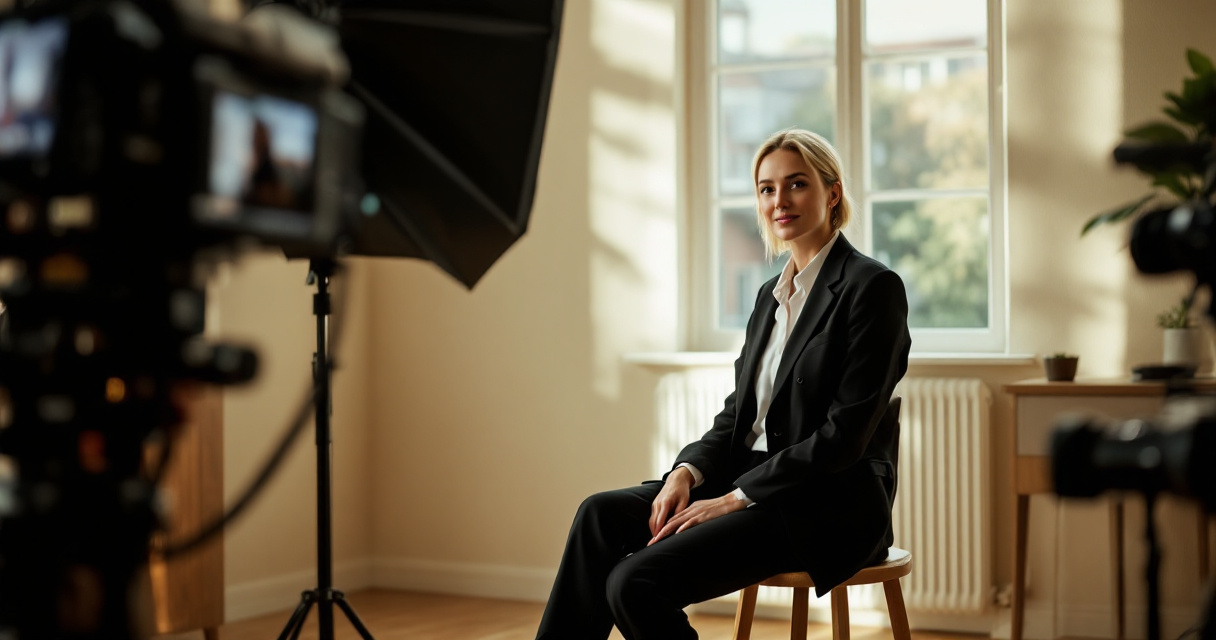
A good pose starts before the camera clicks. Think of the photo as a pause in a normal conversation, not a performance. Straight-on shots can feel direct and trustworthy, while a small shoulder angle adds ease. Competitor content often mentions this, but the missing detail is control: angle the body, not the face, if you want warmth without losing confidence.
A simple posing checklist
- Stand or sit tall, but do not lock your shoulders.
- Turn your torso 10 to 20 degrees away from the camera.
- Bring your face back toward the lens.
- Keep your chin level or slightly down.
- Relax your mouth, then add a small smile.
- Think of greeting someone you like, not impressing a panel.
- Take several frames, because micro-expressions change the whole mood.
Small changes matter. Raised shoulders can read as tension. A hard stare can feel unfriendly. A forced grin can feel less credible. Aim for a calm face, bright eyes, and a smile that reaches the cheeks.
Expression cues that change the message
- Closed-mouth soft smile: best for executives, consultants, and job seekers who want calm authority.
- Natural teeth smile: best for founders, creators, coaches, and client-facing roles.
- Neutral face with warm eyes: best for creative directors, academics, and technical specialists.
- Big laugh: useful for personal brands, but often too casual for LinkedIn main photos.
Research by Nicola Döring, Nicole C. Krämer, and Veronika Mikhailova analyzed sexual interaction in digital contexts and its implications for online communication in Frontiers in Psychology. While that paper covers a different kind of digital exchange, it reinforces a broader point: images carry social meaning fast, sometimes faster than text.
Which clothing, background, and lighting choices make you look credible and warm?
Choose clothes that match your real work context, a background with low visual noise, and lighting that shows both eyes clearly. Professional warmth comes from looking prepared without looking artificial. Your outfit and setting should frame your face, not become the main story.
For 2026, the best profile photos look less like passport images and more like refined personal brand images. Remote workers, founders, and creators no longer need the same gray backdrop. Still, the photo must stay readable as a tiny circle on LinkedIn, Slack, Zoom, Instagram, or a dating app.
Style choices by use case
| Use case | Best clothing | Best background | Tone to aim for |
|---|---|---|---|
| LinkedIn job search | Blazer, knit, button-up, or neat top | Neutral indoor or office | Competent and open |
| Founder profile | Smart casual or signature brand color | Office, studio, or clean workspace | Confident and human |
| Freelancer portfolio | Client-appropriate outfit | Soft creative setting | Skilled and easy to hire |
| Creator profile | Distinct but tidy style | Brand-colored or lifestyle setting | Memorable and authentic |
| Dating app | Casual polished outfit | Outdoor, cafe, or warm indoor scene | Natural and attractive |
Mollika Ghosh studied social media homefluencers and product placement during the new normal in the South Asian Journal of Marketing. That topic is not about headshots directly, but it shows how home-based visual settings can shape trust and commercial identity. Your background sends similar signals.
Details that quietly reduce trust
- Busy shelves, laundry, car seats, or clutter behind your head
- Harsh overhead light that creates dark eye shadows
- Sunglasses, hats, or hair covering the eyes
- Heavy filters that change skin texture or face shape
- Group crops where another person is partly visible
- Outfits that do not match the audience you want to attract
A clean image does not need to be boring. A blue wall, plant, warm lamp, or soft city background can make the photo feel alive. Keep contrast between your face and the background so your profile thumbnail remains clear.
How can you create a polished profile photo quickly in 2026?
Create a polished profile photo quickly by collecting several clear source images, choosing your target platform, testing different outfits and backgrounds, and comparing the final images at thumbnail size. In 2026, AI-assisted headshot tools can save time when you need multiple polished versions for different profiles.
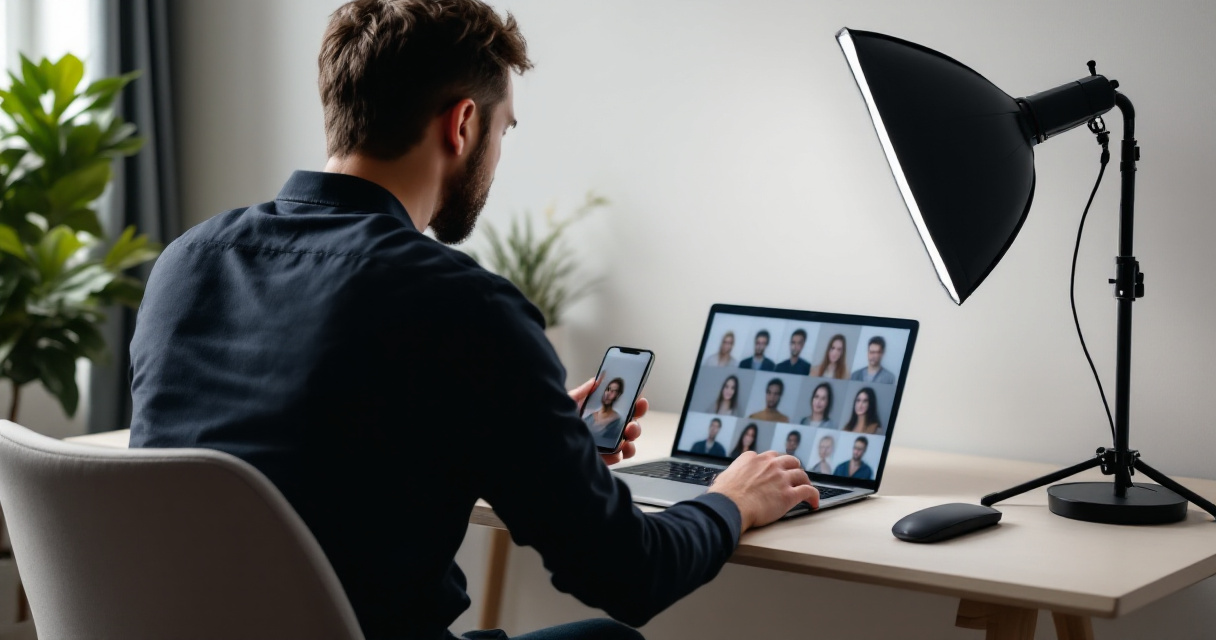
The Looktara platform is useful when you want options that feel professional without turning your face into a generic corporate image. You can create variations for LinkedIn, personal branding, creator pages, or dating profiles, then choose the version that best matches your audience.
Fast workflow for choosing your final image
- Pick the platform first: LinkedIn, website bio, creator page, Slack, or dating app.
- Decide the message: trusted expert, friendly founder, creative professional, or approachable match.
- Select 3 to 5 outfit and background directions.
- Compare images as full-size photos and tiny circular thumbnails.
- Ask one person from your target audience which photo feels most credible.
- Use the same core image style across platforms, with small tone changes.
Do not choose only the photo where you think you look most attractive. Choose the image that gives the right person the right expectation. A recruiter, client, follower, and date may all respond to slightly different cues.
How Looktara handles professional warmth
Looktara helps by giving you controlled variations instead of forcing one stiff style. You can aim for a relaxed LinkedIn headshot, a founder-friendly portrait, or a social profile image that keeps your face clear while adjusting background, polish, and mood.
Visit looktara.com when you want a faster way to compare professional and approachable looks before updating your public profiles.
FAQ: Professional but approachable profile photos
A strong profile photo should be clear, current, and matched to the platform where people will see it. These answers cover the most common decisions people face when updating professional, social, and personal profile images.
Should I smile in a professional profile picture?
Yes, a small natural smile usually works best because it adds warmth without lowering credibility. A closed-mouth smile can suit executives and technical roles, while a broader smile can work well for founders, creators, coaches, and customer-facing professionals. Avoid forcing the expression, because tension around the mouth often reads as discomfort.
What background is best for LinkedIn profile photos?
A clean indoor background, soft office setting, neutral wall, or lightly blurred outdoor scene works well for LinkedIn. The background should support your professional identity without pulling attention from your face. If the image becomes hard to read as a small circle, simplify the setting or increase contrast.
Can a dating app photo also look professional?
Yes, but it should not look like a corporate badge photo. For dating apps, use the same clarity, lighting, and grooming standards as a professional headshot, then add a warmer setting or more casual outfit. The goal is attractive and trustworthy, not boardroom formal.
How often should I update my profile picture?
Update your profile picture when your appearance, role, brand, or goals change. Many people refresh it after a job change, business launch, major hairstyle change, or personal brand update. If someone would not recognize you on a video call from the photo, it is time for a new one.
Conclusion
Profile pic pictures that look professional but approachable are built from small choices: a clear face, relaxed expression, clean light, role-aware clothing, and a background that supports your message. Before you upload, test the image as a thumbnail and ask, "Would the right person trust me and want to talk to me?" If you need polished options fast, try Looktara and compare a few styles before you commit. Head to looktara.com, choose the audience you care about most, and update your profile with a photo that feels credible, warm, and current.
Generated by EarlySEO.com