
Your profile photo often introduces you before you ever speak on Zoom. For remote workers, a professional headshot is more than a nice image, it signals credibility, trust, and professionalism in a digital-first workplace. According to research in Frontiers in Psychology (2022), visual impressions strongly affect perceived competence and leadership ability during first encounters online. That means a clear, confident headshot can influence hiring managers, clients, and collaborators before they even read your resume. Today, remote professionals increasingly create studio-quality photos at home using modern tools like The Looktara Lens, which simplifies creating polished profile images and branding assets without visiting a photographer.
Why Remote Workers Need a Professional Headshot More Than Office Employees
Remote work removes hallway introductions, office meetings, and in-person networking. Your profile image becomes your identity across LinkedIn, Slack, email signatures, and freelance platforms.
A headshot, defined by photography standards as a portrait focused on the subject's face, is widely used for professional profiles and digital communication according to Wikipedia. In distributed teams, this image replaces the visual cues normally built through daily interactions.
People form judgments about competence and warmth within milliseconds of seeing a face, according to psychological research cited by Ludwig, Berry, and Cai (2022).
Digital First Impressions Across Remote Platforms
Remote workers appear in multiple places online. Each platform reinforces your professional image.
- LinkedIn profiles for recruiters and networking
- Company Slack or Microsoft Teams directories
- Freelance marketplaces like Upwork
- Personal websites and portfolios
- Virtual conference speaker profiles
If your image looks blurry, poorly lit, or cropped from a vacation photo, it can signal inexperience.
Where a Professional Headshot Actually Gets Used
| Platform | Why Your Headshot Matters |
|---|---|
| Influences recruiter first impressions | |
| Company directories | Helps distributed teams recognize colleagues |
| Freelance platforms | Builds trust with clients |
| Personal websites | Strengthens personal branding |
| Speaking events | Used in marketing materials |
Remote professionals also expand their branding beyond a single photo. For example, entrepreneurs often pair headshots with graphics like a website hero image generator for personal brands using tools such as Looktara's website hero image creator.
What Makes a Headshot Look Professional in a Remote Setup
A strong headshot does not require a photography studio. It requires attention to three factors: lighting, framing, and expression.
Many remote teams now use guided photo sessions or AI-assisted tools to capture consistent headshots without a physical shoot.
Key Elements of a High-Quality Headshot
- Lighting: Natural light from a window or a soft LED light source
- Framing: Head and shoulders centered, minimal empty space
- Background: Neutral or slightly blurred
- Expression: Relaxed smile or confident neutral look
- Resolution: At least 1000px square for modern profile platforms
Quick Technical Checklist
| Element | Recommended Setup |
|---|---|
| Camera | Smartphone with 12MP or higher |
| Lighting | Window light or soft ring light |
| Distance | 3 to 5 feet from camera |
| Background | Neutral wall or simple office |
| Orientation | Square crop for profile use |
Using modern tools can simplify this process. Some professionals use AI-based tools like the resume headshot generator to refine lighting, background, or styling without advanced editing skills.
How to Take a Studio-Quality Headshot at Home in 10 Minutes
You do not need professional gear. A remote headshot can look studio-level using a smartphone and basic lighting.
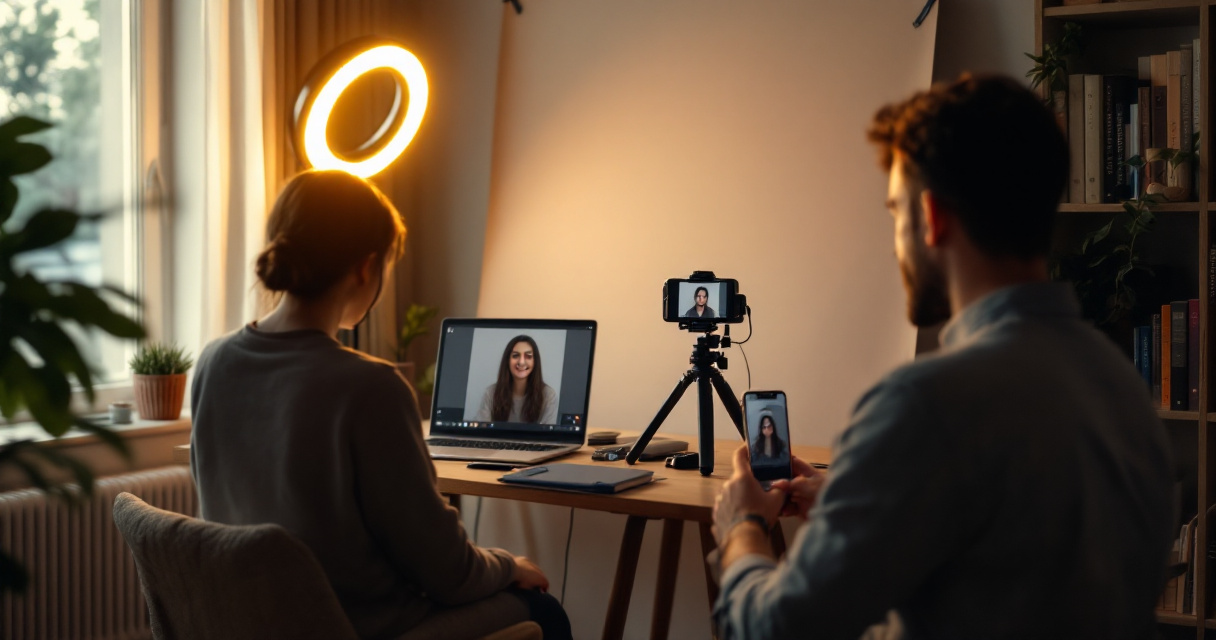
Step-by-Step Remote Headshot Process
- Stand facing a window for soft natural light
- Place your camera slightly above eye level
- Use a plain wall or blurred background
- Wear solid colors that contrast the background
- Take 10 to 20 shots to capture natural expressions
Most photographers agree that lighting matters more than the camera.
Simple Lighting Setup Used by Photographers
This lighting technique mimics a professional portrait setup using only one light source.
Clothing Tips That Work Best on Camera
- Solid colors like navy, black, or neutral tones
- Avoid busy patterns or bright neon colors
- Choose simple necklines or structured jackets
- Keep accessories minimal
These small adjustments dramatically improve how your headshot appears across professional platforms.
AI Headshots vs Traditional Photographers: What Remote Workers Prefer in 2026
Remote workers now have more options than ever for professional photos. The rise of AI-assisted editing and remote photography platforms has lowered the barrier to professional branding.
Companies such as Snapbar and Capturely built services specifically for distributed teams, allowing coordinated remote headshots without a studio visit.
Comparing the Most Common Headshot Options
| Method | Cost | Time | Best For |
|---|---|---|---|
| Professional studio shoot | $150 to $500 | 1 to 2 hours | Executives and speakers |
| Remote photographer session | $50 to $200 | 30 minutes | Distributed teams |
| AI headshot generator | $10 to $50 | Minutes | Freelancers and job seekers |
Many creators combine AI tools with branding assets. For example, entrepreneurs building online audiences often pair their headshot with visual content such as LinkedIn graphics generated with AI, like this LinkedIn post image generator.
Platforms like The Looktara Lens help professionals generate consistent images for multiple platforms at once, reducing the need for expensive photoshoots.
Mistakes That Make Remote Headshots Look Unprofessional
A surprising number of remote professionals still use casual photos cropped from travel pictures or social media. Recruiters often notice these mistakes immediately.
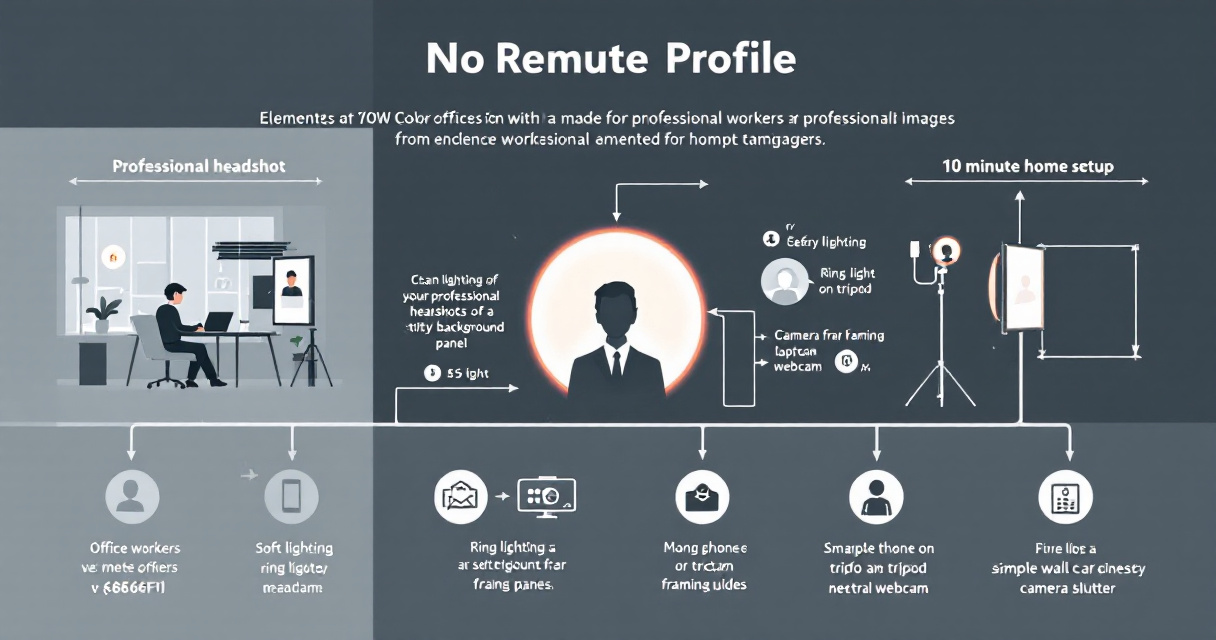
The Most Common Headshot Errors
- Harsh overhead lighting creating shadows
- Low-resolution webcam screenshots
- Busy backgrounds with clutter
- Extreme filters or unrealistic edits
- Cropping group photos
Before vs After Improvements
| Problem | Fix |
|---|---|
| Dark lighting | Move closer to a window |
| Pixelated image | Use a modern smartphone camera |
| Distracting background | Switch to a plain wall |
| Stiff expression | Take multiple relaxed shots |
Professionals building a strong online brand also extend their visuals beyond a headshot. For instance, podcasters may design a matching podcast artwork image using AI, such as this podcast cover generator.
How Remote Teams Keep Headshots Consistent Across Employees
Large remote companies face a different challenge: maintaining visual consistency across hundreds of employees.

Many companies now provide structured guidelines or remote photography sessions to keep branding aligned.
Corporate Headshot Guidelines Often Include
- Same background color for all employees
- Consistent framing and crop
- Neutral clothing palette
- Professional retouching standards
Why Consistency Matters for Company Branding
| Benefit | Impact |
|---|---|
| Brand recognition | Uniform images across website pages |
| Team credibility | Looks organized and professional |
| Media coverage | Easier for journalists to use team photos |
Organizations also combine employee headshots with marketing visuals such as landing page banners created with tools like the AI landing page banner generator to maintain consistent branding.
What Professional Headshots Might Look Like by 2027
Headshots are evolving alongside remote work technology. Several trends already shaping 2026 are likely to grow over the next few years.
Emerging Trends in Digital Identity Photos
- AI-assisted retouching that preserves natural features
- Dynamic profile photos for virtual meeting platforms
- Automated brand kits built from a single portrait
- 3D avatars generated from headshots for virtual offices
Research on digital identity systems, such as work by Miceli and Posada (2022) in ACM's Proceedings on Human Computer Interaction, highlights how online platforms increasingly rely on visual identity signals to organize collaboration and trust.
Remote professionals who maintain strong visual branding will likely stand out as these systems grow.
Tools like The Looktara Lens platform already reflect this shift by turning one portrait into multiple branded visuals for social profiles, presentations, and marketing assets.
Frequently Asked Questions About Remote Worker Headshots
Remote professionals often share the same questions when updating their profile photos.
How often should you update a professional headshot?
Every 1 to 2 years or whenever your appearance changes significantly. Recruiters expect the photo to reflect your current look.
Can a smartphone really produce a professional headshot?
Yes. Modern smartphone cameras exceed 12 megapixels and produce excellent portrait images when paired with good lighting.
Should freelancers use the same headshot everywhere?
Consistency helps recognition. Use the same photo across LinkedIn, portfolios, and freelance marketplaces.
Do AI headshots look fake?
Modern tools focus on enhancement rather than replacement. Platforms such as The Looktara Lens allow subtle adjustments that maintain authenticity.
Conclusion
Remote work changed how professionals build trust. Your headshot now works as a digital handshake across LinkedIn, company directories, and freelance platforms. A clear, well-lit portrait signals confidence and professionalism before a conversation even begins.
You do not need an expensive studio session to achieve this. With a smartphone, simple lighting, and modern tools like The Looktara Lens, remote workers can create polished headshots and complete personal branding assets in minutes.
If your current profile image is outdated or cropped from a casual photo, update it this week. Capture a few shots near a window, refine them with modern editing tools, and upload a professional headshot across every platform where clients, recruiters, or collaborators might find you.