
A single profile photo can decide whether someone clicks your LinkedIn profile or scrolls past it. Because LinkedIn is a professional networking platform used worldwide for career development and job searching, your headshot plays a major role in first impressions. AI image generators now make it possible to create polished, studio‑style portraits without booking a photographer. With the right prompt, you can produce a professional image that fits your industry, brand, and personality. Tools such as The Looktara Lens simplify the process by helping users generate profile photos, social graphics, and brand visuals in one place. The guide below shows how to craft effective prompts for LinkedIn headshots, plus 25+ examples you can copy, adapt, and generate instantly.
Why AI‑Generated LinkedIn Headshots Are Becoming Standard
Professional headshots once required studio lighting, photographers, and editing. AI image generators changed that process. With a single prompt and reference photo, users can generate polished portraits tailored for LinkedIn, resumes, or personal brands.
LinkedIn itself functions as a professional networking service where job seekers, recruiters, and businesses connect. Because profiles act like digital resumes, visuals influence credibility and trust.
Recent academic research also shows how realistic AI‑generated faces have become. A 2023 study in the Journal of Cybersecurity explored how well humans detect AI‑generated faces and found that people often struggle to identify them accurately, showing how convincing these images can be (Testing human ability to detect 'deepfake' images of human faces).
AI portraits can now appear realistic enough that many viewers cannot easily distinguish them from real photographs.
For professionals, this means you can generate a polished headshot quickly instead of scheduling a photoshoot.
Why professionals are switching to AI headshots
- Faster than traditional photography sessions
- Easy style adjustments for different industries
- Affordable compared with professional studios
- Consistent branding across profiles
Creators and entrepreneurs often pair headshot tools with design generators. For example, someone building a personal brand might create profile photos with AI and then generate visuals using a landing page banner AI generator for their website.
Where AI headshots work best
AI‑generated portraits are commonly used for:
- LinkedIn profiles
- Company team pages
- Resume photos
- Speaker bios
- Personal brand websites
Platforms like The Looktara Lens combine headshot creation with other visual tools, so professionals can generate profile images and branded assets from one interface.
How to Write Effective AI Prompts for LinkedIn Headshots
A prompt controls everything about your AI portrait: lighting, expression, background, and clothing. Weak prompts produce generic images. Strong prompts produce photos that look like they came from a corporate studio.

Researchers studying AI creativity have described how generative systems automate stylistic choices that previously required human designers (The Automation of Style). That means the prompt becomes the key creative input.
Key elements every headshot prompt should include
Use these five elements when writing prompts:
- Subject description, age range, gender presentation, hairstyle
- Clothing style, business formal, startup casual, smart casual
- Lighting, studio lighting, soft natural light, corporate office lighting
- Background, neutral wall, blurred office, city skyline
- Camera style, 85mm portrait lens, shallow depth of field, DSLR quality
Prompt structure that works consistently
The formula below works with most AI generators:
Prompt formula:
Professional LinkedIn headshot of [person description], wearing [outfit], standing in [background], soft studio lighting, realistic skin texture, shallow depth of field, professional photography, high resolution
Example prompt breakdown
| Prompt Element | Example | Purpose |
|---|---|---|
| Subject | "confident young marketing professional" | Defines identity and tone |
| Clothing | "navy blazer and white shirt" | Signals professionalism |
| Lighting | "soft studio lighting" | Creates flattering shadows |
| Background | "blurred modern office" | Adds realism |
| Camera | "85mm portrait photography" | Mimics real lenses |
Professionals building a brand presence often combine these images with social content tools. For example, the LinkedIn post AI generator helps create polished updates that match your visual branding.
25+ LinkedIn Headshot Prompts You Can Copy and Use Today
The fastest way to generate a great AI portrait is starting from proven prompts. The examples below cover different industries and styles.
Corporate and executive headshot prompts
- Professional LinkedIn headshot of a senior business executive, navy suit and tie, neutral gray background, studio lighting, confident expression, DSLR portrait photography
- Corporate leadership portrait, mid‑40s professional, tailored suit, soft office lighting, blurred boardroom background
- Business consultant headshot, smart formal attire, modern office interior, natural light through windows, ultra realistic portrait
Startup and tech professional prompts
- LinkedIn profile photo of a startup founder, smart casual clothing, minimal office background, soft daylight, professional photography
- Tech entrepreneur portrait, black t‑shirt and blazer, blurred coworking space, shallow depth of field
- Product manager LinkedIn headshot, relaxed professional look, clean white background, studio lighting
Creative professional prompts
- Creative director LinkedIn portrait, modern studio lighting, stylish jacket, neutral background, professional photography
- Graphic designer headshot, casual professional clothing, colorful studio backdrop, soft natural light
- Photographer portrait photo, relaxed expression, warm lighting, blurred creative workspace
Friendly and approachable professional prompts
- LinkedIn headshot of a young professional smiling, business casual outfit, soft daylight, neutral background
- HR manager profile photo, warm smile, professional attire, modern office background
- Career coach portrait, approachable expression, minimal studio background, natural lighting
Minimalist studio headshot prompts
- Ultra realistic LinkedIn headshot, white background, soft portrait lighting, sharp focus, DSLR photography
- Clean professional profile photo, black blazer, neutral backdrop, high resolution studio portrait
The most realistic AI portraits usually include lighting type, lens style, and background details.
If you are also building brand visuals such as pitch presentations or marketing graphics, tools like the AI pitch deck slide generator can keep your visuals consistent with your headshot style.
Tips to Make AI Headshots Look Realistic and Professional
Even great prompts sometimes produce images that look slightly artificial. Small adjustments improve realism dramatically.
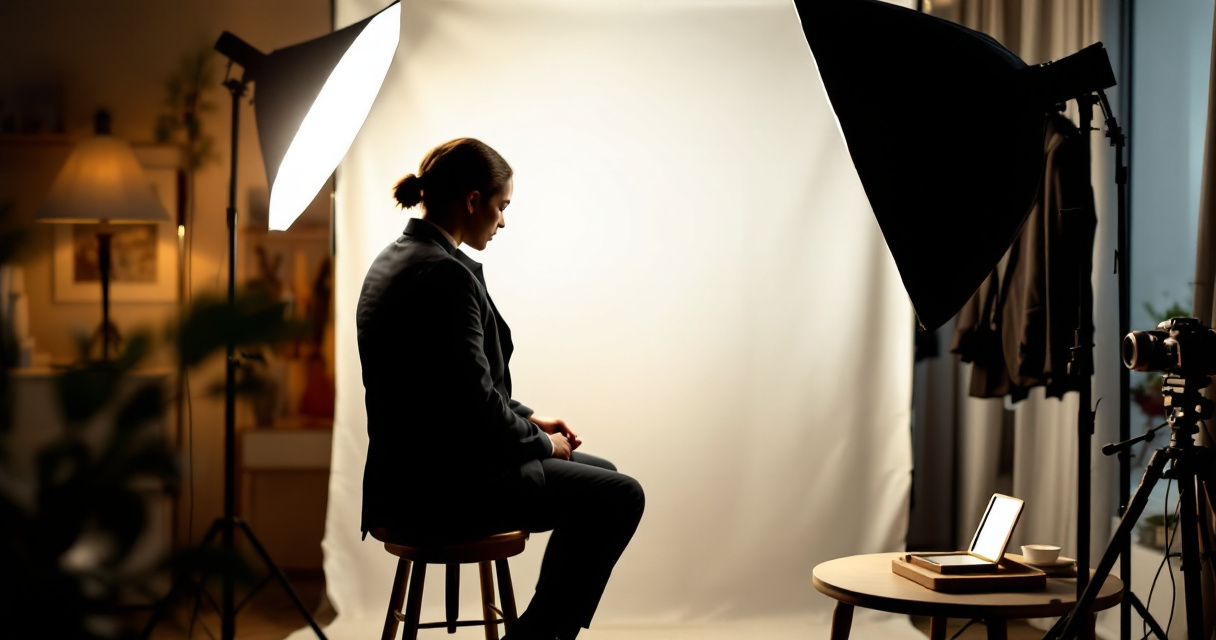
Use photography language in prompts
AI image models were trained on photography datasets, so technical camera terms often produce better results.
Examples:
- 85mm portrait lens
- shallow depth of field
- studio portrait lighting
- high dynamic range
Avoid common prompt mistakes
The most common problems include unrealistic lighting or overly stylized backgrounds.
Common issues to avoid:
- Overly dramatic lighting
- Busy backgrounds
- Cartoon or illustration styles
- Over‑editing filters
Quick prompt improvement checklist
| Improvement | Why it helps |
|---|---|
| Add lens type | Mimics real cameras |
| Specify lighting | Prevents harsh shadows |
| Use neutral backgrounds | Keeps focus on your face |
| Request "realistic skin texture" | Avoids plastic look |
Brand‑focused professionals often extend their visuals beyond LinkedIn. Someone promoting content across platforms may generate profile images, then create supporting visuals using a YouTube thumbnail AI generator or other branding tools.
Test multiple variations
Instead of generating one image, run several prompt variations:
- Change background colors
- Adjust lighting type
- Modify facial expression
- Try different outfits
Most AI tools produce noticeably different results with small prompt changes.
What AI Headshot Generation Will Look Like by 2027
AI portrait tools are improving quickly. The gap between generated portraits and studio photography keeps shrinking.
Researchers studying generative visual systems have noted that AI increasingly automates stylistic design choices once handled manually (The Automation of Style). In practical terms, that means AI can reproduce lighting setups, portrait styles, and brand aesthetics automatically.
Trends shaping the next generation of headshot tools
- Hyper‑realistic rendering that matches DSLR photography
- Personal brand style presets for different industries
- Instant background replacement for office or studio environments
- AI editing tools that refine facial lighting or posture
Multi‑asset personal branding
Modern professionals rarely stop at a profile picture. A consistent brand now includes social graphics, presentations, and profile imagery.
For example, creators can combine AI headshots with tools like:
- a resume headshot AI generator for CV photos
- a logo AI generator for personal brands
Platforms such as The Looktara Lens already move toward this model by letting users generate headshots, marketing graphics, and visual brand assets in one place.
Expect AI tools to shift from single image generators to full personal branding platforms over the next few years.
Conclusion
AI image generators have made professional headshots accessible to almost anyone. With the right prompt structure, you can create studio‑quality LinkedIn portraits tailored to your industry, personality, and brand. The key is combining clear subject descriptions, realistic lighting, and photography language.
Instead of settling for generic profile photos, experiment with several prompt variations and refine them until the image matches your professional identity. If you want an easier workflow, The Looktara Lens provides tools for generating headshots along with other personal brand visuals such as social graphics and marketing assets.
Start with a few prompts from this guide, generate multiple versions, and update your LinkedIn profile with a headshot that actually represents the professional image you want people to see.
Generated by EarlySEO.com