
Profiles with a professional photo receive far more attention on LinkedIn. Internal LinkedIn data has long shown that users with profile photos get dramatically higher engagement, including more profile views and connection requests. The challenge is simple: studio headshots can cost $100 to $400, and most professionals just need one strong image for their profile.
That gap explains the surge in free LinkedIn headshot AI generators. Modern AI image models can turn a normal selfie into a polished portrait with professional lighting, clean backgrounds, and business attire. Platforms such as The Looktara Lens now allow anyone to create polished professional photos without a photographer.
This guide explains how free AI headshot generators work, how to create a LinkedIn‑ready photo in minutes, and what to watch for when using AI portraits in 2026.
Why Your LinkedIn Profile Photo Matters More Than You Think
LinkedIn is an American professional networking platform used globally for career development, recruiting, and business connections. According to LinkedIn's own insights, profiles with photos receive far more engagement than those without.
Recruiters often decide within seconds whether to open a profile. A polished headshot signals credibility, professionalism, and approachability.
A strong profile photo increases perceived competence and trust, according to research summarized by RAND on AI-generated media and digital identity (Helmus, 2022).
AI headshot generators solve a common problem: most professionals don't have studio photos ready for their profiles.
Instead of booking a photographer, users can upload a selfie and convert it into a polished portrait using AI tools like The Looktara Lens or other headshot generators.
What Makes a LinkedIn Photo Effective
Recruiters and hiring managers tend to prefer photos that follow a few visual rules:
- Neutral or office-style background
- Good lighting on the face
- Shoulders and head clearly visible
- Friendly but professional expression
- Business casual or professional clothing
AI headshot tools automatically adjust these elements. They change lighting, remove messy backgrounds, and simulate studio photography.
For professionals also creating personal brand assets, tools such as an AI LinkedIn post generator can help produce visuals and graphics that match the same polished style.
How Free AI LinkedIn Headshot Generators Actually Work
AI headshot tools rely on deep learning models trained on millions of images. These models analyze facial structure, lighting patterns, and professional portrait styles.
The system then generates a new image that keeps your identity but improves lighting, clothing, and background.
The AI Image Generation Process
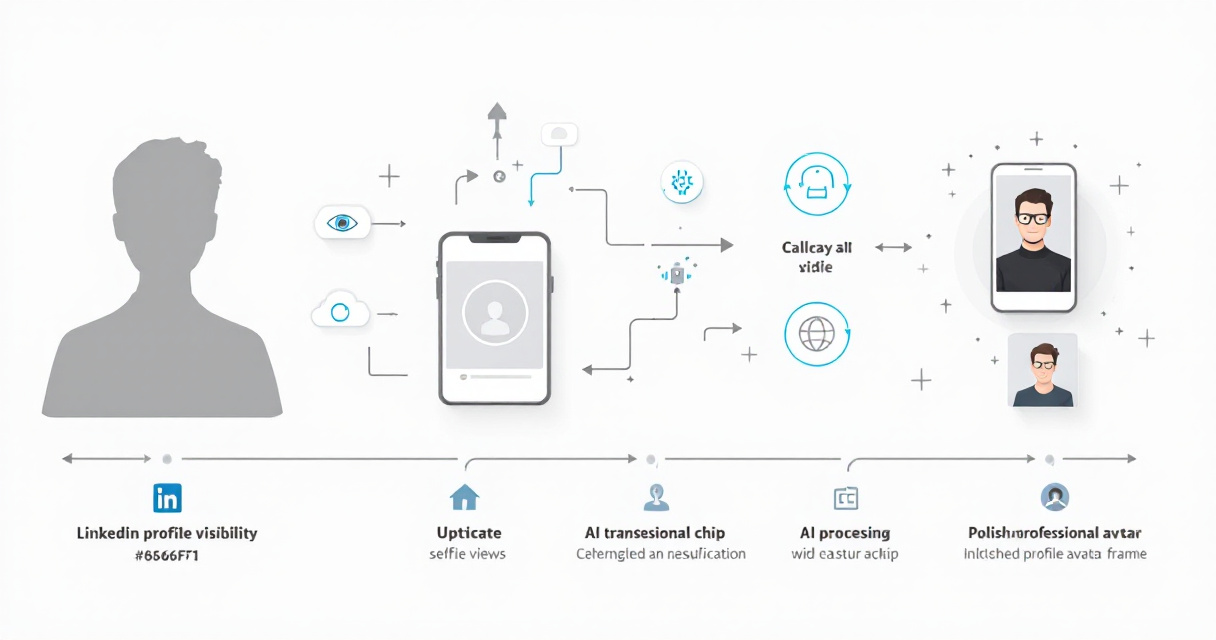
Most AI headshot generators follow a similar pipeline:
- Upload a selfie or portrait photo
- AI detects facial landmarks and lighting
- Background is removed or replaced
- AI applies professional portrait styles
- The final image is rendered in high resolution
According to the 2024 media theory paper The Automation of Style by Palmer and Sluis, AI image systems increasingly replicate professional photography styles by learning aesthetic patterns from large datasets.
This explains why AI-generated portraits now resemble studio shots so closely.
Human Detection of AI Faces Is Surprisingly Difficult
A 2023 study in the Journal of Cybersecurity tested whether people could identify AI-generated faces. The researchers found many participants struggled to distinguish real photos from AI-generated ones.
The study concluded that synthetic portraits can appear "as credible as real human images" in many scenarios (Bray, Johnson, Kleinberg, 2023).
That realism is exactly why AI headshots work well for professional profile photos.
Step-by-Step: Create a Free AI LinkedIn Headshot
Most tools take less than five minutes to produce a professional headshot.
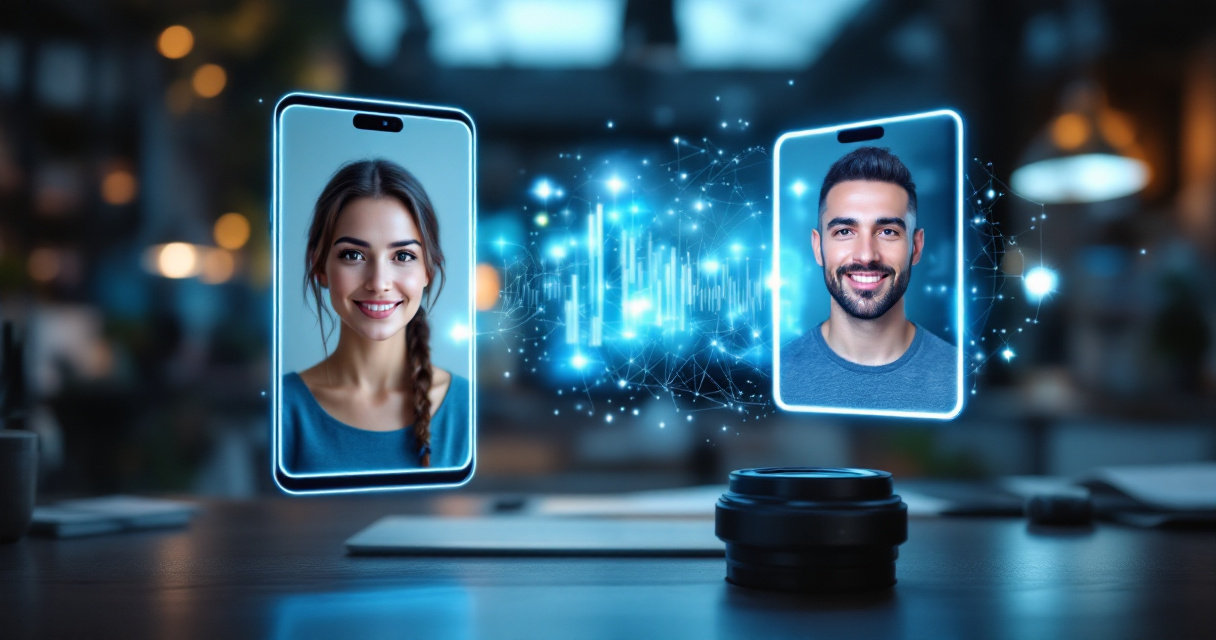
Upload a Clear Photo First
Start with a clean selfie taken with your phone camera.
Best practices include:
- Face the camera directly
- Use natural daylight if possible
- Avoid sunglasses or hats
- Keep the background simple
Even basic smartphone photos work because the AI improves lighting and removes distractions.
Choose a Professional Style
Most AI tools offer several portrait styles:
- Corporate office background
- Neutral gradient background
- Startup casual style
- Executive portrait style
Platforms such as The Looktara Lens generate multiple variations so you can pick the most natural result.
Download and Upload to LinkedIn
After generation, download the highest resolution version. LinkedIn recommends square images at least 400 x 400 pixels, though larger images up to 7680 pixels are supported.
Your AI-generated photo can then be uploaded directly to your LinkedIn profile.
Watch a Real Example: Creating an AI LinkedIn Headshot
Many professionals prefer to see the process visually before trying it themselves.
Video Walkthrough of AI Headshot Creation
The tutorial demonstrates how a single selfie becomes a polished business portrait in minutes.
Best Free AI Headshot Generators in 2026
Several tools now offer free AI headshot creation. The difference usually comes down to style quality, download resolution, and customization options.
Top Free AI Headshot Tools Compared
| Tool | Free Plan | Key Feature |
|---|---|---|
| Canva AI Headshot | Yes | Simple design workflow |
| Monica AI | Yes | Multiple professional styles |
| HeadshotMaster | Yes | No signup required |
| The Looktara Lens | Yes | Professional brand visuals |
Many professionals choose tools within a larger design platform. For example, The Looktara Lens also generates marketing visuals such as a website hero banner generator or YouTube thumbnail generator, making it useful for creators building a personal brand.
Common Mistakes That Make AI Headshots Look Fake
AI portraits can look impressive, but poor inputs or over-editing can make them appear unnatural.
Avoid These Frequent Errors
- Uploading blurry selfies
- Using extreme filters before AI processing
- Selecting unrealistic clothing styles
- Generating overly dramatic lighting
A simple, neutral starting photo usually produces the best AI results.
Professional Profile Guidelines
Recruiters still prefer photos that look authentic.
Use these quick checks:
- Your face should occupy about 60 percent of the frame
- Avoid heavy AI background effects
- Choose natural facial expressions
If the photo looks like a stock image, generate another variation.
AI Visual Branding Beyond LinkedIn Photos
Many professionals now use AI tools to build a complete visual identity online.
Your LinkedIn headshot is just one element. Personal branding often includes social graphics, banners, and profile visuals across platforms.
Other Visual Assets Professionals Create With AI
Popular AI‑generated assets include:
- LinkedIn posts and quote graphics
- website hero images
- social media banners
- YouTube thumbnails
Tools like the AI TikTok banner generator or the AI Pinterest pin generator allow professionals to keep a consistent brand style across platforms.
For quick professional portraits specifically, a dedicated AI resume headshot generator can produce images tailored for resumes and job applications.
What to Expect From AI Headshot Tools in 2027
AI portrait tools are improving rapidly. New models are already focusing on realism and personalization.
Trends Already Emerging
Industry updates point to several changes coming soon:
- Real-time headshot generation from phone cameras
- Automatic clothing changes such as suit or business casual
- AI that matches photos to specific industries
- Style consistency across social media profiles
Researchers studying generative media expect AI visual tools to become a standard part of digital identity management by the late 2020s.
More Transparent AI Image Labeling
Policy groups are also discussing transparency rules for AI images. The RAND report on deepfakes notes that labeling systems may become common for synthetic media.
This means future AI headshots may include optional metadata identifying the image as AI-assisted.
Conclusion
A strong LinkedIn photo often determines whether someone opens your profile or scrolls past it. Free AI headshot generators now remove the biggest barrier: cost and time.
With a single selfie, modern tools can produce professional portraits that rival studio photography. Platforms such as The Looktara Lens also help professionals generate branding visuals, social media graphics, and marketing images from the same AI system.
If your LinkedIn profile still uses an outdated or casual photo, update it today. Upload a selfie to an AI headshot generator, choose a professional style, and replace your profile picture with a polished portrait that represents your career goals.