
Your LinkedIn photo is often the first visual proof of your professionalism, so learning how to create a professional LinkedIn headshot with AI can save time while still producing a credible result. LinkedIn: a business and employment-oriented social networking service used globally for professional networking, career development, job seeking, recruiting, and personal branding. Tools like The Looktara Studio make the process more accessible by turning everyday photos into polished, role-ready headshots without booking a studio session.
What is an AI LinkedIn headshot?
An AI LinkedIn headshot is a professional profile image generated or enhanced by artificial intelligence from your uploaded photos, usually with adjusted lighting, clothing, background, framing, and facial presentation. The goal is not to create a fantasy version of you; it is to produce a natural, trustworthy image suitable for LinkedIn, resumes, founder pages, speaker bios, and business directories.
AI headshots are useful because LinkedIn profiles serve career and networking goals, not casual social sharing. A good image should signal role fit, approachability, and attention to detail in a small circular crop.
Key insight: The best AI headshot looks like you on a well-rested, well-lit, professionally dressed day, not like a different person.
Academic research shows why realism matters. A 2023 study on human ability to detect deepfake face images by Sergi D. Bray, Shane D. Johnson, and Bennett Kleinberg examined how people judge synthetic faces, which reinforces a practical point for professionals: if an image feels artificial, viewers may question trust before reading your profile.
AI headshot terms to know before you start
| Term | What it means | Why it matters for LinkedIn |
|---|---|---|
| Input photo | The selfie or photo you upload for AI processing | Clear inputs produce more realistic outputs |
| Style preset | A chosen look, such as corporate, creative, startup, or casual professional | It aligns the image with your field |
| Background | The setting behind you, such as gray, office, outdoor, or studio | Simple backgrounds keep attention on your face |
| Artifact | A visual error, such as warped glasses, odd teeth, or unnatural skin | Artifacts make the image look fake |
| Crop | The final framing used on LinkedIn | Your face must remain clear in a circular thumbnail |
How do you create a professional LinkedIn headshot with AI?
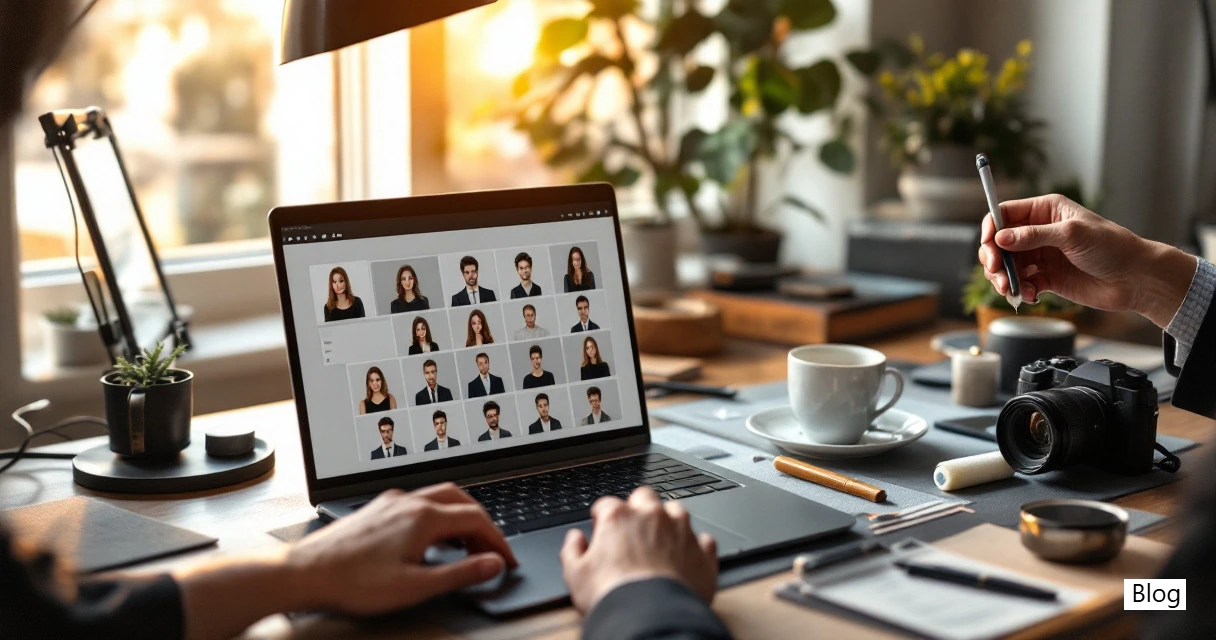
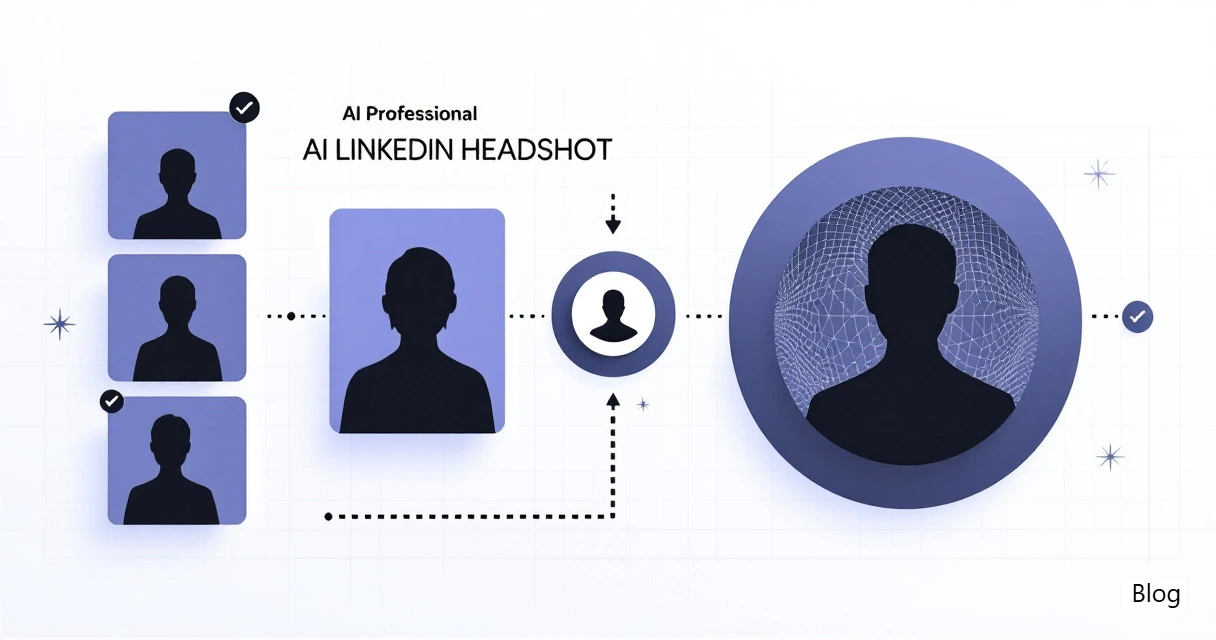
To create a professional LinkedIn headshot with AI, upload several clear, varied selfies, choose a role-appropriate style, generate multiple options, reject unrealistic images, select the most natural photo, then upload it to LinkedIn with a clean crop. The workflow works best when you treat AI as a photo editor, not a costume machine.
Step-by-step AI headshot workflow
- Collect 8 to 15 source photos with your face visible from different angles.
- Use recent images so the final headshot matches your current hair, face shape, glasses, and facial hair.
- Choose a professional style based on your role, industry, and audience.
- Generate several variations instead of accepting the first good-looking result.
- Compare outputs at full size and in a small circle crop.
- Reject images with facial distortions or anything that changes your identity.
- Upload the best version to LinkedIn and check how it appears on desktop and mobile.
For a visual walkthrough, this tutorial from Website Learners has been viewed more than 639,000 times: How to Create Professional LinkedIn Profile Picture with AI.
A practical platform such as The Looktara Studio is best used at the style-selection stage, after you have gathered strong inputs and know the professional impression you want to create.
Best input photos for AI headshots
Use photos where your face is sharp, unobstructed, and naturally lit. Your AI tool needs enough facial information to preserve your identity across different headshot styles.
- Face the camera in most photos, with a few slight side angles.
- Include neutral, smiling, and relaxed expressions.
- Avoid sunglasses, heavy filters, face-covering hair, and extreme shadows.
- Use images from the last 12 months when possible.
- Include different shirts, lighting setups, and backgrounds.
Do not rely on one perfect selfie. Variety helps the model understand your actual features, which is especially useful if you wear glasses, have textured hair, or change facial hair often.
Which AI headshot style should you choose for your industry?
The right AI headshot style is the one that matches your industry's trust signals while still feeling like your everyday professional self. A finance analyst, startup founder, UX designer, and dating coach should not all use the same clothing, lighting, and background.
Research on AI and professional domains continues to grow. For example, Daniel Hoang and Kevin Wiegratz reviewed machine learning applications in finance in European Financial Management in 2022, showing how AI is now part of high-stakes professional settings. For your headshot, the lesson is simple: context matters. A polished image should fit the standards of the field where you want to be trusted.
The The Looktara Studio platform can be helpful when you want different profile-image directions for business, creator, and founder use cases without mixing personal snapshots into professional channels.
Industry style guide for LinkedIn AI headshots
| Use case | Best attire | Best background | Best expression |
|---|---|---|---|
| Corporate, finance, law | Suit, blazer, structured shirt | Neutral studio, office, soft gray | Calm, confident, direct |
| Tech, startup, SaaS | Smart casual, knit, button-down | Modern office, clean wall, subtle depth | Friendly, focused, energetic |
| Creative, marketing, media | Polished casual, color accents | Warm studio, branded color, simple texture | Expressive but controlled |
| Healthcare, education, nonprofit | Soft professional clothing | Bright neutral, natural light, simple interior | Approachable and steady |
| Founder or consultant | Jacket, refined casual, industry-relevant look | Office, conference-style, premium neutral | Trustworthy, decisive, open |
| Dating app crossover photo | Natural smart casual | Outdoor, cafe, lifestyle setting | Warm, relaxed, authentic |
For LinkedIn, avoid over-styling. If the outfit or location would feel strange in a real meeting with your target audience, it probably does not belong in your profile photo.
Expression, lighting, and background rules
Your expression should support the message you want a recruiter, client, investor, or partner to feel in three seconds. Most people do best with a slight smile, relaxed jaw, open eyes, and shoulders angled slightly away from the camera.
Strong AI headshots usually share these traits:
- Lighting: soft, even, and flattering without plastic-looking skin.
- Eyes: sharp and symmetrical, with no strange reflections.
- Clothing: clean neckline, no warped buttons, no fake logos.
- Background: quiet enough that your face stays dominant.
- Color: natural skin tone, balanced contrast, no orange or gray cast.
A plain background is often better than a dramatic office scene. Recruiters are not evaluating the furniture behind you; they are judging whether your profile feels current, credible, and easy to recognize.
How do you evaluate an AI headshot before uploading it to LinkedIn?
Evaluate an AI headshot by checking identity accuracy, realism, role fit, image quality, and thumbnail performance before you upload it. A polished photo can still fail if the eyes look wrong, the clothing bends unnaturally, or the final image no longer resembles you.
AI-generated faces can be convincing, which is why careful review matters. The 2023 Journal of Cybersecurity deepfake detection study linked above examined human judgment of synthetic face images, a reminder that people may not instantly know why an image feels off, but they can still feel mistrust.
Bias also deserves attention. Inga Ulnicane's 2024 article on intersectionality in artificial intelligence discusses concerns and recommendations around AI systems and social context. When choosing a headshot, check that skin tone, hair texture, age, facial structure, and gender presentation are represented accurately and respectfully.
Before-and-after quality checklist
| Checkpoint | Accept | Reject |
|---|---|---|
| Identity match | Looks like your current self | Looks younger, older, thinner, or like another person |
| Eyes | Clear, aligned, natural catchlights | Uneven gaze, glassy eyes, strange reflections |
| Teeth and mouth | Natural smile, normal lips | Warped teeth, frozen grin, odd mouth shape |
| Hair and glasses | Realistic edges and frames | Melted hairline, broken glasses, missing arms |
| Clothing | Clean seams and believable fabric | Twisted collar, fake buttons, distorted tie |
| Background | Simple and believable | Unreal office, impossible lighting, distracting objects |
| LinkedIn crop | Face readable in small circle | Head too far away or cut off |
If you would feel uncomfortable using the image as a conference badge photo, do not use it as your LinkedIn profile photo.
Common mistakes that make AI headshots look fake
The most common AI headshot mistakes are choosing glamour over credibility, accepting facial changes, and ignoring the tiny LinkedIn crop. These issues usually happen when the user selects the most dramatic image instead of the most believable one.
Watch for these problems:
- Skin that looks overly smooth or waxy.
- Eyes that point in slightly different directions.
- Hands, earrings, collars, or glasses that look melted.
- Clothing that does not match your actual seniority or industry.
- Backgrounds that make you look staged instead of professional.
- A crop that cuts off your chin, hair, or shoulders.
A strong test is to show the image to someone who knows you. Ask one question: "Would you recognize me from this photo if we were meeting for coffee?" If they hesitate, choose another output.
How should you upload and maintain your LinkedIn headshot in 2026?
Upload your AI headshot to LinkedIn only after checking how it appears in the circular profile crop, the feed, search results, and mobile view. The best image is not always the sharpest full-size file; it is the one that remains clear, human, and role-appropriate wherever LinkedIn displays it.
AI profile images are becoming normal, but authenticity still matters. If your profile photo looks far more formal than your content, headline, or work history, viewers may sense a mismatch. Align your headshot with your banner, About section, featured links, and recent posts.
LinkedIn upload checklist
- Open LinkedIn and go to your profile.
- Click your profile photo area and upload the final image.
- Zoom so your face fills most of the circle without cutting off hair or chin.
- Check the preview on desktop.
- Check the profile on mobile.
- View a recent post or comment to see the small version.
- Save the original file so you can reuse it on resumes, bios, and business pages.
Keep a consistent version across LinkedIn, email, portfolio pages, speaker bios, and company profiles. Consistency helps people recognize you faster when they move between platforms.
FAQ: AI LinkedIn headshots
Can I use an AI-generated headshot on LinkedIn?
Yes, you can use an AI-generated headshot on LinkedIn if it accurately represents you and looks professional. The safest approach is to treat AI as a photography aid, not a tool for changing your identity, age, facial features, or professional status.
What should I wear for an AI LinkedIn headshot?
Wear clothing that fits the job, clients, or network you want to attract. A blazer or structured shirt works well for corporate roles, while smart casual clothing can fit tech, creative, and startup profiles. Avoid busy patterns because AI may distort them.
How many photos do I need to create a good AI headshot?
Most people get better results when they upload several clear, varied photos instead of one image. Use recent photos with different angles, expressions, lighting, and outfits so the AI system has enough information to keep your face consistent.
Should my LinkedIn headshot be smiling or serious?
A slight, natural smile usually works best because it signals confidence and approachability. A serious expression can work for law, finance, or executive roles, but it should still feel relaxed rather than cold, tense, or overly posed.
What is the final quality check before uploading?
Check the image at full size and in LinkedIn's small circular crop. Confirm that your eyes, mouth, hair, glasses, clothing, and background look realistic. If the image would not help someone recognize you in person, choose a different version.
Conclusion
A professional AI headshot works when it balances polish with recognition. Start with clear source photos, choose a style that fits your role, compare several outputs, reject anything uncanny, and upload the version that still feels like you. If you want a simple place to create polished business-ready images, try with The Looktara Studio, then head to looktara.com when you're ready to update your LinkedIn presence with a stronger profile photo.