
Most AI headshot generators can create professional portraits in minutes, but the quality depends heavily on the photos you upload. Upload too few and the AI struggles to understand your face. Upload too many poor images and the results become inconsistent. For people using tools like The Looktara Lens to create LinkedIn or professional profile photos, the real question is simple: how many photos are enough to produce realistic AI headshots without overwhelming the system?
How Many Photos Do AI Headshot Generators Actually Need?
Most modern AI headshot tools require a minimum of 6 to 10 photos to start generating portraits. However, several leading services report that the best results usually appear when users upload between 14 and 20 images. This range gives the model enough visual data to recognize facial features, lighting variations, and natural expressions.
The reason comes down to how AI training works. The system studies multiple angles of your face and builds a representation of your appearance before producing new images. With too few photos, the model fills gaps with guesswork, which can lead to strange artifacts or inconsistent faces.
Platforms designed for professional headshots, including The Looktara Lens, typically recommend uploading several photos that vary slightly in lighting, clothing, and background. That diversity helps the model generate realistic outputs suitable for resumes, LinkedIn profiles, and personal branding.
Key insight: Most AI headshot tools perform best with 14 to 20 photos, although many allow anywhere from 7 to 40 uploads depending on the service.
Typical Photo Requirements Across AI Headshot Platforms
| Platform Type | Minimum Photos | Ideal Range | Maximum Allowed |
|---|---|---|---|
| Basic AI headshot generators | 6 | 10–15 | 20 |
| Professional headshot tools | 10 | 14–20 | 40 |
| Enterprise or studio tools | 15 | 20+ | 50+ |
Uploading within the recommended range increases realism while keeping training time reasonable.
Why AI Needs Multiple Photos to Model Your Face
AI headshot generators don't simply edit your photo. They train a small machine learning model based on the images you upload, then generate brand-new images of you in different outfits, lighting setups, and poses.
Research into machine learning systems shows that models improve when trained on diverse input data. For example, research exploring machine learning applications across industries highlights how model accuracy improves as training datasets grow and become more varied (Machine learning methods in finance: Recent applications and prospects).
For headshots, that training data is your photo set. The AI examines patterns such as:
- Facial structure and proportions
- Skin tone and texture
- Hairline and hairstyle
- Eye spacing and color
- How your face looks in different lighting conditions
How AI Builds a "3D" Understanding of Your Face
While the system does not literally build a 3D model, it learns how your face changes across different angles. Uploading multiple perspectives allows the generator to reconstruct realistic portraits.
Provide images that include:
- Straight-on portraits
- Slight left and right angles
- Different facial expressions
- Varied lighting environments
Think of each photo as a data point. The more quality data points the model has, the more accurate the final headshots will look.
The Sweet Spot: 14–20 Photos for Hyper‑Realistic AI Headshots
Most high-performing AI headshot platforms recommend 14 to 20 photos as the optimal upload range. This number balances two critical factors: diversity and training efficiency.
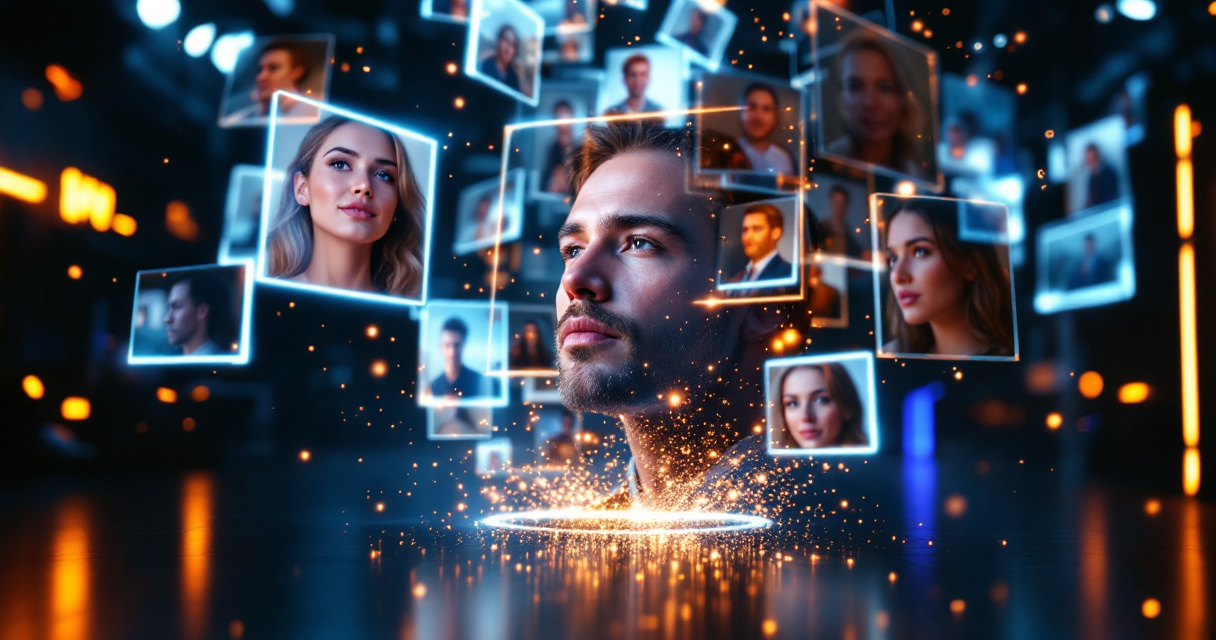
With fewer than 10 images, the model may struggle to learn subtle features like cheekbone structure or natural smile variations. With more than 30 or 40 images, the training process can become slower and may introduce inconsistencies if the photos vary too much.
What Happens With Too Few Photos
Uploading only a handful of images can produce issues such as:
- AI-generated faces that look slightly different from you
- Repeated poses across generated images
- Poor lighting reconstruction
- Distorted facial details
What Happens With Too Many Photos
On the other hand, uploading excessive photos can also cause problems:
- The model receives conflicting visual information
- Training time increases
- The generator may struggle to prioritize consistent features
For professional users generating LinkedIn or resume portraits, tools like The Looktara Lens work best when users upload a carefully selected set of high-quality photos rather than dozens of random images.
The Golden Checklist: Photos That Produce the Best AI Headshots
The quality of the images you upload matters just as much as the number of photos. Even 20 images will produce poor results if they contain heavy filters or extreme angles.
Photos You Should Upload
Use images that represent how you normally look in professional environments.
- Clear photos of your face
- Neutral or natural facial expressions
- Mix of indoor and outdoor lighting
- Slightly different angles
- Different shirts or outfits
- High resolution images
Photos That Strengthen the Training Model
The following types of photos provide helpful variation without confusing the AI:
- Professional photos from previous shoots
- Smartphone photos taken in natural light
- Casual portraits with clean backgrounds
- Head-and-shoulder framing
If you're creating images for career platforms like LinkedIn or a resume, pairing headshot generation with tools such as a resume headshot AI generator can ensure the final images match professional profile standards.
The Critical "Avoid" List: Photos That Confuse AI Models
Not every photo should be included in your upload set. Certain image types introduce noise that makes the AI less accurate.
Avoid These Photos When Training AI Headshots
- Sunglasses or face coverings
- Heavy Snapchat or Instagram filters
- Group photos where the AI cannot identify you
- Low-resolution or blurry images
- Extreme facial angles
- Photos where your face is partially cropped
Why Filters and Edits Cause Problems
Modern AI generators attempt to learn your real facial features. Filters change skin tone, lighting, and texture, which makes the AI learn inaccurate patterns.
Research examining AI-generated faces also shows how realistic synthetic images can become difficult for humans to detect (Testing human ability to detect 'deepfake' images of human faces). That realism depends heavily on accurate training data, so uploading authentic photos is critical.
Preparing Your Photos Before Uploading to an AI Headshot Tool
Before uploading your images, take a few minutes to review them. Small improvements can significantly improve the final results.
Quick Preparation Checklist
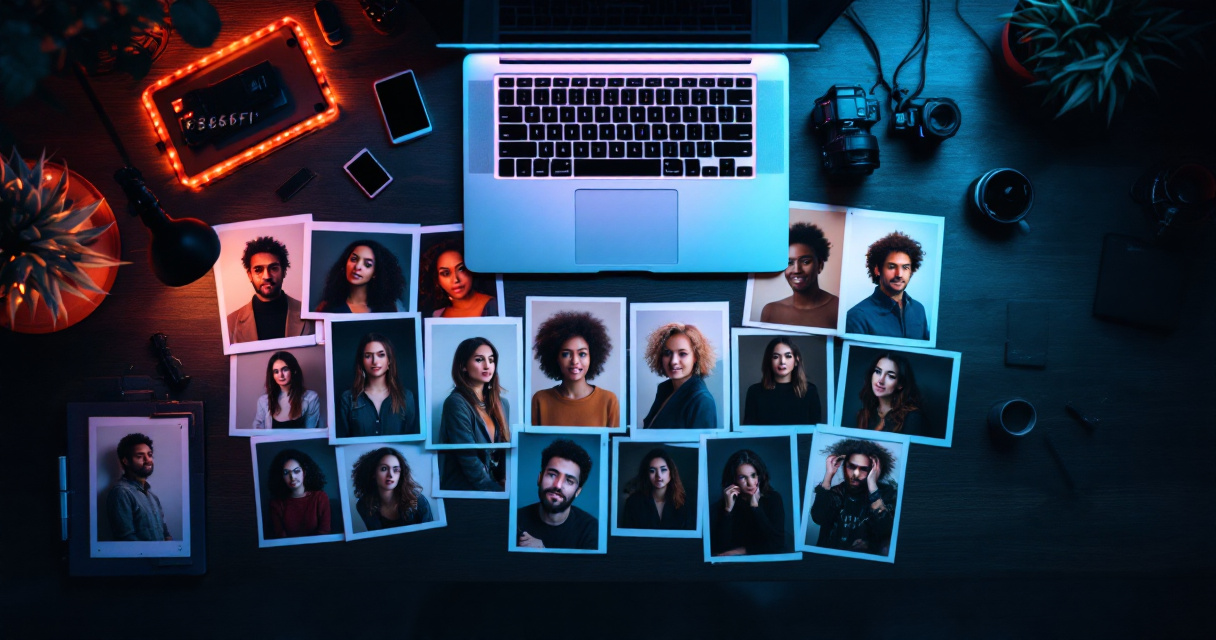
- Select 14–20 clear images of yourself
- Ensure your face is visible in every photo
- Remove heavily filtered or edited pictures
- Include different lighting conditions
- Use a mix of neutral expressions and natural smiles
Photo Organization Tips
| Step | Action | Why It Helps |
|---|---|---|
| Step 1 | Remove duplicate photos | Prevents redundant training data |
| Step 2 | Include different angles | Improves facial modeling |
| Step 3 | Keep lighting varied | Helps AI simulate studio lighting |
| Step 4 | Choose clear headshots | Focuses training on facial features |
Content creators and entrepreneurs who build personal brands often combine AI headshots with additional AI design tools. For instance, you might generate a profile image and then create marketing visuals such as a YouTube thumbnail AI generator or a LinkedIn post image generator to maintain consistent branding.
Beyond Headshots: Building a Complete Personal Brand With AI
Professional images rarely exist alone anymore. Your headshot appears across LinkedIn, resumes, websites, podcast artwork, and social platforms.
AI design platforms now allow users to create a complete visual identity using the same style and facial images.
Examples include:
- Social media graphics
- Website hero images
- Podcast covers
- Quote posts and marketing graphics
With tools like The Looktara Lens, users can generate headshots and then extend that visual style into other assets such as a website hero banner generator or a podcast cover AI generator.
This approach keeps your personal brand visually consistent across every platform where your audience sees you.
What to Expect From AI Headshot Generators in 2027
AI image models continue to evolve quickly. Future headshot tools are likely to require fewer input photos while still producing realistic results.
Recent developments in machine learning training methods show how models improve with better data efficiency and pattern recognition. As these techniques advance, AI systems may learn facial structures using smaller datasets.
Expected improvements include:
- Fewer required training photos
- More accurate lighting simulation
- Better hairstyle and clothing rendering
- Faster generation times
Still, even as models improve, photo quality and variety will remain essential. AI performs best when users provide clear, authentic images of themselves.
Conclusion
Uploading the right number of photos is the single biggest factor affecting the quality of AI-generated headshots. Most users achieve the best results with 14 to 20 high-quality photos that show different angles, lighting conditions, and natural expressions.
Before uploading, review your images carefully. Remove filtered photos, include several angles, and prioritize clear portraits. A well-prepared set of images helps the AI understand your face and produce professional-looking results.
If you want to turn those photos into polished professional portraits quickly, try The Looktara Lens. The platform allows you to generate realistic headshots and expand them into complete personal branding assets, helping your profile stand out across LinkedIn, resumes, and social platforms.
Start by gathering your best 15 photos today. Your next professional headshot might already be in that folder.
Generated by EarlySEO.com