
Professional headshots used to require studio lighting, a photographer, and hundreds of dollars. In 2026, a few selfies and an AI model can generate polished portraits for LinkedIn, resumes, and personal branding. Tools like The Looktara Lens are part of a fast-growing category of AI headshot generators that analyze facial features and create studio-style images automatically. The challenge now isn't access to AI headshots, it's choosing the right tool. Quality, pricing, privacy, and style variety differ widely across platforms. This guide compares the major AI headshot tools available in 2026, explains how they work, and shows which option fits different professional needs.
What AI Headshot Generators Actually Do
An AI headshot generator creates realistic portrait images from uploaded photos using machine learning models. Most platforms ask users to upload 5 to 20 selfies taken in different lighting conditions. The system trains a temporary model of the person's face and then generates professional portraits with various outfits, backgrounds, and poses.
The rise of these tools is closely tied to the growth of professional networking platforms like LinkedIn, a global employment-focused social network used for career development and professional connections according to its Wikipedia overview. Because a profile photo strongly influences first impressions, demand for quick, affordable headshots has increased.
Modern AI headshot tools rely on generative image models that can synthesize studio lighting, clothing textures, and background environments. Some systems also apply retouching automatically.
AI headshot tools reduce the cost and time required to create professional portraits, making them accessible to job seekers, remote workers, and entrepreneurs.
Typical Workflow of AI Headshot Tools
- Upload multiple selfies with varied angles
- The AI model trains on facial features
- Choose styles such as corporate, casual, or creative
- The system generates dozens of headshot variations
- Download your favorite images in high resolution
Many platforms now combine headshots with broader visual branding tools. For example, professionals who generate profile photos often also create visuals for social platforms, such as using an AI LinkedIn post generator or designing profile graphics alongside their portraits.
Why AI Headshots Became Popular
- Traditional studio sessions can cost hundreds of dollars
- AI tools deliver results within minutes or hours
- Remote workers need fast profile updates
- Content creators require multiple photo styles
Research on virtual digital environments highlights how realistic digital representations shape online interactions and identity presentation. A 2025 paper published in Topoi examined how emerging virtual platforms are changing how people present themselves visually online, including in professional contexts. You can read the research here: The major Power of Virtual Reality.
This shift toward digital identity is one reason AI-generated headshots are spreading across professional networks.
Quick Comparison of Major AI Headshot Tools in 2026
Dozens of AI headshot tools now compete in the market, but a handful consistently appear in reviews and testing guides. These platforms differ mainly in image realism, pricing structure, and customization options.
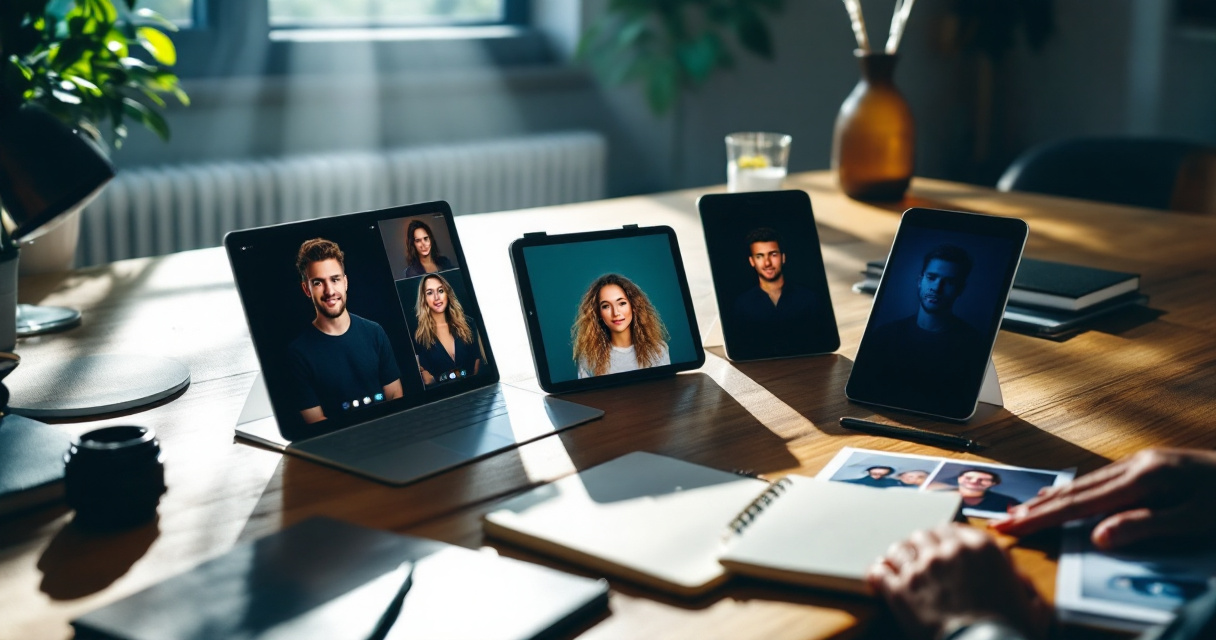
Comparison of Popular AI Headshot Platforms
| Tool | Key Strength | Typical Output Style | Best For |
|---|---|---|---|
| Aragon AI | Fast generation and batch outputs | Corporate and startup portraits | Professionals updating profiles |
| HeadshotPro | Team-focused features | Consistent corporate branding | Companies creating staff photos |
| BetterPic | Wide style library | Creative backgrounds | Personal branding |
| Dreamwave | High realism | Studio photography look | Marketing and media |
| The Looktara Lens | Headshots plus visual content tools | Professional and social-ready portraits | Entrepreneurs and creators |
Several reviewers who tested AI headshot tools in 2026 focused on three evaluation areas: realism, ease of use, and output variety. Most services now produce dozens of images from a single training set.
Key Differences Users Notice
- Photo realism: Some tools generate very natural skin texture, while others appear slightly artificial.
- Style range: Platforms vary in clothing options, lighting setups, and backgrounds.
- Processing time: Some deliver results in minutes, others take hours to train.
- Image ownership and privacy: A few tools automatically delete training data, while others store models longer.
The The Looktara Lens platform stands out by combining headshot generation with other branding visuals. For example, users can design graphics such as an AI logo generator for Shopify brands or marketing visuals in the same workflow. That broader creative toolkit appeals to entrepreneurs who want consistent visuals across platforms.
When comparing AI headshot tools, look beyond the number of generated images. Realism, editing control, and privacy policies matter more.
How AI Headshot Quality Varies Between Platforms
Not all AI headshots look equally professional. Subtle differences in model training, dataset quality, and image processing pipelines lead to noticeable changes in realism.
Elements That Determine Headshot Quality
- Facial accuracy compared to your real appearance
- Natural lighting and shadows
- Correct hand, shoulder, and clothing details
- Realistic hair texture and edges
Small artifacts, like distorted fingers or unnatural backgrounds, still appear in some AI-generated images. Platforms that refine outputs through additional post-processing usually produce more convincing results.
Common Output Issues to Watch For
- Over-smoothed skin that looks artificial
- Asymmetrical facial features
- Clothing blending into the background
- Inconsistent eye direction or lighting
Some tools offer editing features similar to online photo platforms such as Fotor, which launched in 2012 and provides web-based image editing and design tools. These editing layers help users correct small imperfections after generation.
Practical Tips for Better Results
- Upload selfies with different lighting conditions
- Avoid heavy filters in input photos
- Include both neutral and smiling expressions
- Use photos with clear backgrounds
Professionals building online brands often combine headshots with other visuals. For example, a consistent profile image can match a custom website hero image generator or a YouTube thumbnail design tool for a unified visual identity.
The biggest improvement in 2026 tools is realism under complex lighting, something earlier AI portrait generators struggled with.
When AI Headshots Beat Traditional Photography
AI portraits do not replace professional photographers in every situation. Studio photographers still dominate high-end commercial photography and editorial work. Still, AI headshot tools outperform traditional sessions in several practical scenarios.
Situations Where AI Headshots Make Sense
- Updating a LinkedIn profile quickly
- Creating consistent team photos for remote companies
- Testing different personal brand styles
- Producing multiple profile photos for social platforms
AI vs Traditional Photography Comparison
| Factor | AI Headshots | Studio Photography |
|---|---|---|
| Cost | Typically low one-time fee | Often hundreds of dollars |
| Turnaround time | Minutes to hours | Days or weeks |
| Number of photos | Dozens of variations | Usually limited selections |
| Style experimentation | High | Limited during session |
Entrepreneurs benefit the most because visual branding goes beyond a single photo. A founder might create a professional headshot, then design matching marketing materials such as a pitch deck slide generator or social graphics.
The broader advantage of tools like The Looktara Lens is that they integrate multiple creative outputs in one platform. Instead of using separate tools for headshots, thumbnails, and social media posts, creators can keep everything visually consistent.
AI headshots shine when speed, cost, and style variety matter more than perfect photographic authenticity.
What to Expect From AI Headshot Technology by 2027
AI-generated portraits are improving quickly. Early versions often produced strange backgrounds or unrealistic hair. The newest tools already handle lighting and facial symmetry much better.
Emerging Features Already Appearing
- Real-time headshot generation from a single selfie
- Video-based portrait generation
- Automatic outfit and brand color matching
- Identity-preserving models that reduce facial distortion
Trends Likely to Shape the Next Generation
- Personal AI models trained continuously from a user's photo library
- 3D portrait generation for virtual meetings and avatars
- Integrated brand kits where headshots match logos, banners, and thumbnails
- Stronger privacy protections with local or encrypted training
AI identity tools are also merging with broader digital identity systems used in online communities, virtual workplaces, and creator platforms. The previously cited Topoi research on virtual interaction environments highlights how digital representation continues to evolve across professional and social spaces.
Platforms that combine portrait generation with broader design capabilities are likely to grow fastest. Users increasingly want one place to generate visuals for resumes, social profiles, marketing graphics, and presentations.
For example, creators might generate a portrait and then design related visuals like Pinterest graphics using an AI pin generator or marketing banners inside the same workspace.
Conclusion
AI headshot generators have moved from novelty tools to practical branding software. In 2026, the best platforms deliver realistic portraits in minutes, giving professionals a fast way to update profiles, resumes, and online identities.
The right choice depends on what you need. Some tools focus on high-volume corporate headshots, while others prioritize creative styles or branding assets. Platforms that combine portrait generation with design tools, such as The Looktara Lens, offer extra flexibility for entrepreneurs, creators, and job seekers building a complete visual presence.
If you want a professional photo without booking a studio session, start by testing an AI generator with a few clear selfies. Compare the outputs, adjust your input photos, and choose the portraits that best represent your personal brand. With the speed of modern AI tools, upgrading your online image now takes minutes instead of weeks.
Generated by EarlySEO.com