
Your WhatsApp DP is often the first thing people notice. A single photo can communicate personality, confidence, creativity, or professionalism. In 2026, many people no longer rely only on selfies or phone cameras. AI image generators now allow you to create striking profile photos from simple text prompts. Tools like The Looktara Lens make it possible to turn a few descriptive words into a polished portrait that works perfectly for WhatsApp, LinkedIn, or social media. The secret is not the AI itself but the prompt you give it. With the right prompt structure, you can create cinematic portraits, artistic avatars, or clean professional headshots that look authentic and eye‑catching.
Why AI‑Generated WhatsApp DP Photos Are Trending in 2026
AI image generators have rapidly improved in realism and style control. Instead of editing photos manually, users describe a scene, mood, lighting, and camera style. The AI then produces a portrait that matches the description.
Wikipedia describes artificial intelligence as computer systems designed to perform tasks that normally require human intelligence such as perception and visual recognition. These capabilities allow modern AI tools to interpret descriptive prompts and transform them into detailed images.
Researchers examining ethics and values in digital systems highlight how AI is increasingly shaping everyday digital interactions, including how people present themselves online. A study discussed in Business & Information Systems Engineering by Spiekermann, Krasnova, and Hinz (2022) explored ethical considerations around AI‑driven technologies and digital identity. Read the study.
For profile photos, the benefits are practical:
- You can create a professional portrait without a photographer
- Lighting, backgrounds, and clothing styles are customizable
- Creative styles such as anime, cinematic, or fantasy become easy
- New photos can be generated in minutes
A well‑written AI prompt often matters more than the image tool itself.
Many creators combine prompt‑based portraits with other AI visuals for branding. For example, entrepreneurs often pair their profile image with designs generated through tools like a LinkedIn post AI generator or brand visuals created using a logo AI generator. This keeps personal branding consistent across platforms.
Platforms like The Looktara Lens simplify the process by generating polished headshots and stylized profile images without complex editing.
How to Write Effective AI Prompts for Profile Pictures
A strong prompt works like a mini creative brief. Instead of writing only "portrait photo," you describe the subject, environment, mood, lighting, and camera details.
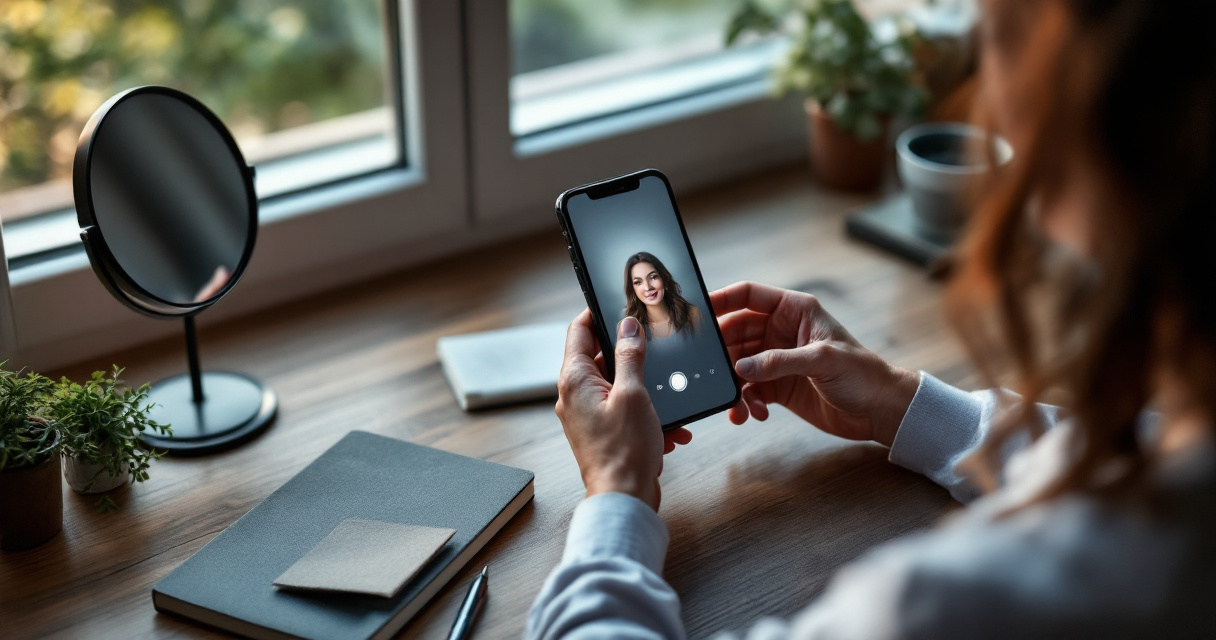
The structure below works well for most image generators.
The 5‑Part Prompt Formula
Use this simple structure when writing prompts for WhatsApp DP photos.
- Subject description, who the person is
- Style or theme, cinematic, realistic, artistic
- Lighting, soft light, neon glow, golden hour
- Background or environment, studio, city, beach
- Camera details, DSLR portrait, shallow depth of field
Example prompt:
"Realistic portrait of a confident young professional, soft studio lighting, neutral background, DSLR photography, shallow depth of field, ultra‑detailed skin texture."
Prompt Elements That Improve Image Quality
Adding visual photography terms often produces better AI images.
- Lighting keywords: golden hour, dramatic shadows, rim light
- Camera terms: 85mm portrait lens, DSLR, high resolution
- Mood descriptors: confident, calm, cinematic
- Style tags: realistic portrait, editorial photography
These details guide the AI toward more natural results.
Common Prompt Mistakes to Avoid
Many users get disappointing images because prompts are too vague.
Avoid these common issues:
- Writing only one or two words
- Mixing too many styles in one prompt
- Forgetting lighting and camera details
- Using unrealistic instructions
Clear, descriptive prompts almost always produce sharper and more believable profile photos.
50+ AI Prompts for WhatsApp DP Photos You Can Copy
Below are prompt ideas designed for WhatsApp profile pictures. Each can be customized by changing clothing, background, or mood.
Aesthetic and Lifestyle Profile Prompts
- "Aesthetic portrait of a young person standing near a window, soft natural light, warm color tones, minimal background, realistic photography"
- "Golden hour portrait with sunlight glow, city skyline in background, cinematic style, high detail"
- "Moody portrait with neon lights, modern street background, dramatic shadows"
- "Soft pastel aesthetic portrait, dreamy lighting, artistic photography"
- "Minimalist portrait with plain background, natural expression, studio lighting"
These styles work well for creative personalities or casual social media profiles.
Professional WhatsApp DP Prompts
- "Professional headshot of a confident business professional, clean studio background, soft lighting, DSLR portrait"
- "Corporate style portrait, navy suit, modern office background, professional lighting"
- "Friendly entrepreneur portrait, natural smile, bright modern workspace"
- "LinkedIn style professional headshot, neutral background, high resolution portrait"
People updating their career profiles often pair these prompts with AI tools such as a resume headshot generator to produce polished profile photos without hiring a photographer.
Creative and Artistic AI DP Prompts
- "Cyberpunk portrait with neon lights, futuristic city background, glowing reflections"
- "Anime style portrait character, vibrant colors, soft shading"
- "Fantasy warrior portrait with glowing armor and dramatic lighting"
- "Vintage film portrait with grain texture, retro photography style"
- "Black and white dramatic portrait with strong shadows"
These prompts stand out in messaging apps because they look unique while still keeping the focus on your face.
Choosing the Best AI Style for Your Personality or Brand
Not every WhatsApp DP should look the same. The best style depends on how you use the platform, whether for friends, work contacts, or networking.
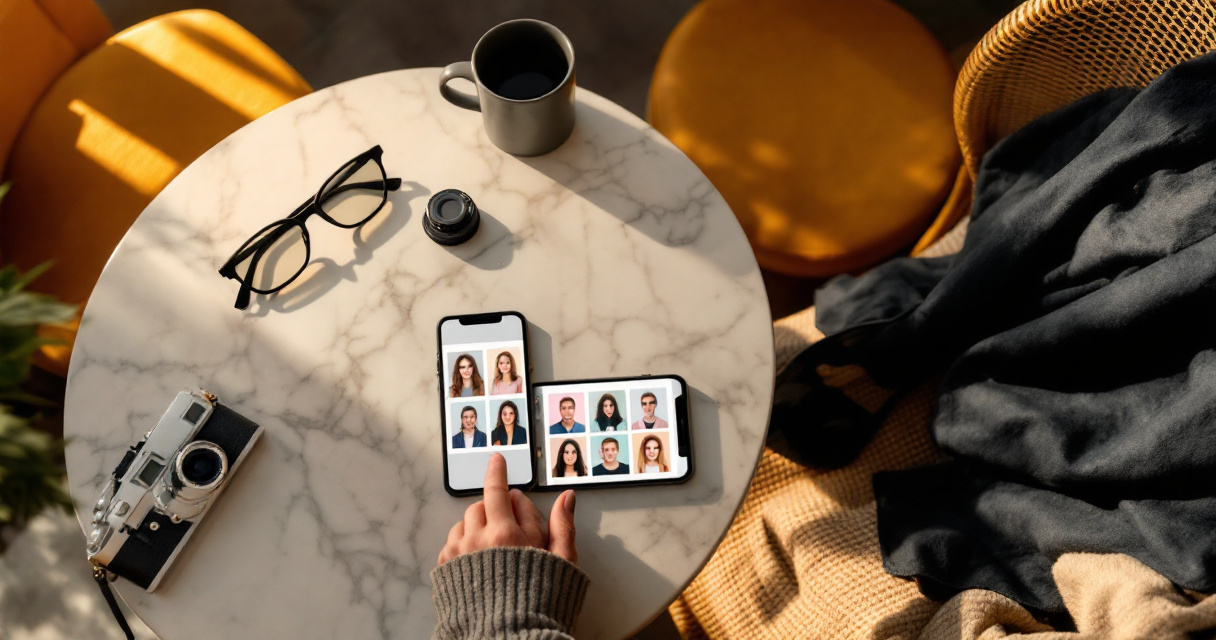
The table below compares common AI portrait styles.
Popular AI Portrait Styles for WhatsApp
| Style | Best For | Visual Characteristics |
|---|---|---|
| Professional headshot | Job seekers, freelancers | Neutral background, studio lighting |
| Cinematic portrait | Creators and influencers | Dramatic lighting, film style |
| Minimal aesthetic | Lifestyle accounts | Soft colors, simple backgrounds |
| Artistic avatar | Creative personalities | Stylized illustration or digital art |
| Street photography | Urban vibe profiles | City backgrounds, natural light |
Choosing the right style helps your profile communicate the right impression.
Matching Your DP With Your Online Presence
Consistency matters when people see you across platforms. Many entrepreneurs design visuals for different platforms at the same time.
For example:
- A WhatsApp DP created with AI
- A YouTube thumbnail generated using a YouTube thumbnail AI generator
- Promotional graphics designed with a Pinterest pin AI generator
Keeping similar color styles or themes across these visuals strengthens your personal brand.
Creating WhatsApp DP Photos with The Looktara Lens
Generating a profile photo becomes easier when you use tools designed specifically for portraits. The Looktara Lens focuses on creating professional and creative images quickly without needing photography skills.
How the Platform Simplifies AI Portrait Creation
Using The Looktara Lens usually involves a simple workflow:
- Choose a portrait style or template
- Enter an AI prompt describing the look you want
- Generate several portrait variations
- Download the image that fits your WhatsApp profile best
The process removes the trial and error that often happens with generic AI image tools.
Extra AI Tools for Content Creators
Many people updating their profile pictures are also building an online presence. Visual AI tools can support that broader strategy.
Examples include:
- Creating social graphics with a quote post AI generator
- Designing branding visuals through AI design tools
- Generating promotional thumbnails or banners
Using The Looktara Lens alongside these tools helps keep visuals consistent across messaging apps and social platforms.
What to Expect From AI Profile Photo Tools in 2027
AI portrait technology continues to evolve quickly. Several trends are already shaping the next generation of profile images.
Smarter Personalization
Future AI tools will likely analyze facial features, style preferences, and color choices to recommend prompts automatically. Instead of writing long prompts, users may choose mood and style presets.
More Realistic AI Portraits
Image generation models continue improving realism, particularly in skin texture, lighting physics, and facial details. These improvements reduce the "AI look" that earlier tools sometimes produced.
Integrated Digital Identity Tools
Research examining digital interaction and emerging technologies suggests that AI systems increasingly shape online identity presentation. A literature review covering AI's influence on digital relationships highlights how technology affects personal expression online. Read the review.
In practice, this means profile images, avatars, and digital branding will become more interconnected across messaging apps, social networks, and professional platforms.
Conclusion
AI prompts have changed how people create profile pictures. Instead of relying only on selfies, you can generate cinematic portraits, professional headshots, or artistic avatars in minutes. The key is writing clear prompts that describe lighting, style, mood, and background.
If you want a faster way to produce high‑quality portraits, try generating your WhatsApp DP using The Looktara Lens. The platform helps transform simple prompts into polished profile images suitable for messaging apps, social media, or professional networking. Start experimenting with a few of the prompts above, adjust the details, and you will quickly discover styles that make your profile stand out.
Generated by EarlySEO.com