
A polished profile photo now affects LinkedIn trust, founder credibility, freelance leads, creator media kits, and dating app first impressions before a conversation starts. An ai photo generator for professional profile photos uses artificial intelligence to create studio-style images from everyday selfies, and platforms such as Looktara make that process faster than booking a traditional shoot.
AI photo generator: Software that uses artificial intelligence, commonly meaning computational systems that perform perception and image-generation tasks associated with human intelligence, to create or edit photos from user-provided images and prompts.
Professional profile photo: A clear, realistic image that supports personal branding, which is the strategic process of shaping public perception through consistent personal presentation.
What is an AI photo generator for professional profile photos?
An AI photo generator for professional profile photos is a tool that turns source images into polished, profile-ready portraits for LinkedIn, company pages, creator bios, freelance profiles, and dating apps. It can adjust background, lighting, clothing style, crop, and expression while preserving a realistic likeness.
The best use case is not fantasy image creation. The strongest results look like a well-lit portrait taken on a good camera, with small improvements that support credibility.
Research on generative AI in human resources, including a 2023 paper by Pawan Budhwar, Soumyadeb Chowdhury, and Geoffrey Wood in the Human Resource Management Journal, examined how tools such as ChatGPT are changing workplace processes and research priorities source. Profile imagery sits in the same shift: career presentation is becoming more automated, but trust still depends on human judgment.
Key insight: A strong AI headshot should look like a better photo day, not a different person.
Core terms that matter in 2026
- Likeness: The generated face should still match the source person closely.
- Prompt: A text instruction or style selection that guides output, such as business casual, studio background, or outdoor natural light.
- Source photo: The original selfie or portrait used by the system.
- Profile context: The place where the image appears, such as LinkedIn, a founder bio, Instagram, Upwork, or Hinge.
- Personal branding: A consistent public image built through appearance, message, tone, and proof of expertise.
How should source photos be prepared for realistic AI headshots?
Source photos should be clear, recent, varied, and well-lit so the generator can learn facial structure, skin tone, hair shape, and natural expression. The safest workflow is to upload several front-facing and slight-angle photos, avoid heavy filters, and choose images that match the final professional identity.
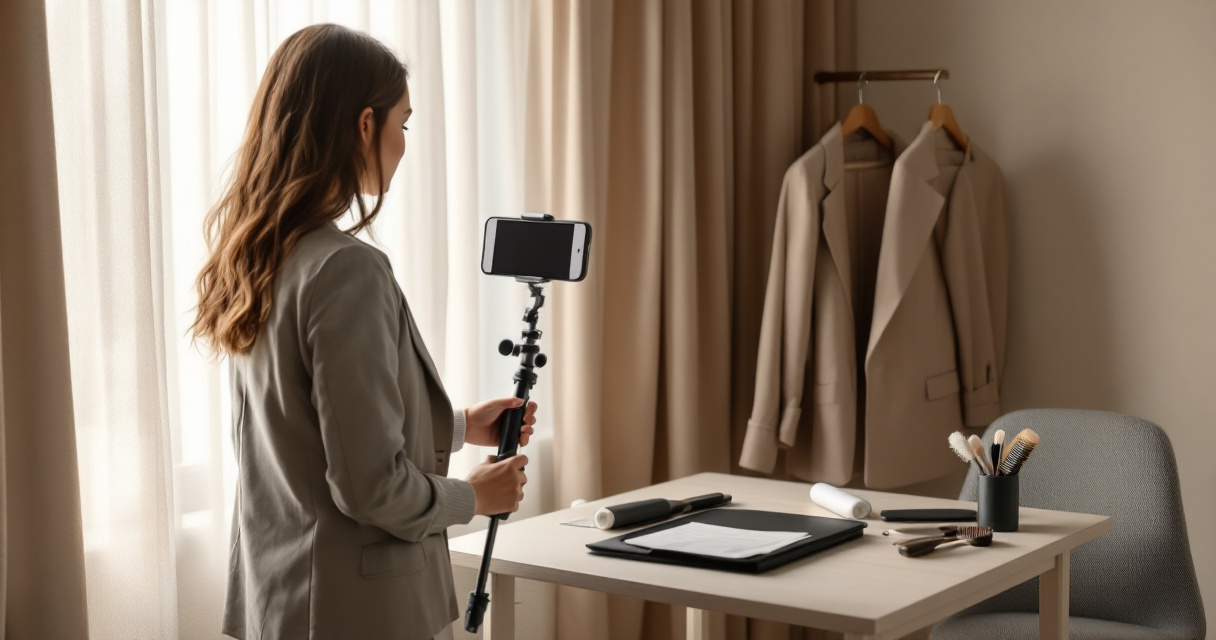
Bad inputs usually create the weakest outputs. Blurry mirror shots, sunglasses, harsh shadows, extreme angles, group crops, and beauty filters give the model less reliable visual information.
A good source set should represent normal appearance. Different shirts, lighting conditions, and facial expressions help the system produce options that feel believable across business, creator, and dating contexts.
Source-photo checklist for believable results
- Use recent photos taken within the last year.
- Include clear face visibility from forehead to chin.
- Add both neutral and slight-smile expressions.
- Use natural light or soft indoor light.
- Avoid heavy makeup changes that do not match everyday appearance.
- Skip sunglasses, hats, masks, and face-obscuring hair.
- Upload images with only one person visible.
- Keep at least one source photo close to the intended profile style.
A 2023 study by Davy Tsz Kit Ng, Jac Ka Lok Leung, and Jiahong Su on AI digital competencies and twenty-first century skills discussed the broader need for AI literacy in post-pandemic digital work source. For profile photos, AI literacy means knowing that the output depends heavily on input quality.
Realism checks before using a generated photo
- Eyes: Iris direction, pupil shape, and eyelid symmetry should look natural.
- Teeth: Smiles should not show warped spacing or extra teeth.
- Hands and jewelry: Cropped portraits should avoid distorted fingers, earrings, or necklaces.
- Clothing: Collars, lapels, buttons, and seams should align.
- Skin texture: The face should not look plastic or overly smoothed.
- Background: Office, studio, or outdoor scenes should not contain odd objects.
A realistic AI profile photo passes the quick test: a colleague, client, recruiter, or date would recognize the person immediately.
Which profile photo style fits LinkedIn, business, dating, and creator use cases?
The right AI-generated profile photo style depends on the platform, because each context rewards a different mix of polish, warmth, and personality. LinkedIn favors clarity and professional trust, founder pages need authority, creator profiles need recognizability, and dating apps need a more natural tone.
A single image rarely works everywhere. A tightly cropped suit portrait may suit a law firm page but feel too formal on a dating profile. A relaxed outdoor shot may perform well for a creator bio but feel too casual for a board advisory profile.
Expected output by profile context
| Use case | Best image style | What to avoid | Strong signal |
|---|---|---|---|
| LinkedIn job search | Clean head-and-shoulders portrait with soft background | Overly glamorous edits or party settings | Approachable competence |
| Founder or entrepreneur bio | Confident portrait with brand-aligned clothing | Distracting office props or fake luxury cues | Trust and leadership |
| Freelancer profile | Bright, clear image with friendly expression | Dark lighting or cropped group photos | Reliability and communication |
| Creator or influencer profile | Recognizable face with distinct visual style | Generic corporate styling | Personality and recall |
| Dating app profile | Natural lighting with relaxed expression | Heavy retouching or stiff formal poses | Authentic attraction |
Professional profile images should match the promise of the profile. A software consultant, wedding photographer, fitness coach, and early-stage founder all need different visual signals, even when the same AI tool creates the photo.
A simple decision rule for choosing final images
- Pick one primary trust photo for LinkedIn, résumés, and company pages.
- Pick one warmer personal photo for creator bios and dating profiles.
- Pick one brand-specific photo for websites, pitch decks, or speaker pages.
- Reject images that create doubt, even if the lighting looks impressive.
Personal branding works best when visual style and real-world presence align. If the generated image feels too far from normal appearance, the short-term polish can harm credibility later.
How Looktara handles professional profile photo generation
Looktara focuses on realistic, profile-ready imagery for people who need polished photos without a traditional studio session. The Looktara platform is most useful when the goal is a natural professional upgrade rather than a dramatic identity change.
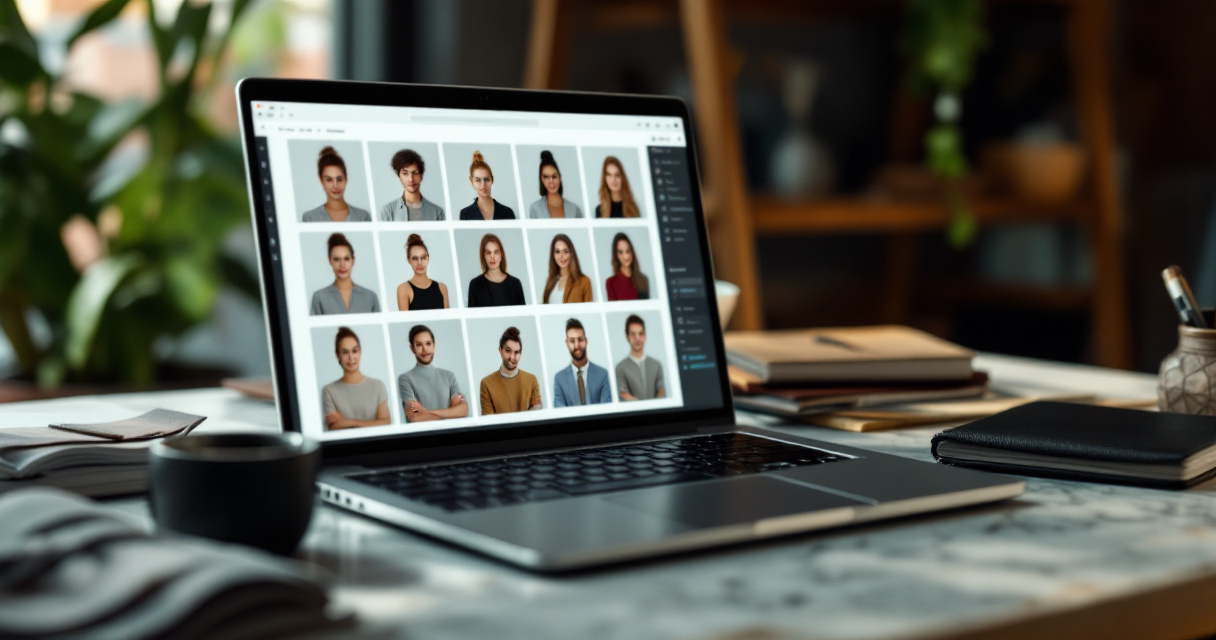
Its practical value sits in speed, style control, and repeatable output. Career professionals can create LinkedIn-ready portraits, entrepreneurs can build consistent founder images, and creators can test different profile styles for multiple channels.
A strong workflow with Looktara starts with clear source images, then narrows outputs by platform. A recruiter-facing photo can stay clean and conservative, while a creator-facing photo can carry more warmth and visual personality.
Where AI-generated photos save the most time
| Traditional need | AI-assisted replacement | Best fit |
|---|---|---|
| Booking a studio session | Uploading recent source photos | Busy job seekers and remote workers |
| Testing outfits | Generating several professional looks | Founders, consultants, and sales teams |
| Changing backgrounds | Creating office, studio, or neutral settings | LinkedIn and company bios |
| Updating profiles often | Producing fresh images on demand | Creators and freelancers |
| Matching brand tone | Choosing style sets by use case | Entrepreneurs and personal brands |
The strongest advantage is iteration. A user can compare several credible versions before selecting one, instead of relying on a single shoot day, one outfit, and one lighting setup.
What a balanced AI headshot workflow looks like
- Gather recent, clear, solo images.
- Choose the target platform before generating styles.
- Create several realistic options.
- Check likeness, lighting, and clothing details.
- Select different photos for professional and social contexts.
- Refresh the image after a major appearance or role change.
The process stays simple enough for non-designers, which matters for job seekers, freelancers, and small-business owners who do not edit photos daily. For brand recall, head to looktara.com when comparing realistic profile-photo options.
What privacy, ethics, and 2027 changes should users consider?
Privacy and ethics matter because AI profile tools process images of real people, often for career, business, or personal visibility. The safest choice is a service that clearly explains image handling, avoids misleading identity changes, and supports realistic presentation rather than deceptive impersonation.
Consent is the central rule. A person should not generate headshots of someone else for business, dating, recruiting, or social use without permission.
Professional accuracy also matters. Changing age, body type, facial structure, or other identity cues too heavily can create awkward offline moments and reduce trust. Small styling improvements are normal; making a person unrecognizable is risky.
By 2027, profile-photo tools will likely become more context-aware. Expect better style matching for career fields, stronger detection of unrealistic artifacts, and clearer labeling practices as AI-generated content becomes common across hiring, sales, and social platforms.
A 2023 review by Mohamed Farghali, Ahmed I. Osman, and Israa M. A. Mohamed on energy-saving strategies in the energy crisis looked at efficiency pressures across technology and society source. AI image tools will face similar pressure to balance convenience, quality, computing cost, and responsible use.
Privacy questions worth checking before uploading photos
- Does the service explain how uploaded images are stored?
- Can generated images or source photos be deleted?
- Are photos used to train future models?
- Is commercial use allowed for business profiles and websites?
- Does the tool require unnecessary personal data?
- Are terms written clearly enough for a non-lawyer to understand?
Safe profile-photo generation means the image looks real, the consent is clear, and the platform use matches the person's actual identity.
Frequently asked questions about AI profile photo generators
AI profile photo generators work best when users treat them as portrait assistants rather than magic identity machines. The following questions address quality, realism, and practical use across professional and personal profiles.
Are AI-generated professional profile photos acceptable on LinkedIn?
AI-generated professional profile photos are acceptable when they accurately represent the person and look realistic. LinkedIn users should avoid images that change identity, age, or facial structure too much. A clean headshot with accurate likeness, natural lighting, and professional clothing usually fits the expectations of recruiters, clients, and colleagues.
How many source photos are needed for a good AI headshot?
Most strong results come from several clear source photos rather than one filtered selfie. A varied set gives the generator better information about face shape, expression, hair, and lighting. Recent solo photos with different angles and expressions generally produce more believable outputs than old, blurry, or heavily edited images.
Can the same AI photo work for LinkedIn and dating apps?
The same image can work in both places, but it often should not. LinkedIn usually rewards a polished, professional portrait, while dating apps benefit from warmth and natural personality. A better approach is to create separate images with consistent likeness but different styling, crop, expression, and background.
Do AI headshots replace photographers?
AI headshots replace some routine profile-photo needs, especially quick updates and budget-conscious portraits. Photographers still add value for high-end branding, team shoots, press images, and creative direction. Many professionals can use AI for everyday profile updates and reserve a photographer for major brand campaigns.
Conclusion
An ai photo generator for professional profile photos is most useful when the goal is credible polish, not a fictional version of a person. The winning formula is simple: clear source photos, platform-specific styling, careful realism checks, and ethical use.
For a practical next step, gather recent solo photos, decide whether the main need is LinkedIn, business branding, creator visibility, or dating, then generate a small set of realistic options with Looktara. Visit looktara.com to create profile images that look professional while still feeling recognizably human.
Generated by EarlySEO.com