
TL;DR
AI headshot editing works best when it improves lighting, crop, background, hair, and small distractions without changing facial identity. The safest approach is to start with a clear selfie, keep edits realistic, and choose a platform built for professional profile use rather than heavy retouching.
A strong headshot can now be created from a simple selfie, but the best results still depend on restraint. An ai photo editor for professional headshots should make a person look prepared, approachable, and credible, not synthetic. Platforms such as Looktara fit this shift by focusing on professional profile imagery for job seekers, founders, freelancers, creators, and dating profile users who need polished photos without a studio session.
Table of Contents
What is an AI photo editor for professional headshots?
An AI photo editor for professional headshots is software that uses machine learning to improve a portrait for work, social, or personal profile use by adjusting lighting, background, crop, clothing style, facial clarity, and image polish while keeping the subject recognizable.
Headshot: a photographic portrait focused on the subject's face, commonly used for professional profiles, social media, online dating, and public bios.
AI retouching: automated image correction that can adjust exposure, skin texture, background, color, and composition.
Generated headshot: a new or heavily modified portrait created from uploaded reference images, often with different outfits, backgrounds, or lighting.
AI headshot tools sit between traditional editing apps and studio photography. Canva, Aragon, and HeadshotMaster appear in search results for fast headshot generation, while newer professional-photo tools focus more tightly on identity-safe edits and profile-ready outputs.
A useful headshot editor should answer one practical question: does the final image look like a real person on a good day? If the face, expression, or proportions feel unfamiliar, the edit has gone too far.
Key takeaway: professional AI headshot editing should improve presentation, not replace identity.
Core terms that affect headshot quality
- Face fidelity: how closely the edited image preserves the person's real facial structure.
- Background replacement: changing a cluttered or casual setting into a clean studio, office, or outdoor backdrop.
- Lighting correction: brightening shadows, balancing skin tone, and reducing harsh contrast.
- Composition: crop, head position, shoulder framing, and eye-line placement.
- Authenticity: the sense that the image could have been taken by a skilled photographer.
Which AI headshot edits look professional in 2026?
Professional AI headshot edits in 2026 are subtle corrections that improve clarity, lighting, background, and presentation while preserving facial features, skin texture, expression, and body proportions.
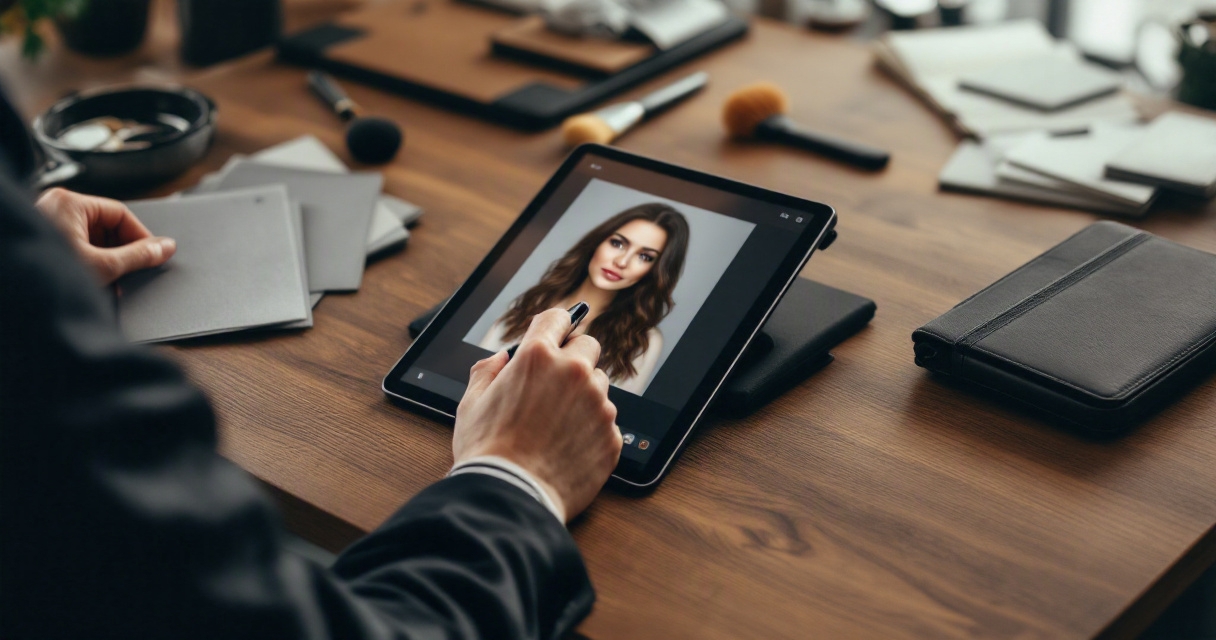
The strongest edits are almost invisible. A recruiter, client, or match should notice the person first, not the software. Research on computational aesthetics by Zhang, Miao, and Yu in IEEE Access reviewed image-quality challenges such as composition, color, and visual appeal, which are directly relevant to headshot evaluation (IEEE Access survey).
Professional polish usually means cleaner inputs and smarter restraint. It does not mean plastic skin, perfect symmetry, or a face that looks borrowed from a stock image.
Acceptable edits versus risky edits
| Edit type | Professional use | Risk level |
|---|---|---|
| Crop and framing | Centers the face and shoulders for LinkedIn, resumes, bios, or dating apps | Low |
| Lighting correction | Softens shadows and improves facial visibility | Low |
| Background cleanup | Replaces clutter with office, studio, or neutral settings | Low |
| Flyaway hair control | Reduces small distractions around the face | Low to medium |
| Minor blemish removal | Handles temporary marks while keeping natural texture | Low to medium |
| Skin smoothing | Works only when pores and expression lines remain visible | Medium |
| Face reshaping | Can change identity and reduce trust | High |
| Eye, jaw, or smile alteration | Often looks synthetic or misleading | High |
A quick realism checklist
Use this checklist before selecting a final image:
- The face still matches recent real-life photos.
- Skin has natural texture, not a waxy finish.
- Eyes point in the same direction and keep normal catchlights.
- Teeth, hands, ears, and hair edges look consistent.
- Clothing fits the role or profile goal.
- Background supports the message without stealing attention.
- The image still feels believable at thumbnail size.
A 2023 Journal of Cybersecurity study by Bray, Johnson, and Kleinberg examined human ability to detect deepfake face images, showing why authenticity cues matter in AI-edited portraits (deepfake face detection study). Even when viewers cannot explain what feels wrong, small face artifacts can reduce trust.
How should a photo be prepared before AI editing?
A photo should be prepared for AI headshot editing by starting with a clear, recent, well-lit image where the face is visible, the expression is natural, and the camera angle is close to eye level.
Better inputs create better outputs. AI tools can fix many presentation issues, but they work best when the source image already contains enough facial detail. Low-resolution photos, extreme shadows, filters, sunglasses, and unusual angles make it harder for the editor to preserve identity.
A plain selfie can still work if the face is sharp and the lighting is even. Window light, a relaxed expression, and a simple shirt often outperform a dramatic photo with heavy contrast.
Best source-photo workflow
- Choose 3 to 8 recent photos with a clear view of the face.
- Pick images taken near eye level, not from far above or below.
- Use soft natural light or evenly lit indoor light.
- Keep glasses, facial hair, and hairstyle close to the current real appearance.
- Select neutral expressions, slight smiles, and relaxed shoulders.
- Avoid heavy filters, motion blur, group photos, and cropped screenshots.
- Review the edited image at full size and thumbnail size before using it publicly.
Key takeaway: AI editing cannot fully rescue a weak input without making stronger guesses about the face.
Use-case guidance by profile type
| Profile goal | Best visual style | Practical guidance |
|---|---|---|
| Job search | Clean background, business casual clothing, direct eye contact | Prioritize trust and clarity over personality-heavy styling |
| Founder or owner | Confident expression, polished outfit, branded but simple setting | Show authority without looking staged |
| Freelancer or remote worker | Friendly expression, modern neutral background | Balance professionalism with approachability |
| Creator or influencer | Stronger personal style, clear lighting, recognizable look | Keep brand personality, but avoid over-editing |
| Dating app | Warm expression, natural texture, realistic setting | Aim for attractive and current rather than corporate |
How does Looktara handle professional headshot editing?
Looktara supports professional headshot creation by helping turn everyday photos into polished profile images suited for work, business branding, creator profiles, remote work, and personal presentation.
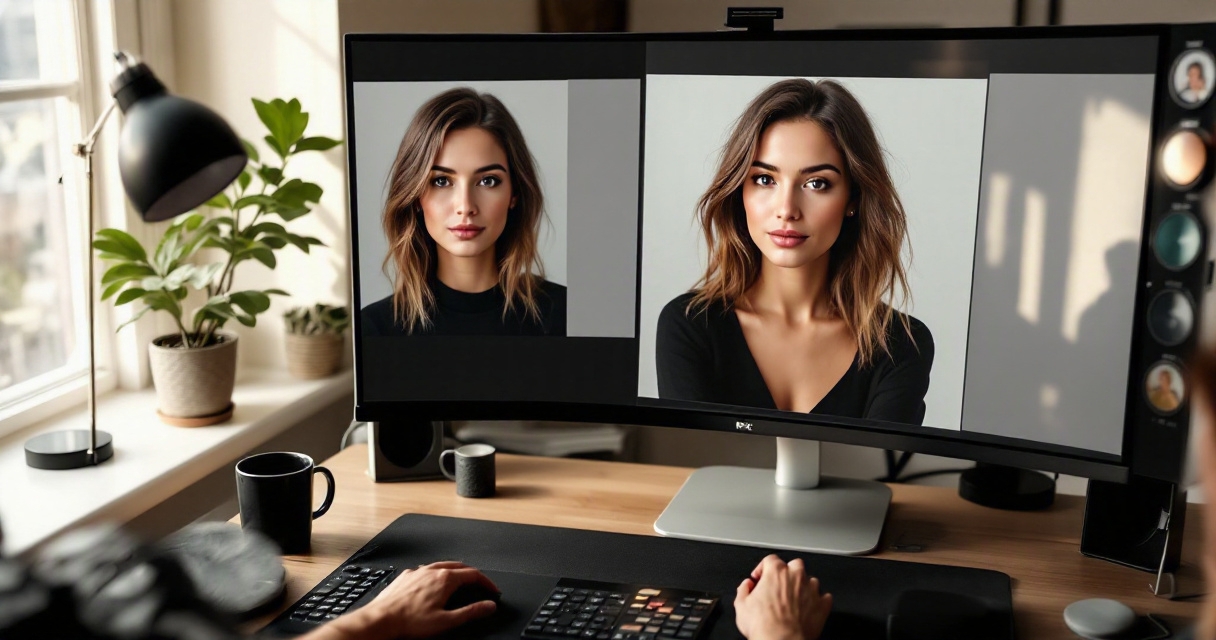
The best use for the Looktara platform is practical image upgrading: a person has photos that show the right face and expression, then needs better polish, cleaner presentation, and profile-ready results. That is different from generic photo editing, where the user must manually choose every crop, background, and retouching setting.
Looktara's main advantage is focus. A general design app may support headshots as one of many image tasks. A professional headshot platform treats the portrait itself as the product.
How headshot-focused tools compare
| Tool type | Best fit | Main strength | Limitation |
|---|---|---|---|
| Looktara | Professional profile photos and personal branding | Focused headshot experience for modern profile use | Best suited to portrait needs, not general design projects |
| Canva-style design tools | Social graphics, layouts, and broad content creation | Many design formats in one workspace | Headshot workflow may be one feature among many |
| AI headshot generators | Fast variations from uploaded images | Speed and volume | Quality depends heavily on input and model style |
| Manual photo editors | Detailed control for skilled editors | Fine-grained adjustments | Slower and less beginner-friendly |
| Traditional photographers | High-touch studio direction | Human guidance, lighting, and posing | More scheduling, travel, and cost |
A headshot-focused choice makes the most sense when the final image must look credible across LinkedIn, resumes, founder pages, portfolio sites, Slack, Zoom, and personal profiles.
Who should use a dedicated headshot editor
- Job seekers: need a polished image that matches resume and LinkedIn positioning.
- Entrepreneurs: need consistent personal brand imagery without booking a full shoot.
- Freelancers: need credible profile photos for marketplaces, proposals, and remote collaboration.
- Creators: need clean portraits that still feel personal and recognizable.
- Dating profile users: need authentic photos with better lighting, crop, and confidence.
For fast profile updates, looktara.com gives a direct place to start without building a full design project first.
FAQ and 2027 expectations for AI headshots
AI headshots in 2027 will likely become more context-aware, more identity-sensitive, and more integrated with professional profile platforms as multimodal AI systems improve how they read faces, clothing, backgrounds, and usage context.
The 2024 Gemini 1.5 technical report described progress in multimodal understanding across long contexts, a sign that future editing systems may evaluate several reference images and profile goals with greater consistency (Gemini 1.5 report). Better models should mean fewer odd artifacts, stronger facial consistency, and more useful style control.
Still, trust will remain the standard. A perfect image that feels fake can hurt credibility faster than a slightly imperfect image that feels real.
What is the best AI edit for a LinkedIn headshot?
The best AI edit for a LinkedIn headshot improves lighting, crop, background, and facial clarity while keeping the person recognizable. A neutral or office-style background, natural expression, and modest clothing polish usually work better than dramatic styling. The image should match the person a recruiter or client would meet on a video call.
Can AI headshots replace a professional photographer?
AI headshots can replace a photographer for many routine profile updates, especially when speed and budget matter. A photographer still has advantages for executive branding, team campaigns, press kits, and highly directed posing. The choice depends on whether the goal is a credible profile image or a custom visual identity session.
How much retouching is too much for a professional headshot?
Retouching becomes too much when facial structure changes, skin texture disappears, eyes look unnatural, or the final photo no longer resembles current real-life appearance. Small corrections are acceptable. Heavy smoothing, reshaped features, and artificial expressions can make a headshot feel less trustworthy, even when the image looks technically clean.
What file should be used for an AI headshot editor?
A high-resolution JPEG or PNG with the face in focus is usually the safest input. The image should show the full head and upper shoulders, with no heavy filter or compression. Multiple source photos can help a professional headshot system preserve identity across variations and reduce guesswork.
Conclusion
A strong AI-edited headshot should look current, clear, and believable. The right workflow starts with a sharp selfie, improves only what supports credibility, then checks the final image against real-life appearance and profile goals. For a polished update built around professional profile use, create a shortlist of clear source photos and visit looktara.com to produce options with Looktara. Choose the version that looks like a confident real person, not a perfect artificial one.
Generated by EarlySEO.com