
One small mistake in your source photos can ruin an AI headshot. Most AI headshot generators depend heavily on the quality and variety of images you upload, so weak lighting, repeated angles, or group photos often lead to strange results. In 2026, AI portrait models are better than ever, but they still rely on good training images to recreate your face accurately. If you're creating professional LinkedIn photos, portfolio portraits, or dating profile pictures with tools like The Looktara Lens, following a structured source photo checklist dramatically improves realism. This guide breaks down exactly what your photos should look like before uploading them to an AI headshot generator.
Why Source Photo Quality Matters for AI Headshots
AI headshot tools work by analyzing facial structure, lighting patterns, and identity features across multiple photos. The model learns what you look like, then generates new professional portraits from that information. If your photos are inconsistent, blurry, or poorly lit, the system struggles to identify accurate features.
Many competitors in the AI headshot space recommend uploading at least 6 to 12 photos. Research across leading generators shows that datasets with more variety consistently produce better outputs. According to several AI portrait platform guides, users who upload 10+ images with varied angles receive noticeably more accurate results compared to those using only a few photos.
AI portrait models are essentially "learning" your face. The clearer and more varied your photos are, the better the generated headshots will match your real appearance.
Using strong source images is especially important for professionals updating resumes or LinkedIn profiles. Tools like The Looktara Lens even include dedicated workflows for creating professional portraits such as a resume-ready AI headshot generator, which works best when the input photos meet strict quality guidelines.
Common problems caused by poor source photos include:
- distorted facial proportions
- inconsistent skin tone across images
- strange lighting artifacts
- unrealistic hair details
- backgrounds blending into the subject
Good inputs solve most of these issues before the AI even begins generating images.
How AI Portrait Models Interpret Training Photos
Modern portrait models rely on deep learning techniques similar to diffusion models used in image generation. These systems map facial features across images and predict consistent patterns such as:
- distance between eyes
- jawline structure
- skin texture
- hairline shape
- lighting reflections
When photos vary too much in quality or framing, the AI may produce mismatched results. That is why nearly every major headshot generator requires multiple photos rather than a single selfie.
The Ideal Number of Photos and Angle Variety
Uploading the right number of photos is the first requirement most users miss. Too few photos reduce training accuracy, while too many similar photos limit variety.
Many AI headshot platforms suggest a minimum of 6 photos, though most recommend 10 to 20 images for the best results. These photos should include different angles and natural expressions.
Recommended Photo Quantity and Angle Distribution
| Photo Type | Recommended Amount | Why It Matters |
|---|---|---|
| Straight-on headshots | 3–5 photos | Helps AI learn your core facial features |
| Slight angle (3/4 view) | 3–6 photos | Adds depth and facial contour accuracy |
| Side profile | 1–2 photos | Improves jawline and nose structure |
| Upper body photos | 2–4 photos | Helps generate natural posture |
A mix of these angles allows the AI to reconstruct your face more realistically when generating new professional poses.
Why Angle Diversity Improves Realism
Human faces are three-dimensional. If every uploaded photo shows the exact same pose, the model cannot estimate depth properly.
Angle diversity helps the AI understand:
- cheekbone shape
- facial symmetry
- neck proportions
- hair volume
That is why professional photographers often shoot headshots from multiple angles, a practice now mirrored by AI training datasets.
Lighting Rules That Produce the Best AI Headshots
Lighting strongly affects how facial features appear in AI training images. Soft and even lighting works best because it reveals natural details without harsh shadows.
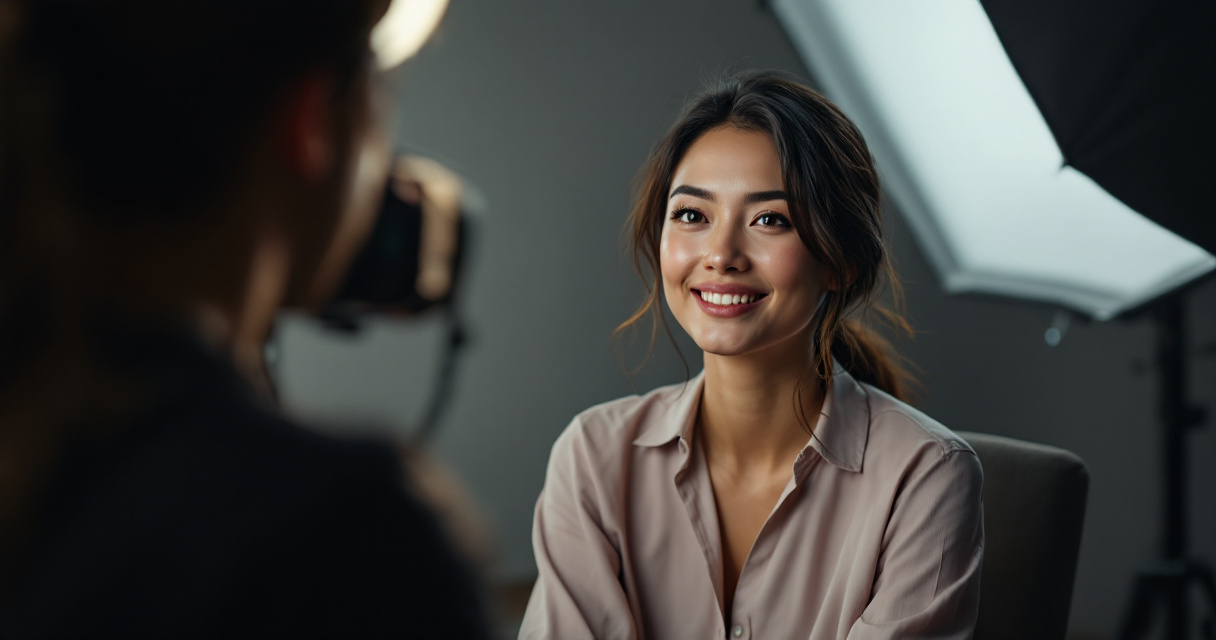
Studies on portrait photography consistently show that diffused daylight produces the most accurate skin tones. Harsh lighting can distort facial geometry and cause the AI model to misinterpret shadows as part of the face.
Lighting Setup That Works Best
- natural window light
- evenly lit indoor rooms
- soft ring lights
- cloudy outdoor lighting
These options create balanced exposure that helps AI models detect facial details.
Lighting Mistakes That Ruin Results
- strong shadows across the face
- bright backlighting
- colored lighting (blue, red, neon)
- extremely dark images
- overexposed selfies
If your eyes or facial edges disappear in shadows, the AI will struggle to generate realistic portraits.
Background and Framing Requirements Most Tools Expect
Background simplicity helps the model isolate your face. Busy environments introduce noise that reduces training accuracy.
Most headshot tools recommend simple backgrounds such as plain walls, neutral indoor spaces, or outdoor backgrounds with soft blur.
Best Background Types for Source Photos
- plain walls
- office interiors
- neutral studio backgrounds
- softly blurred outdoor settings
When generating professional profile photos, neutral environments tend to produce the most consistent AI results.
Frame Your Photos Like a Professional Portrait
| Framing Element | Ideal Setup |
|---|---|
| Crop | head and shoulders visible |
| Camera distance | 2–4 feet from subject |
| Eye position | near the top third of frame |
| Camera angle | eye level |
This framing mimics traditional corporate headshots, which AI generators often replicate.
Clothing and Expression Guidelines That Improve AI Training
Your outfit and facial expression affect how versatile your generated portraits become. Neutral clothing works best because it allows the AI to focus on your face rather than visual distractions.
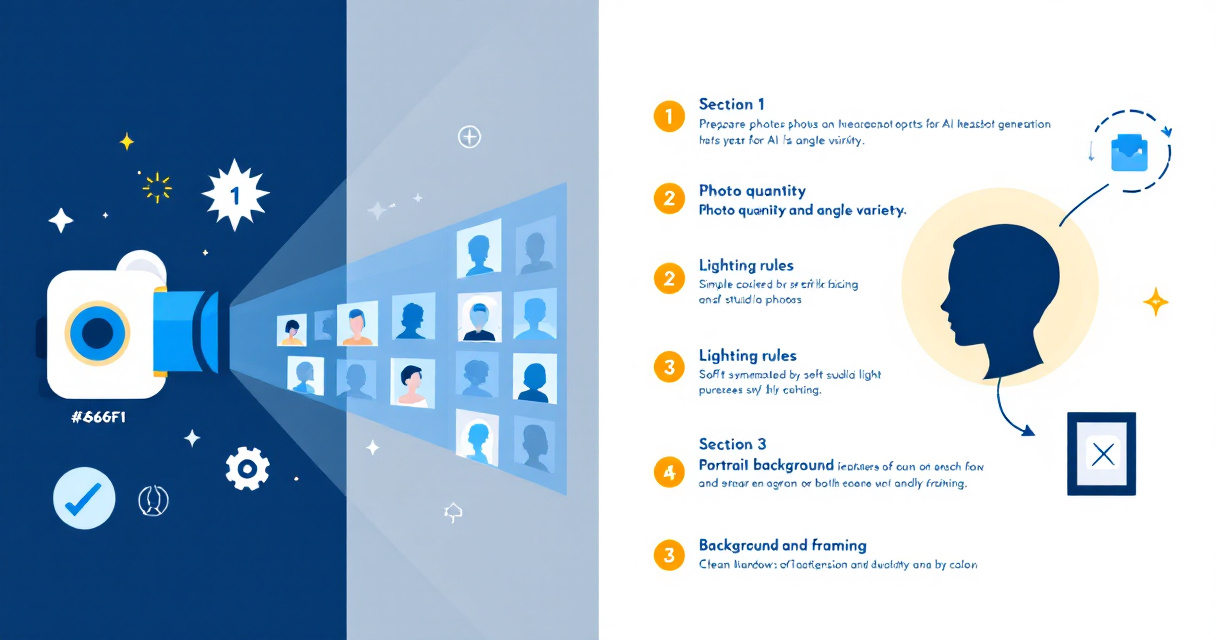
Clothing That Works Best
- solid color shirts
- business casual outfits
- neutral tones like black, navy, gray, or white
- simple textures
Avoid loud patterns, large logos, or complex graphics.
Expression Variety Checklist
Upload photos showing slightly different expressions:
- neutral expression
- slight smile
- natural smile
- relaxed candid look
Expression diversity helps the model produce portraits that look natural rather than repetitive.
If you're building a full professional brand presence, pairing AI portraits with tools like a LinkedIn post image generator or a website hero image creator helps keep visual branding consistent.
Common Source Photo Mistakes That Break AI Headshots
Even modern AI models still struggle when certain types of images appear in the training set. Many failed results come from just a few common mistakes.
Photos You Should Never Upload
- group photos
- sunglasses or hats covering the face
- heavily filtered images
- extremely low resolution photos
- photos where your face is partially cut off
Competitor platforms frequently warn that group photos confuse AI models, since the system cannot easily determine which person is the subject.
Image Quality Minimums
| Requirement | Recommended Minimum |
|---|---|
| Resolution | 1024px or higher |
| File type | JPG or PNG |
| Face visibility | full face visible |
| Blur | none |
Higher resolution photos help AI models detect small facial details such as skin texture and hair strands.
Video Guide: Building a Clean Talking Head Setup
Some people capture source photos by recording short videos and extracting still frames. This approach creates many natural expressions and angles quickly.
Example Talking Head Lighting Setup
Recording a short video in good lighting can produce dozens of usable frames for AI training images.
How AI Headshots Fit Into a Larger Personal Brand System
Professional images are rarely used in isolation. Most creators and professionals now combine AI headshots with branded visuals across multiple platforms.
Using a consistent style across content improves recognition and credibility. For example:
- creators often pair portraits with a YouTube thumbnail generator for fitness brands
- businesses design matching visuals using a Pinterest pin generator for marketing content
- personal brands create cohesive social media assets with a TikTok banner creator
Platforms like The Looktara Lens combine these tools so a single set of photos can power headshots, marketing graphics, and social media assets.
What to Expect From AI Headshot Technology in 2027
AI portrait tools are improving rapidly as diffusion models and facial reconstruction algorithms evolve. Several trends are expected to shape the next generation of AI headshot tools.
Emerging Improvements in AI Portrait Generation
- better hair and beard rendering
- improved skin texture realism
- fewer identity distortions
- faster generation times
- real-time headshot previews
Researchers are also experimenting with 3D facial modeling from 2D images, which could allow AI tools to generate realistic portraits from fewer photos.
Conclusion
Great AI headshots start long before you press the generate button. Uploading clear, well-lit, varied source photos gives AI models the data they need to recreate your face accurately. Follow this checklist: upload 10–20 photos, include multiple angles, use soft lighting, keep backgrounds simple, and avoid filters or group shots.
If you want to turn those photos into professional portraits quickly, try The Looktara Lens. The platform helps professionals, creators, and entrepreneurs generate polished AI headshots along with branded visuals for LinkedIn, websites, and social media. Start with high-quality source photos, then let the AI handle the rest.