

A professional headshot can lose its impact in seconds if the crop is wrong. Cut too tight and the image feels cramped. Crop too wide and the face loses focus. In AI-generated headshots, shoulder crop positioning is one of the most important factors for producing a photo that feels natural and credible.
Modern tools such as The Looktara Lens allow people to generate high-quality headshots without a studio, but even the best AI image can look awkward if the framing is off. The sweet spot is usually a crop that includes the upper chest and the tops of the shoulders, creating a clean frame around the face.
This guide explains exactly how shoulder crop positioning works, why it matters in AI-generated portraits, and how to get consistent results for LinkedIn profiles, resumes, websites, and personal branding in 2026.
Why Shoulder Crop Positioning Defines a Professional Headshot
Human attention naturally goes to the eyes and facial expression. If the crop around the shoulders is too tight or uneven, the viewer notices the framing before the person in the image.
Professional photographers have long followed a simple rule: headshots should be cropped slightly below the shoulders so the face becomes the focal point while the body provides visual balance. AI headshot generators replicate this style because it matches common portrait composition techniques.
Poor cropping leads to several common problems:
- Neck or chin appearing compressed
- Shoulders cut off unevenly
- Excess empty space around the head
- The "floating head" effect
The best AI headshots feel natural because the crop mimics traditional portrait photography framing.
Modern AI tools try to solve these problems automatically, but manual adjustments still matter. A balanced shoulder crop frames the head while giving enough context for clothing, posture, and body language.
What "Shoulder Crop" Actually Means
In portrait photography, shoulder cropping refers to the point where the image frame intersects the subject's upper body. For professional headshots, the crop usually includes:
- The full head
- The neck
- The upper chest
- The top portion of both shoulders
Including these elements prevents the image from looking artificially tight. It also provides space for clothing details such as collars or blazers, which often communicate professionalism in business profiles.
Clothing design also influences perceived shoulder width. For example, garments with structural elements like shoulder pads, defined by Wikipedia as padded inserts that create the illusion of broader shoulders, can change how cropping appears visually in a portrait.
The Ideal Shoulder Crop Ratio for AI Headshots
Good composition follows predictable patterns. Most AI headshot systems mimic classic portrait ratios used by photographers.
A common rule places the eyes slightly above the center of the image while allowing space below the shoulders. This keeps the subject balanced within the frame.
Recommended Framing Dimensions
The following table shows typical crop positioning used for professional headshots across digital platforms.
Standard AI Headshot Crop Guide
| Element | Recommended Position | Reason |
|---|---|---|
| Top of frame | Slight space above head | Prevents cramped look |
| Eyes | Upper third of frame | Draws viewer attention |
| Shoulders | Fully visible but near bottom | Provides natural body context |
| Bottom crop | Mid-chest area | Avoids floating head effect |
These guidelines help AI-generated headshots appear natural rather than artificially framed.
When generating images through tools like the AI resume headshot generator, this composition is typically built into the rendering model so the final portrait looks like a professionally shot image.
How AI Image Models Determine Shoulder Framing
AI portrait systems rely on training datasets containing thousands of images with similar composition patterns. The algorithm learns that professional portraits typically follow consistent cropping rules.

Still, bias and inconsistencies in training data can influence how bodies are framed. Research on multimodal AI models by Wolfe and Caliskan (2022) examined how visual datasets shape how AI interprets people and identity in images. Their work highlights how training data can influence visual outputs in subtle ways. See the study: American == White in Multimodal Language-and-Image AI.
For headshots, this means AI tools often replicate common Western portrait standards unless explicitly tuned for different styles.
AI headshot generators do not "understand" composition. They reproduce patterns learned from large image datasets.
This is why small tweaks to crop positioning often improve results dramatically.
Why AI Sometimes Crops Shoulders Incorrectly
Common reasons AI-generated headshots misplace the shoulder crop include:
- The prompt emphasizes face detail instead of portrait framing
- The training data contains mixed portrait styles
- Automatic cropping prioritizes face detection
Using tools designed specifically for professional portraits helps avoid these issues. Platforms such as The Looktara Lens focus on business-ready framing so generated images match common profile photo standards.
Platform-Specific Cropping: LinkedIn, Resumes, and Social Profiles
Different platforms display profile images in slightly different shapes. A crop that works for a resume might not work for a circular social media profile.
Smart AI headshot workflows adjust framing so the shoulders remain visible even after platform-specific cropping.
Headshot Cropping by Platform
Platform Cropping Differences
| Platform | Shape | Recommended Shoulder Position |
|---|---|---|
| Square or circle | Shoulders slightly inside frame | |
| Resume PDFs | Rectangle | Crop mid chest |
| Company websites | space or square | Include both shoulders |
| Speaker bios | Square | Slightly wider crop |
If you're designing multiple brand assets alongside your portrait, you may also need matching visual content such as a LinkedIn post AI generator or a pitch deck slide AI generator to keep your professional branding consistent.
Common Shoulder Crop Mistakes in AI Headshots
Many AI headshots fail not because of lighting or realism but because of framing mistakes that instantly look amateur.
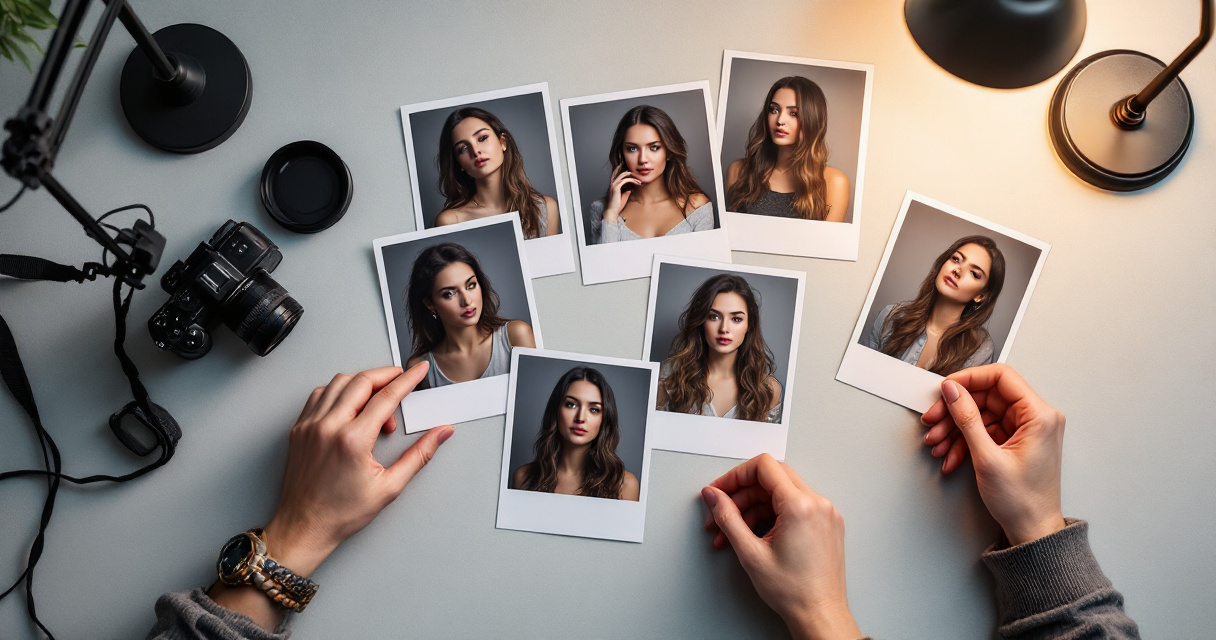
These issues appear frequently when users rely on automatic cropping without reviewing the result.
Cropping Errors That Break Professional Composition
The most frequent problems include:
- Cutting through the shoulder joint which creates an unnatural edge
- Cropping above the shoulders, producing a floating head look
- Cropping too low, making the head appear small
- Uneven shoulder visibility that tilts the composition
If one shoulder disappears from the frame, the image often looks unintentionally cropped.
Balanced shoulder placement is the quickest visual signal that a headshot was professionally framed.
Quick Checklist Before Finalizing an AI Headshot
Use this simple review process:
- Check that both shoulders are visible.
- Ensure the crop falls slightly below the shoulder line.
- Confirm the eyes sit near the upper third of the frame.
- Make sure there is small breathing room above the head.
These small adjustments dramatically improve credibility in profile photos.
Using AI Tools to Automatically Optimize Headshot Framing
The easiest way to maintain consistent crop positioning is to generate portraits using systems built specifically for professional headshots.
Tools designed for business imagery typically apply portrait framing rules automatically during generation rather than after cropping.
For example, The Looktara Lens focuses on structured headshot composition so the shoulders, face, and posture appear balanced. The platform also integrates with other creative tools such as a website hero AI generator and a YouTube thumbnail AI generator, making it easier to maintain a consistent personal brand across platforms.
Workflow for Generating Properly Cropped AI Headshots
A reliable process looks like this:
- Upload a clear reference photo.
- Choose a professional portrait style.
- Generate several AI variations.
- Select the image with balanced shoulder framing.
- Export multiple crop ratios for different platforms.
Following this workflow prevents awkward cropping later when the image is resized.
What AI Headshot Framing Will Look Like by 2027
AI portrait technology is improving quickly, especially in how it handles body positioning and composition.
Future headshot generators will likely include:
- Automatic posture correction
- Smart crop detection based on platform requirements
- Real-time framing previews before image generation
- Personalized portrait styles trained on user preferences
Developers are already exploring ways to reduce visual bias and improve representation in AI-generated images, a challenge highlighted in academic work such as Wolfe and Caliskan's 2022 research on multimodal AI training data.
Expect headshot tools to become more context-aware, meaning the system will understand whether an image is meant for a resume, website hero section, or social profile and adjust shoulder cropping automatically.
Conclusion
A well-framed headshot does more than show your face. It communicates confidence, professionalism, and credibility within seconds. Shoulder crop positioning plays a huge role in that impression.
Keep the key principles in mind: include both shoulders, crop slightly below the shoulder line, position the eyes near the upper third, and leave breathing room above the head. These small details separate polished headshots from awkward AI portraits.
If you want consistent results without manual editing, try generating your next portrait using The Looktara Lens. The platform is designed to produce balanced, professional headshots that work across LinkedIn, resumes, and personal branding materials.
Create a few variations, check the shoulder framing, and choose the version that feels natural. A properly cropped headshot can strengthen your professional presence everywhere your photo appears.
Generated by EarlySEO.com