
A receding hairline shows up quickly in high resolution headshots. Lighting, camera angle, and harsh shadows can exaggerate thinning areas that barely show in real life. Modern AI image tools now solve this problem by detecting hair patterns and rebuilding natural looking density directly in photos. Hair loss, also called alopecia, refers to the loss of hair from part of the head or body and can range from small thinning areas to more visible baldness, according to the Wikipedia overview of hair loss. For professionals updating LinkedIn profiles or portfolio images, AI headshot tools like The Looktara Lens offer a quick way to adjust hairlines while keeping photos realistic and authentic.
Why Receding Hairlines Show More in Professional Headshots
A receding hairline often looks more dramatic in professional photos than in everyday life. High resolution cameras capture tiny details, including hair density changes near the temples.
Several technical factors increase the appearance of thinning hair in headshots:
- Strong top lighting creates shadows along the hairline
- High contrast editing emphasizes scalp visibility
- Wide angle smartphone lenses distort the forehead area
- Tight crops place more focus on the upper face
Professional photographers typically compensate with lighting, angles, or styling. AI headshot tools now automate those corrections after the photo is taken.
A subtle digital adjustment often looks more natural than heavy hair styling or obvious retouching.
People creating online profiles also need consistent branding across platforms. Someone building a professional presence might generate a headshot, then design supporting assets like a brand icon using a Shopify logo AI generator to keep visuals consistent.
How Cameras Amplify Hairline Changes
Phone cameras commonly use wide lenses between 24 mm and 28 mm equivalent. When the camera sits close to the face, the forehead appears slightly larger than normal. That distortion exaggerates receding hairlines.
Professional headshot lenses usually sit around 85 mm, which compresses facial features and makes hairlines appear more balanced. AI headshot tools mimic this effect digitally by reshaping perspective and restoring natural hair density.
How AI Detects and Rebuilds Thinning Hair in Photos
Modern AI photo systems analyze facial landmarks and hair texture patterns before making edits. Instead of painting new hair randomly, they extend existing strands and match color gradients.
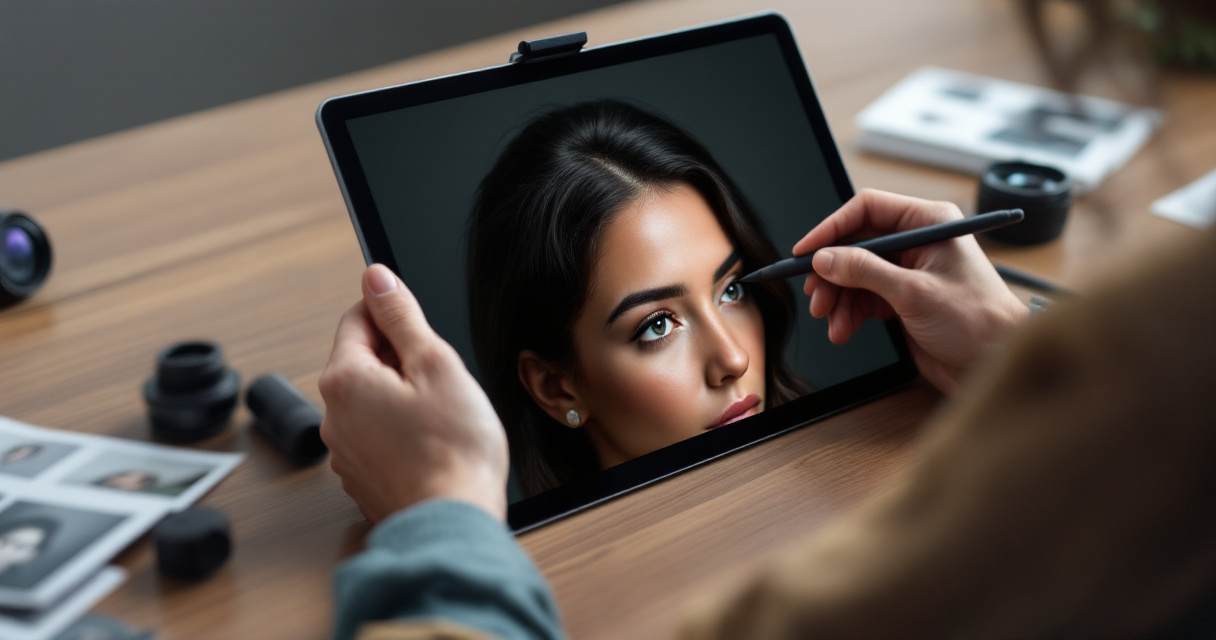
Most AI headshot engines follow a similar process:
- Detect facial landmarks such as temples, forehead, and crown
- Map existing hair direction and density
- Identify thinning areas near the hairline
- Reconstruct texture using nearby hair samples
- Blend edges so edits remain invisible
These models are trained on large datasets of human portraits. That training allows the system to predict how hair should naturally grow around the hairline.
The goal is not to change your appearance, but to recreate how your hair typically looks under flattering lighting.
Professionals often combine these headshots with other visual content for personal branding. For example, creators may pair profile images with social graphics generated through tools like a Pinterest pin AI generator.
Common AI Hairline Fix Techniques
- Texture cloning from surrounding hair
- Density enhancement along thinning edges
- Shadow reduction on scalp areas
- Subtle hairline reshaping for symmetry
- Color matching to maintain realism
The best tools apply these techniques in very small increments so the edit remains believable.
AI Headshot Editing vs Traditional Photo Retouching
Traditional retouching requires manual editing in software such as Photoshop. A designer must paint individual strands or clone hair sections. AI headshot systems automate much of this work.
Key Differences Between Methods
| Feature | Manual Retouching | AI Headshot Editing |
|---|---|---|
| Editing speed | Slow, often 30 to 60 minutes | Usually under 1 minute |
| Skill required | Professional editing skills | Beginner friendly |
| Consistency | Depends on editor | Consistent results |
| Cost | Often expensive | Usually low cost or subscription |
AI systems are not always perfect. Some tools overfill hairlines or produce unnatural patterns. Good platforms focus on subtle changes instead of dramatic transformations.
Tools built for professional images also combine hair adjustments with lighting correction and facial symmetry improvements. Many professionals who generate new profile images through AI resume headshot generators use these combined features to refresh their online presence quickly.
When Manual Editing Still Works Better
Manual retouching can still outperform AI when dealing with complex hair situations, including:
- Strong reflections on a shaved scalp
- Hats or accessories covering the hairline
- Dramatic lighting shadows
For most standard headshots though, AI tools produce results that look natural enough for professional use.
Practical Ways to Improve a Receding Hairline in AI Headshots
Getting the best results begins before the AI tool even processes the image. The original photo still determines how realistic the edit looks.
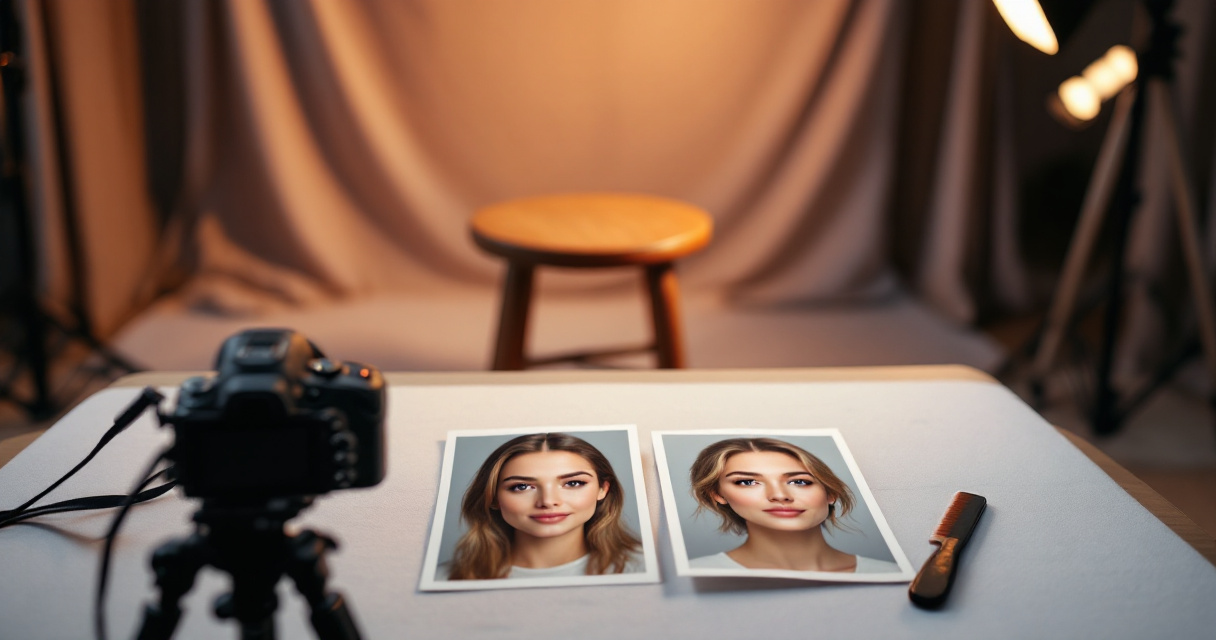
Photo Setup Tips Before Using AI
- Use soft front lighting rather than overhead lighting
- Avoid harsh shadows across the forehead
- Shoot slightly above eye level
- Keep the camera about 1 meter away
- Style hair forward if possible
A well lit image gives the AI more hair detail to work with.
Subtle Adjustments That Look Natural
- Slightly filling temple gaps
- Softening contrast along the hairline
- Increasing hair density only 5 to 10 percent
- Reducing scalp shine
Small adjustments often look far more believable than dramatic changes.
Many entrepreneurs also create marketing visuals around their personal brand. Once a headshot is ready, the same photo can appear in content like pitch decks generated through tools such as a pitch deck slide AI generator.
Common Mistakes That Make Edits Look Fake
- Perfectly straight hairlines
- Hair density that suddenly changes
- Color mismatches near the temples
- Over sharpening newly generated hair
A realistic hairline always contains small irregularities. AI systems designed for professional headshots preserve those details.
Using AI Headshot Tools for Professional Profiles
Professional headshots appear everywhere in modern work life. LinkedIn profiles, portfolio sites, conference bios, and freelance platforms all rely on clear photos.
AI headshot tools simplify the update process. Instead of scheduling a studio shoot, users upload selfies and generate refined images in minutes.
Platforms like The Looktara Lens specialize in professional identity images. The system can enhance hairlines, improve lighting, and adjust backgrounds while keeping the person recognizable.
Creators often expand those visuals into full branding packages. For example, after generating a headshot they might produce:
- Social posts using a LinkedIn post AI generator
- Video thumbnails using a YouTube thumbnail AI generator
This approach creates consistent visuals across multiple platforms.
Who Benefits Most From AI Hairline Adjustments
AI headshot hairline fixes are especially useful for:
- Job seekers updating LinkedIn profiles
- Entrepreneurs building personal brands
- Freelancers on portfolio sites
- Remote workers refreshing company profiles
- Content creators updating social media
A strong profile photo improves first impressions across all these platforms.
What AI Headshot Technology May Improve by 2027
AI image editing continues to evolve quickly. Several improvements are already appearing in newer portrait generation models.
Likely Improvements in AI Hairline Editing
| Upcoming Feature | Expected Benefit |
|---|---|
| 3D hair reconstruction | More realistic volume and lighting |
| Multi photo training | More accurate personal hair patterns |
| Real time editing previews | Faster adjustments before exporting |
| Identity preservation models | Better protection of natural facial features |
These improvements will make AI headshot corrections even harder to detect.
Advanced platforms like The Looktara Lens are moving toward full profile generation systems where one set of images can automatically produce profile photos, social graphics, and branding assets.
The Growing Role of Personal Brand Images
Remote work and creator economies have increased demand for professional visuals. A single polished headshot often appears across many channels, from LinkedIn to podcast covers.
AI tools that generate complete visual packages around that headshot are becoming more common. The result is a faster way to build a professional online presence.
Conclusion
A receding hairline does not have to limit your professional photos. Modern AI headshot tools analyze hair patterns, rebuild density, and soften harsh lighting to produce natural results. The key is subtle editing and starting with a good source photo.
Platforms such as The Looktara Lens make this process quick by generating refined headshots and related branding visuals in minutes. If you want to refresh your LinkedIn profile, portfolio, or creator brand, start by uploading a clear selfie and testing how AI headshot enhancement improves your image.
A single well crafted headshot can shape first impressions across dozens of online platforms. Updating yours may be one of the fastest personal branding upgrades you can make.
Generated by EarlySEO.com