

AI headshot generators can produce stunning portraits in seconds, but many users notice the same strange flaw: skin that looks smooth like plastic. The issue has become one of the most common complaints about AI portraits in 2025 and 2026. When texture disappears and pores vanish, the result stops looking human.
This problem matters for job seekers, founders, and creators who rely on realistic images for LinkedIn profiles, resumes, or brand photos. A headshot that feels synthetic can reduce trust or look obviously AI‑generated. Modern tools such as The Looktara Lens aim to solve this by prioritizing natural skin texture and realistic lighting during generation. Understanding why plastic skin appears is the first step toward avoiding it.
What the "Plastic Skin" Problem in AI Headshots Actually Means
The plastic skin effect refers to AI‑generated portraits where the face appears overly smooth, glossy, and textureless. Instead of natural pores, freckles, or micro‑wrinkles, the skin becomes flat and artificial.
Professional photographers sometimes call this the "wax figure effect". It resembles aggressive digital retouching used in early beauty magazines during the 2000s.
AI models create this artifact because they prioritize symmetry and noise reduction over natural imperfection. When a model removes tiny variations in color and texture, it accidentally removes the details that signal realism.
Human skin contains thousands of tiny variations in color, pores, and micro‑shadows. When those details disappear, the brain immediately detects something unnatural.
The effect becomes even more noticeable in professional headshots, where viewers expect authentic skin detail. Recruiters, clients, and audiences tend to trust images that retain subtle imperfections.
Visual Signs of the Plastic Skin Effect
You can usually spot the issue quickly if you know what to look for.
- Completely smooth cheeks without pores
- Unrealistically glossy highlights
- No variation in skin tone
- Blurry edges around hairline or nose
- Skin that looks airbrushed like a mannequin
These artifacts show up across many image models, especially when prompts focus heavily on "perfect" or "flawless" faces.
How AI Image Models Interpret Human Skin
Most modern image models are trained on massive datasets containing portraits, stock photos, and edited images. If many training images already include retouched skin, the model learns that smooth skin equals high‑quality portraits.
That assumption creates a bias toward overly polished faces. The model tries to reduce visual noise, but natural skin texture is mistakenly treated as noise.
Why AI Headshot Generators Produce Plastic Skin
Several technical factors cause this effect. The problem usually comes from how AI models handle texture reconstruction and denoising.
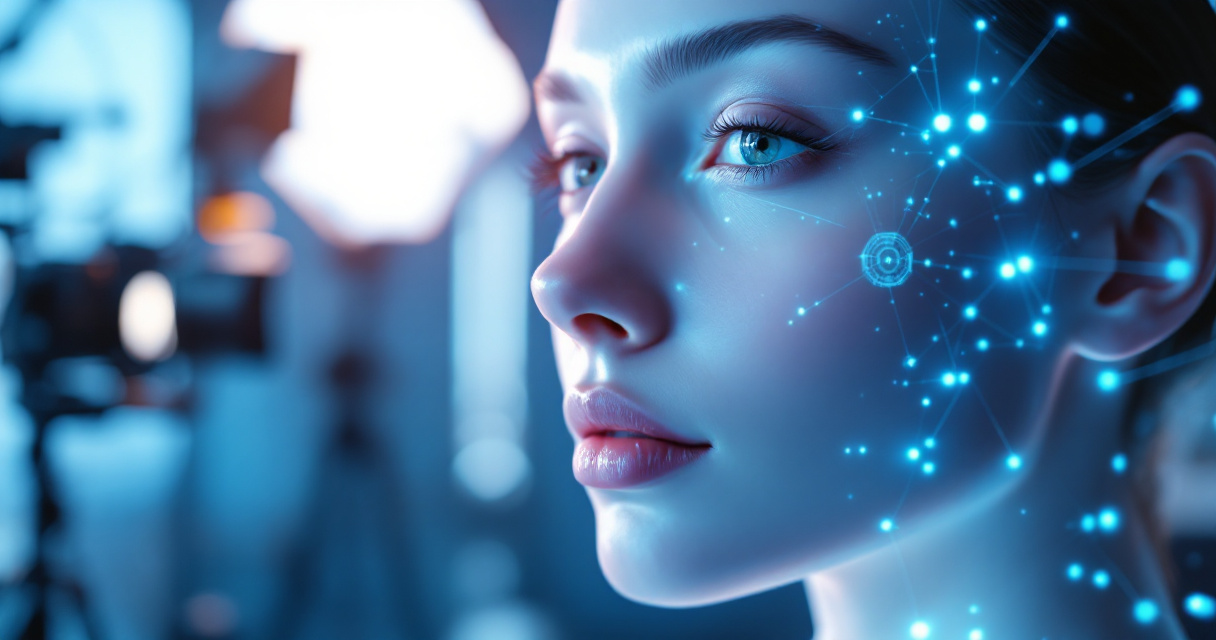
Common Technical Causes Behind the Effect
Developers and photographers have identified several core reasons.
- Aggressive smoothing algorithms that remove perceived noise
- Low‑resolution training images that lack pore-level detail
- Over-optimization for beauty standards in datasets
- Image upscaling errors during generation
- Excessive diffusion denoising steps in models like Stable Diffusion
When several of these factors combine, the result becomes that recognizable "AI skin" look.
Typical Triggers During AI Image Generation
Certain workflows increase the risk.
- Uploading a low-quality reference photo
- Using prompts like "perfect skin" or "flawless beauty"
- Generating images at small resolutions then upscaling
- Applying automatic beauty filters
- Using AI tools designed primarily for avatars instead of professional headshots
Modern platforms that focus on realistic portraits, including The Looktara Lens, try to avoid these triggers by balancing texture retention with skin enhancement.
AI Models Most Prone to the Problem
AI Image Models and Plastic Skin Risk
| AI Model Type | Typical Skin Quality | Common Issue |
|---|---|---|
| Early diffusion models (2022–2023) | Very smooth | Heavy texture loss |
| Mid‑generation portrait models | Moderate realism | Glossy highlights |
| Specialized headshot AI tools | High realism | Minor smoothing |
| Professional photography pipelines | Most realistic | Requires manual editing |
The trend since 2024 shows rapid improvement, but many free tools still generate unrealistic skin.
Why Plastic Skin Damages Credibility in Professional Profiles
A headshot influences how others perceive professionalism, trust, and authenticity. Research in visual psychology shows that people form first impressions in under 100 milliseconds based on facial images.
When an image looks artificial, viewers may question whether it represents a real person.
According to media law researcher Mohamed Chawki (2024) in a study on AI‑generated media and deepfakes, synthetic imagery can raise concerns about authenticity and identity verification in professional contexts.
Artificially altered faces can blur the line between enhancement and manipulation, raising trust concerns in digital identity.
Situations Where Plastic Skin Is Most Harmful
- LinkedIn and resume headshots
- Startup founder profiles
- Dating app photos
- Personal branding images
- Speaker bios and conference pages
Recruiters increasingly recognize AI‑generated portraits. If the image looks overly synthetic, it can backfire.
Tools designed specifically for professional identity images, such as the AI resume headshot generator, focus on maintaining realistic skin detail while still improving lighting and composition.
Techniques That Fix Plastic Skin in AI Headshots
Fixing the problem usually requires combining better generation prompts with post‑processing techniques.
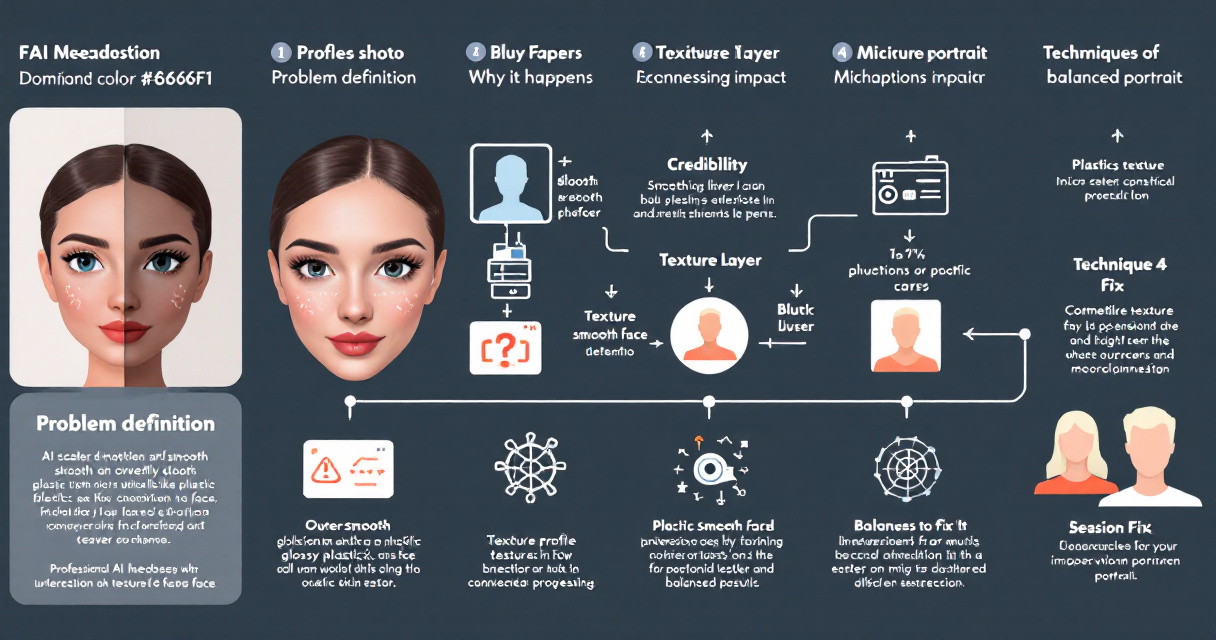
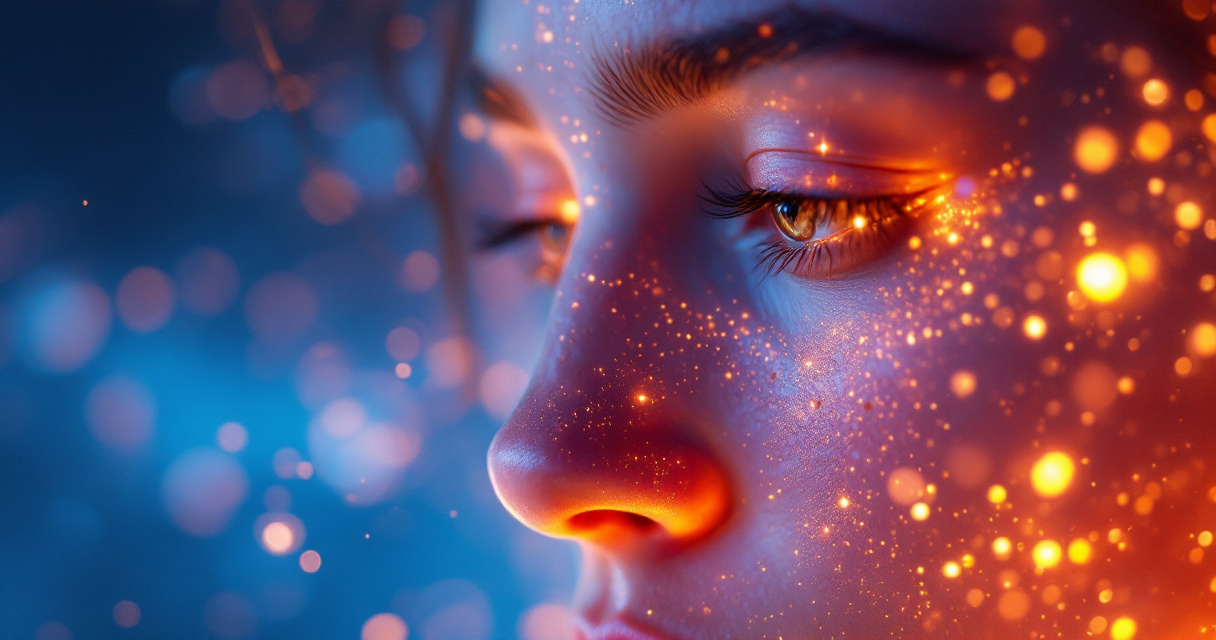
Prompt Techniques That Improve Skin Realism
Prompt engineering can dramatically improve results.
Try including details like:
- "natural skin texture"
- "visible pores"
- "realistic lighting"
- "35mm portrait photography"
- "photorealistic skin detail"
Avoid prompts like perfect skin or beauty filter.
Photographers often borrow terminology from macro photography, which refers to extreme close‑up photography capturing small surface details. Including references to macro or high‑detail photography can encourage models to preserve texture.
Post‑Processing Workflow Used by Professionals
A professional editing pipeline usually follows this order.
- Generate the portrait at high resolution
- Apply frequency separation to preserve texture
- Add micro contrast to skin
- Restore natural color variations
- Avoid strong smoothing filters
The goal is subtle improvement rather than perfection.
Video Tutorial: Fix Plastic Skin Instantly
Practical Editing Example
This tutorial demonstrates how adding texture layers and adjusting lighting can quickly restore realism.
Choosing AI Tools That Preserve Natural Skin Texture
Not all AI image generators treat skin the same. Some prioritize stylization, while others aim for photorealism.
Platforms that specialize in professional imagery often train their models with higher‑quality portrait datasets.
Features to Look for in Realistic Headshot Generators
Before choosing an AI headshot tool, check whether it includes:
- Texture‑preserving diffusion models
- Lighting simulation instead of smoothing filters
- High‑resolution portrait generation
- Natural skin tone variation
- Professional portrait training datasets
Systems like The Looktara Lens platform focus on realistic headshots and brand images rather than stylized avatars.
AI Image Tools for Branding and Professional Content
Headshots are just one piece of a professional online presence. Many creators also use AI tools to generate consistent brand visuals.
For example:
- A YouTube thumbnail AI generator for Shopify creators can produce clean video thumbnails.
- A LinkedIn post visual generator helps maintain consistent professional branding.
- Entrepreneurs often build landing pages using a website hero image AI generator.
When visuals across your brand share similar lighting and realism, your headshot blends naturally with the rest of your content.
Video: Alternative Model With Photorealistic Skin
Photorealistic AI Portrait Example
The example highlights how modern portrait models preserve pores and subtle skin variations.
What to Expect From AI Headshot Technology by 2027
The plastic skin problem is already improving as models get better at reproducing micro‑details.
Several trends are shaping the next generation of AI portrait tools.
Advances in Texture Modeling
New diffusion architectures focus on micro‑surface reconstruction, which simulates tiny skin details like pores, freckles, and subtle wrinkles.
Researchers are also experimenting with training datasets that include high‑resolution dermatological photography to teach models realistic skin variation.
Identity Verification and Realism Standards
As AI images become harder to detect, industries are exploring authenticity verification.
According to Chawki (2024), legal frameworks around deepfakes and synthetic media are evolving to address identity misuse. Future professional platforms may include:
- AI image authenticity metadata
- identity verification layers
- watermarking for generated portraits
This could make trustworthy AI headshots more valuable than generic synthetic portraits.
Conclusion
The AI headshot plastic skin problem happens when image models remove the tiny details that make faces look human. Over-smoothing, low-quality training images, and beauty-focused prompts all contribute to the effect.
The fix is surprisingly practical: use high‑resolution inputs, include texture-focused prompts, avoid perfection filters, and choose tools designed for professional portraits.
Platforms like The Looktara Lens focus on producing realistic headshots that maintain natural skin detail, which matters when your image appears on resumes, LinkedIn profiles, or personal brands.
If you're updating your professional photo, start by testing a realistic AI headshot generator and comparing results. A headshot that keeps real skin texture instantly looks more trustworthy, and that small detail can make a big difference in how people perceive you online.