
A polished headshot can influence hiring decisions, profile clicks, and brand trust. Yet many people download AI-generated headshots at the wrong resolution or format, which leads to blurry LinkedIn photos or oversized website images. Modern tools such as The Looktara Lens generate studio-style portraits in seconds, but the final image quality depends on the output resolution and download options you select. Understanding these settings helps you keep images sharp across professional profiles, resumes, and marketing assets.
Understanding AI Headshot Resolution and Why It Matters
Resolution defines how many pixels make up your image. A headshot with more pixels contains more visual detail, which means it can be cropped, resized, or printed without losing quality. AI generators usually export square images designed for profile photos, but the pixel count determines how flexible the file will be.
Most platforms offer several preset resolutions when downloading generated headshots. Typical export sizes include 1024×1024, 2048×2048, and sometimes 4096×4096 (often called 4K). The higher the resolution, the more detail the portrait contains.
High resolution matters because professional platforms compress uploaded images. LinkedIn, for example, reduces file size after upload, so starting with a larger image preserves clarity after compression.
Research into synthetic faces also highlights why image quality matters. A 2023 study published in the Journal of Cybersecurity examined human ability to detect AI-generated faces and found that people struggle to distinguish realistic synthetic portraits from real ones when image quality is high (Testing human ability to detect 'deepfake' images of human faces). That means resolution and rendering detail directly affect perceived authenticity.
Common AI Headshot Export Resolutions
| Resolution | Typical Use Case | Advantages |
|---|---|---|
| 1024×1024 | Social profiles and small thumbnails | Fast downloads, smaller file size |
| 2048×2048 | LinkedIn, resumes, portfolio sites | Balanced quality and size |
| 4096×4096 (4K) | Print materials and large displays | Maximum detail, flexible cropping |
Higher resolution does not always mean better results if your original input images are low quality. Blurry selfies uploaded to an AI generator often produce softer final images, regardless of export size.
Key insight: choose the highest resolution available when downloading your headshot, then resize copies for different platforms instead of exporting small files first.
Download Formats Explained: JPG, PNG, and High-Quality Exports
Resolution determines detail, but the file format controls compression, transparency, and file size. Most AI headshot tools offer downloads as JPG or PNG files, while some professional platforms also provide higher-quality exports.
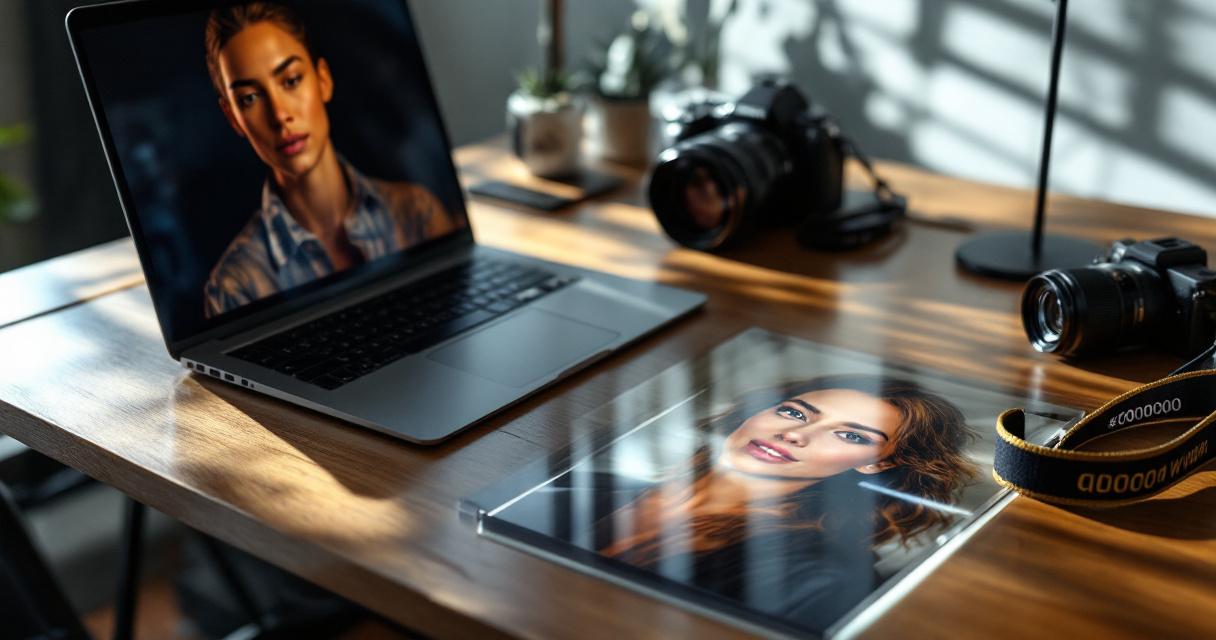
Understanding the differences prevents unnecessary quality loss when uploading images across platforms.
JPG Files: Best for Most Profile Photos
JPG remains the most common format for profile pictures because it compresses image data efficiently. That keeps file sizes small without drastically reducing visible quality.
Advantages of JPG downloads:
- Smaller files for faster uploads
- Supported by every social network
- Ideal for LinkedIn, job boards, and email signatures
The tradeoff is that JPG compression slightly reduces detail. Still, when exporting a headshot at 2048×2048 or higher, the difference is rarely noticeable on profile pages.
If you're generating images for professional networking profiles, tools like the AI resume headshot generator available on Looktara produce optimized portrait exports that work well in JPG format.
PNG Files: Better for Editing and Design Work
PNG files keep more image data because they use lossless compression. That means repeated editing or resizing will not degrade the image as quickly as JPG.
Choose PNG downloads when you plan to:
- Edit the headshot in design software
- Place the portrait on marketing graphics
- Use the image in presentations or media kits
For example, entrepreneurs often combine headshots with branding materials such as logos or slide decks. Tools like this AI logo generator for Shopify brands create visual assets that pair well with PNG headshots in marketing designs.
PNG files are larger, so they are usually unnecessary for simple profile photos.
How to Choose the Right Export Settings for Professional Use
Many AI headshot platforms produce dozens of image variations. After selecting your favorites, the next decision is how to export them for professional use.
Selecting the wrong settings can create oversized files or pixelated results when cropping.
Step-by-Step Export Workflow
A simple workflow helps preserve quality across platforms.
- Choose the highest available resolution from the generator.
- Download a master copy in PNG or high-quality JPG.
- Create resized versions for specific platforms.
- Keep the original file as a backup for future edits.
This approach prevents repeated compression. Each time an image is re-saved at a smaller size, it loses detail. Starting with a high-resolution master avoids that problem.
Export Settings That Improve Headshot Quality
Professional-looking AI headshots depend on more than resolution. Export settings also affect clarity.
- Avoid heavy compression settings when exporting JPG files.
- Maintain square aspect ratios for profile platforms.
- Crop around the shoulders and head, not the entire body.
- Use neutral backgrounds to prevent visual noise.
When generating images using platforms like The Looktara Lens, exporting multiple resolution versions lets you quickly adapt one portrait for LinkedIn, personal websites, and presentations.
Tip: Keep a 2048×2048 master headshot. It scales cleanly for most online platforms while remaining detailed enough for marketing graphics.
Resolution Requirements for LinkedIn, Websites, and Marketing Assets
Different platforms compress images differently, so the best headshot resolution depends on where you plan to use it.
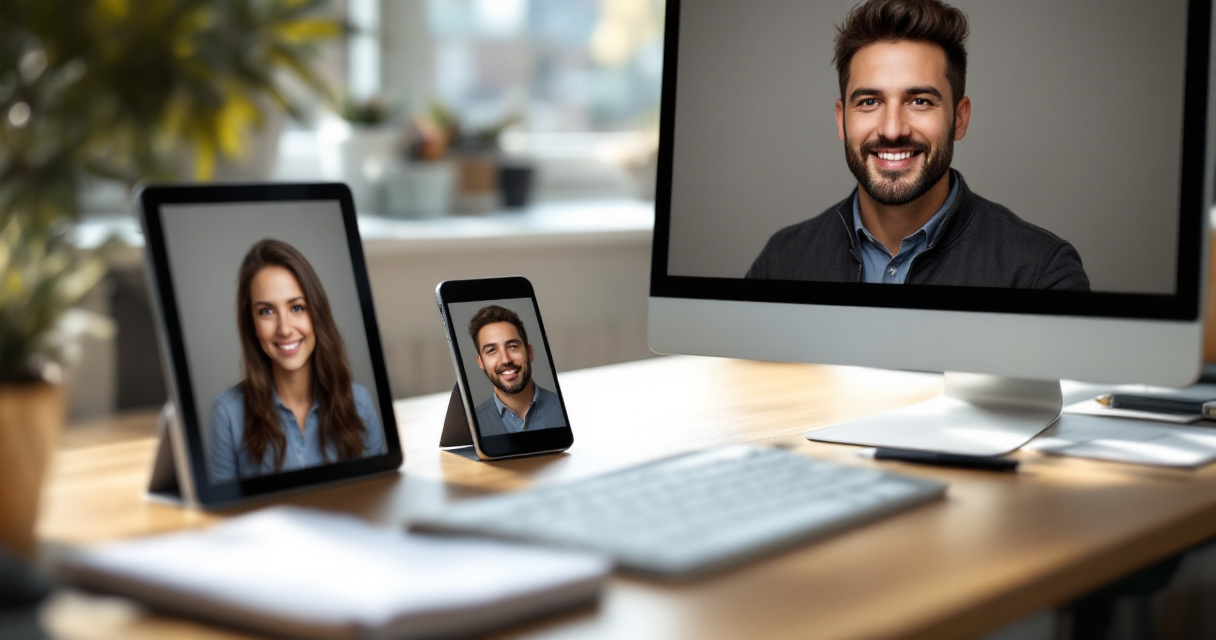
A single portrait might appear on LinkedIn, your personal website, a pitch deck, and social media posts. Each environment benefits from slightly different sizing.
Recommended Image Sizes by Platform
| Platform | Recommended Upload Size | Notes |
|---|---|---|
| LinkedIn profile photo | 400×400 minimum | Higher resolution prevents compression blur |
| Resume or CV | 600×600 to 1200×1200 | Keeps file size manageable |
| Personal website | 1200×1200 or higher | Works well on retina displays |
| Pitch decks | 1500×1500+ | Ensures clarity on large screens |
If you frequently share content across multiple channels, maintaining a library of headshot versions saves time. For instance, a high-resolution portrait can appear in a LinkedIn announcement created with an AI LinkedIn post generator or in website hero sections built with a website hero AI generator.
Marketing teams often reuse the same headshot across newsletters, landing pages, and social graphics, so having flexible image sizes matters.
When Ultra-High Resolution Actually Helps
4K headshots are useful when images appear in large formats such as:
- Conference screens or presentations
- Podcast cover art
- Landing page banners
- Video thumbnails
Large marketing assets benefit from extra pixels. A portrait that looks crisp on a phone may appear soft on a 4K display.
For creators producing video content, high-resolution headshots also adapt well to graphics such as YouTube thumbnail designs generated with AI, where facial clarity improves click-through rates.
What to Expect From AI Headshot Export Technology After 2026
AI portrait generation is improving quickly, especially in image upscaling and photorealistic rendering. Several trends are shaping how headshots will be exported in the near future.
One major development is AI upscaling. Technologies similar to Nvidia's Deep Learning Super Sampling, which uses neural networks to increase image resolution while preserving detail, show how machine learning can enhance images beyond their original pixel count (Deep Learning Super Sampling).
Future headshot platforms are likely to combine generation and upscaling automatically. Instead of choosing a fixed resolution, users may download images dynamically resized for different platforms.
Emerging Features in AI Headshot Downloads
- Smart auto-resizing for social platforms
- AI background extension for wide crops
- Instant exports for print and digital formats
- Higher than 4K portrait rendering
Another improvement involves authenticity. Research into synthetic face detection continues to push generators toward more realistic skin textures, lighting, and depth rendering.
Tools like The Looktara Lens already simplify headshot generation and downloads, but future versions will likely automate the entire export process so users receive optimized files for LinkedIn, websites, and marketing materials automatically.
Expect AI headshot tools to move from simple image downloads to complete media kits containing multiple sizes and formats ready for every platform.
Conclusion
Resolution and download settings determine whether an AI headshot looks professional or pixelated. Choosing a high-resolution export, selecting the right file format, and resizing images for each platform keeps portraits sharp everywhere they appear. Most professionals get the best results by downloading a 2048×2048 or 4K master image, then creating smaller versions for LinkedIn, resumes, and websites.
Tools such as The Looktara Lens simplify this process by generating realistic headshots and making high-quality downloads easy. If you are updating your professional profiles or personal brand, start by creating a new portrait and export it at the highest resolution available. Then build a small library of optimized versions so your image always looks crisp wherever it appears.
Generated by EarlySEO.com