
Professional headshots used to require a photographer and a studio session. AI changed that. Today, you can generate a polished LinkedIn or portfolio photo from a phone or a laptop in minutes. The real question many people ask in 2026 is simple: does an AI headshot mobile app produce the same results as a desktop platform? The answer depends on several factors such as image processing power, editing control, and workflow design. Tools like The Looktara Lens show how AI platforms are moving toward flexible workflows that work across devices, but mobile and desktop experiences still differ in meaningful ways. This guide compares both approaches so you can decide which option fits your needs, whether you are updating a LinkedIn profile, building a personal brand, or refreshing a dating profile.
How AI Headshot Generators Actually Work
Most AI headshot tools rely on generative image models trained on large datasets of faces, lighting conditions, and professional portrait styles. When you upload several selfies, the system analyzes facial structure, skin tone, lighting, and background patterns. It then produces new images that simulate professional photography.
Researchers studying automated visual systems have noted that AI imaging tools increasingly rely on pattern recognition and large-scale training data to evaluate facial features and environmental details. A study on automated monitoring technologies by Arnò, Galassi, and Tommasi (2021) examined how AI visual systems process identity and facial characteristics in digital environments, highlighting the rapid growth of computer vision capabilities. You can read more in the paper published in the International Journal of Distance Education Technologies: modern of Commercial Proctoring Systems and Their Use in Academic Online Exams.
AI headshot generators typically follow a similar workflow.
Typical AI Headshot Creation Process
- Upload 5 to 20 photos of yourself.
- AI analyzes facial geometry and lighting.
- The model generates professional-style portraits.
- Backgrounds, outfits, and lighting styles are simulated.
- Final images are exported for LinkedIn, resumes, or websites.
Most AI headshot tools rely more on training data and style transfer than simple filters. The result is a completely new image rather than a retouched selfie.
Where Mobile and Desktop Tools Begin to Differ
Both platforms use similar AI models, but the surrounding experience changes. Mobile apps prioritize speed and ease, while desktop platforms usually focus on customization and editing control.
For example, professionals who also design branding assets might pair their headshots with visuals created using tools such as a fitness Shopify logo AI generator or presentation graphics from a fitness Shopify pitch deck slide AI generator. Desktop environments often make that workflow easier.
Mobile AI Headshot Apps: Convenience and Speed
Mobile AI headshot apps exploded in popularity because they reduce friction. Instead of uploading files from a camera or folder, you simply take or select selfies directly from your phone.
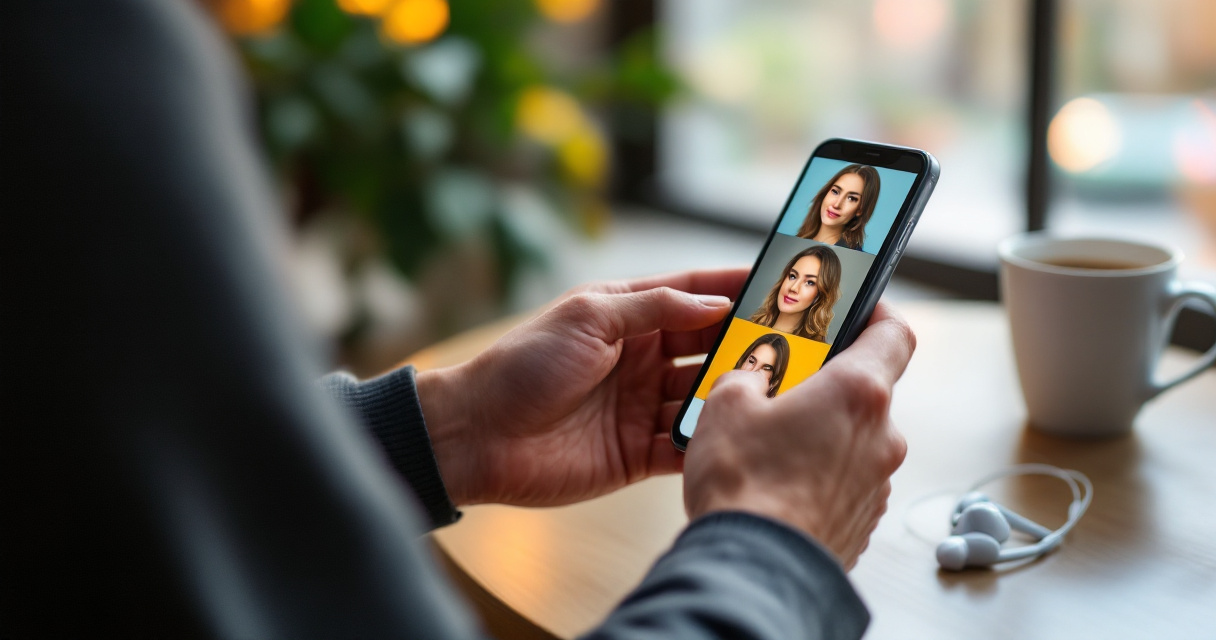
Apps inspired by mobile-first image tools such as YouCam Makeup, an augmented reality beauty app developed by Perfect Corp., demonstrate how smartphones now handle advanced image processing and editing features directly on-device. According to the overview of the app on Wikipedia, mobile AR editing tools combine real-time processing with photo editing and visual effects, a model many AI headshot apps follow.
For users who want fast results, mobile platforms are appealing.
Advantages of Mobile AI Headshot Apps
- Instant photo uploads from the camera roll
- Faster onboarding with guided steps
- Built-in selfie capture optimized for lighting
- Easy sharing to social media or LinkedIn
- Simple editing tools designed for touch screens
A job seeker updating their profile photo during a commute can realistically generate a headshot within minutes. The barrier to entry is extremely low.
Limitations of Mobile Platforms
Despite the convenience, mobile apps often limit deeper editing options. Screen size restricts advanced controls and batch processing.
Common Mobile Constraints
| Limitation | Why It Matters |
|---|---|
| Smaller screen workspace | Harder to review subtle facial details |
| Limited file management | Difficult to organize many images |
| Fewer export formats | Not ideal for professional branding kits |
| Reduced editing precision | Touch controls limit adjustments |
For creators building full personal brands, mobile apps can feel restrictive. Someone preparing a media kit may also need assets like a YouTube thumbnail AI generator or social visuals alongside their portrait.
Desktop AI Headshot Platforms: Control and Higher Workflow Flexibility
Desktop AI headshot platforms focus less on speed and more on flexibility. The interface allows larger previews, batch editing, and advanced style selection.
Professionals who care about details such as lighting balance, background realism, or clothing simulation often prefer desktop workflows. Editing on a large screen makes subtle improvements easier to see.
Tools like The Looktara Lens platform bring AI headshot generation into a broader creative workflow that includes branding graphics and marketing visuals.
Key Benefits of Desktop AI Headshot Tools
- Larger preview windows for quality control
- Advanced background and style customization
- Easier batch downloads and asset management
- Integration with branding design tools
- Better performance for high-resolution rendering
Someone updating a personal brand might generate a headshot, then design matching assets like a Pinterest pin AI generator or promotional graphics within the same workflow.
Where Desktop Tools Can Feel Slower
Desktop tools require more steps. You must transfer images, upload them, and sometimes wait longer for high-resolution processing.
Still, the extra control often produces more consistent results, especially for professional uses like:
- LinkedIn profile photos
- Corporate team pages
- Speaker bios
- Personal websites
Many professionals choose desktop AI headshot tools when image consistency and branding alignment matter more than speed.
Side-by-Side Comparison: Mobile App vs Desktop AI Headshot Tools
Choosing between mobile and desktop becomes easier when you compare the main workflow differences directly.
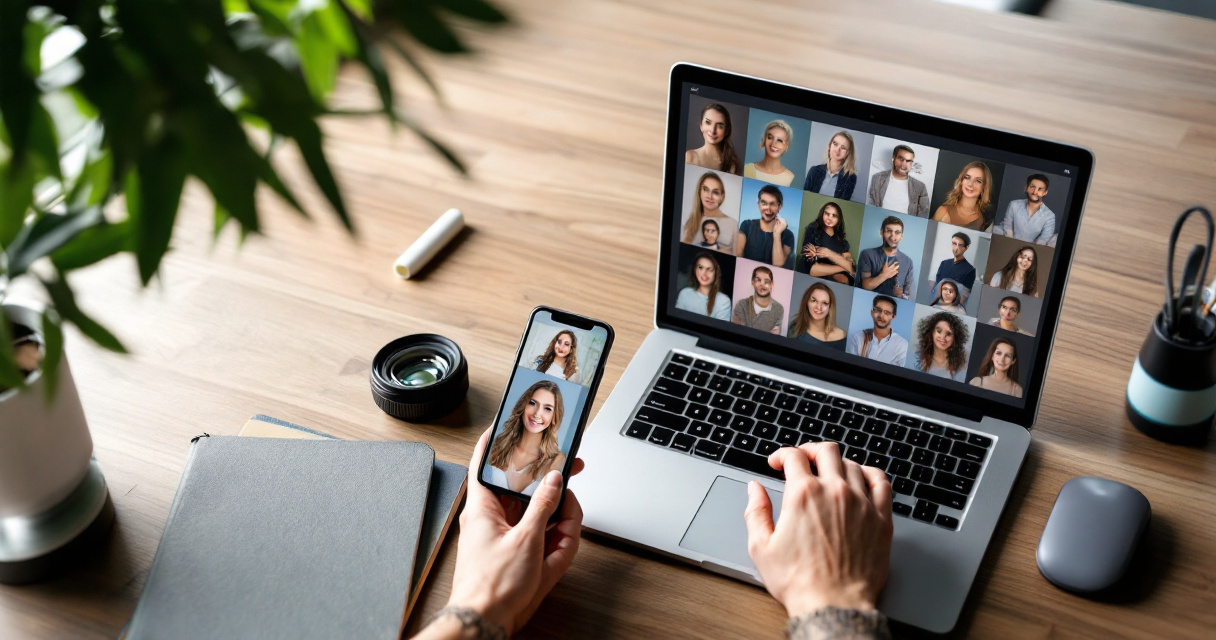
Feature Comparison Table
AI Headshot Mobile vs Desktop Comparison
| Feature | Mobile AI Headshot Apps | Desktop AI Headshot Platforms |
|---|---|---|
| Setup speed | Very fast | Moderate |
| Image upload | Camera roll or selfie capture | File uploads from device |
| Editing precision | Limited | High control |
| Batch processing | Often restricted | Usually available |
| Screen workspace | Small | Large editing view |
| Branding workflows | Minimal | Strong integration |
Mobile tools win on speed and accessibility. Desktop platforms win on control and professional workflows.
Best Use Cases for Each Platform
Choose a mobile AI headshot app if you:
- Need a quick LinkedIn or profile photo
- Prefer taking selfies directly inside the app
- Want the fastest possible workflow
Choose a desktop AI headshot platform if you:
- Need consistent branding images
- Plan to create marketing or portfolio assets
- Want high-resolution editing control
Professionals building content brands often combine headshots with assets such as a LinkedIn post AI generator for Shopify fitness brands or promotional visuals. Desktop tools usually make that process easier.
What to Expect From AI Headshot Tools in 2027
The gap between mobile and desktop AI tools is shrinking. Several trends suggest the experience will become more unified over the next year.
Three Technology Trends Changing AI Headshot Creation
- Cross-device AI processing
Many platforms now store models in the cloud, so you can start a project on mobile and finish editing on desktop.
- Real-time portrait generation
New GPU and mobile chip improvements allow near-instant portrait generation rather than multi-minute processing.
- Full personal brand generation
Headshots are increasingly just one part of the workflow. Users often create:
- profile photos
- presentation slides
- marketing graphics
- social media visuals
Why Integrated AI Creative Platforms Are Growing
Modern tools are evolving beyond simple headshot generators. Platforms such as The Looktara Lens combine portrait generation with marketing design tools so users can create a full visual identity in one place.
For example, someone launching a personal brand might generate a headshot, then design banners using a fitness Shopify landing page banner AI generator. Instead of switching between apps, everything stays within the same workflow.
The future of AI headshots is not just better portraits. It is faster creation of complete personal branding assets.
Conclusion
Mobile AI headshot apps and desktop platforms serve different priorities. Mobile tools focus on speed and simplicity, perfect for quick profile updates. Desktop platforms emphasize control, higher-resolution editing, and smoother integration with branding workflows.
For professionals building a consistent online presence, a hybrid approach works best. Generate your portraits quickly, then refine and integrate them into marketing visuals, social media graphics, and presentations.
Platforms like The Looktara Lens are pushing this direction by combining AI headshot creation with broader design tools. If you want more than just a profile photo and instead want a full personal brand toolkit, explore what the platform can generate and start building a polished online identity today.
Generated by EarlySEO.com