
A professional portrait in uniform carries instant authority. For service members, veterans, and even civilians exploring military-style imagery, a polished military headshot communicates discipline and professionalism. Today, artificial intelligence can generate these portraits in minutes without a studio session. Tools such as The Looktara Lens make it possible to transform a standard photo into a realistic military-style headshot that works for LinkedIn profiles, resumes, presentations, or creative projects. This guide explains how AI military uniform headshots work, when to use them, and how to create one that looks authentic and professional in 2026.
What an AI Military Uniform Headshot Actually Is
An AI military uniform headshot is a portrait created or enhanced using artificial intelligence that shows a person wearing a military-style uniform. Instead of organizing a professional photoshoot, the user uploads a standard image and the AI generates a new portrait with uniform elements, lighting adjustments, and professional composition.
A military uniform is defined as standardized clothing worn by members of armed forces or paramilitary organizations. These uniforms help identify rank, branch, and service role while reinforcing discipline and unity. According to Wikipedia's overview of military uniforms, uniforms are designed for both identification and practicality in military environments.
Modern AI tools replicate that structured appearance digitally. They analyze facial structure, lighting, and pose, then generate a portrait where the subject appears to be wearing a dress uniform, service uniform, or ceremonial attire.
AI portrait generation works by interpreting visual data from images and text prompts, then generating new visual outputs using large multimodal models.
Research such as "Gemini 1.5: Unlocking multimodal understanding across millions of tokens of context" (2024) describes how advanced AI systems process large visual and textual datasets to interpret and generate images across many contexts, including realistic portrait creation. You can read the paper here: https://arxiv.org/pdf/2403.05530
This technology is why AI-generated headshots now look surprisingly realistic.
Typical Elements Included in an AI Military Portrait
- Dress or service uniform jackets
- Rank insignia and shoulder patches
- Formal portrait lighting
- Neutral studio-style backgrounds
- Upright posture and professional framing
Many generators also allow custom prompts so users can choose uniform style, background environment, or facial expression.
Who Uses AI Military Headshots in 2026
Demand for military-style AI portraits is growing across several groups. While service members remain the primary users, many others use them for branding, storytelling, or creative design.
Common Use Cases for AI Military Uniform Headshots
| User Type | Why They Use It | Typical Platforms |
|---|---|---|
| Active service members | Professional profile photos | LinkedIn, military bios |
| Veterans | Resume and networking images | Job platforms |
| Entrepreneurs | Personal branding content | Websites and social media |
| Content creators | Visual storytelling | YouTube, TikTok |
| Designers | Mockups or marketing visuals | Ads and campaigns |
Veterans and job seekers often want a professional image that reflects their service background. AI tools allow them to generate polished portraits quickly.
Creators and marketers also use these images when producing themed content. For example, someone designing a campaign graphic might combine a generated headshot with visuals created using tools like a Shopify landing page banner AI generator to build cohesive branding assets.
The main advantage is speed. A portrait that once required studio photography can now be generated in minutes.
How AI Generates Realistic Military Uniform Portraits
Modern headshot generators rely on deep learning image models trained on large visual datasets. These systems learn patterns in facial features, clothing styles, and lighting setups.
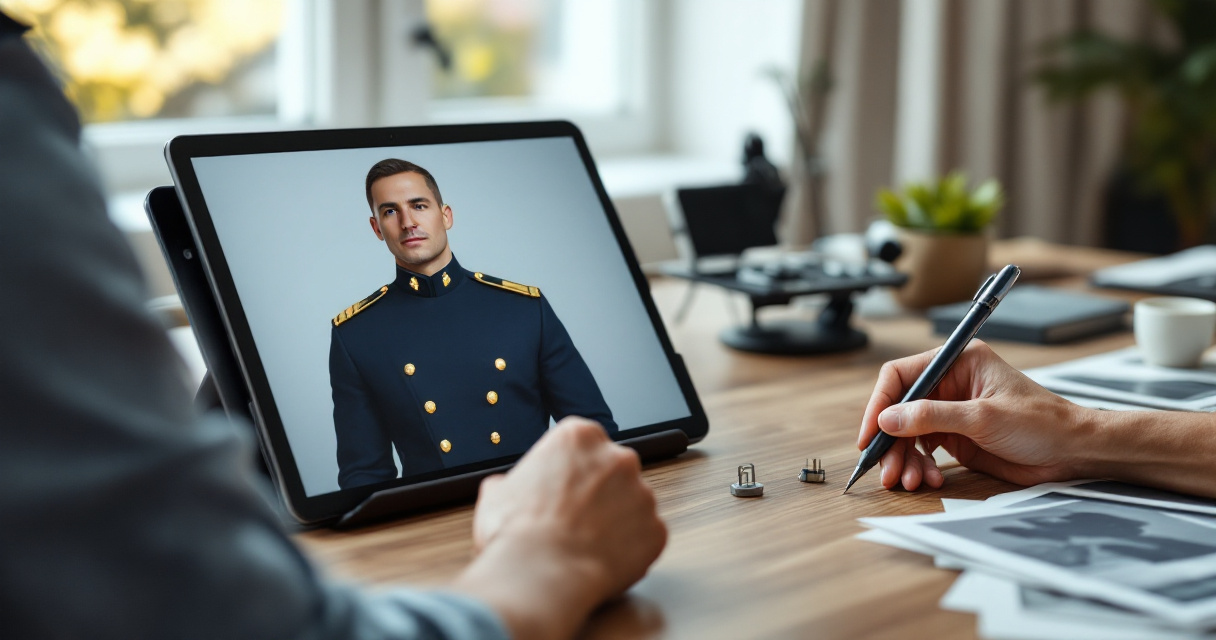
Research on digital content creation workflows, including "The Data‑Production Dispositif" (2022) published in Proceedings of the ACM on Human‑Computer Interaction, explores how data pipelines and annotation systems influence how AI tools produce media outputs. The study explains how training data shapes the results generated by AI systems. Source: https://dl.acm.org/doi/pdf/10.1145/3555561
Step-by-Step: How AI Creates a Military Headshot
- Image upload, The user uploads a clear selfie or portrait.
- Facial analysis, AI detects facial landmarks, skin tone, and angles.
- Prompt interpretation, The system processes style prompts such as "formal military uniform portrait."
- Image synthesis, AI generates a new image blending the original face with uniform elements.
- Post-processing, Lighting, texture, and background are refined.
Many platforms now produce multiple variations so users can choose the most realistic option.
Designers sometimes combine these headshots with other AI visuals. For instance, branding teams may generate profile images and then design social media graphics using a LinkedIn post AI generator for consistent professional branding.
How to Create a Professional AI Military Headshot
Generating a convincing portrait requires more than uploading a random selfie. Lighting, pose, and image quality strongly influence the final result.
Step-by-Step Process Using Modern AI Tools
- Choose a high‑resolution photo with good lighting.
- Face the camera directly with a neutral expression.
- Select a generator that supports uniform styles.
- Enter a clear prompt describing the portrait style.
- Generate several versions and pick the most realistic.
Platforms such as The Looktara Lens are designed for professional portrait generation and creative visuals. Many users start with a base headshot and then create supporting graphics using tools like the AI resume headshot generator when preparing job applications or professional profiles.
H3: Example Prompt Styles for Military Portraits
- "Formal U.S. military dress uniform portrait, studio lighting"
- "Professional officer portrait, neutral background"
- "Ceremonial military uniform headshot, sharp lighting"
- "Military academy graduation portrait"
Clear prompts improve realism because the AI receives stronger visual guidance.
Common Mistakes That Make AI Military Portraits Look Fake
AI images can look impressive, but mistakes quickly reveal when a portrait is generated rather than photographed. Avoiding these errors improves realism.
Signs an AI Uniform Portrait Needs Improvement
- Incorrect or distorted insignia
- Unnatural shoulder alignment
- Lighting that does not match the background
- Overly smooth skin textures
- Misplaced medals or rank patches
How to Improve Realism
- Use natural lighting in the original photo
- Choose simple backgrounds
- Generate multiple variations
- Avoid extreme facial angles
Creators building content around these portraits often combine them with supporting visuals. For example, a creator might generate thumbnails or promotional images with a YouTube thumbnail AI generator to maintain consistent branding.
When You Should Not Use AI Military Uniform Images
Despite the convenience, there are situations where AI military portraits should not replace authentic photography.
Situations Where Real Photos Are Better
- Official military documentation
- Government ID or verification
- Service records
- Formal award ceremonies
Using generated images in official contexts could cause confusion or misrepresentation.
AI headshots work best for personal branding, creative content, and concept visuals, not official documentation.
Ethical considerations are also important. Users should avoid presenting generated portraits as real service credentials if they did not actually serve.
What to Expect from AI Portrait Technology by 2027
AI image generation continues to evolve quickly. Portrait tools released in the past two years already produce far more realistic outputs than earlier versions.
Trends Likely to Shape AI Headshots
- Higher facial accuracy and texture realism
- Better understanding of uniform details
- Custom rank and insignia generation
- Real‑time portrait generation from phone cameras
Multimodal AI systems are improving at interpreting complex prompts and visual references, as discussed in recent multimodal AI research such as the Gemini 1.5 study mentioned earlier.
Tools like The Looktara Lens platform are part of this trend. They integrate headshot generation with marketing visuals, presentation assets, and social content creation so users can build an entire brand identity from a single image.
For example, creators can generate a portrait and then produce slides for presentations using an AI pitch deck slide generator without leaving the platform.
Conclusion
Professional military-style portraits once required formal studio photography, uniform access, and careful lighting. AI tools now make it possible to generate convincing versions in minutes. Whether you are updating a LinkedIn profile, building a personal brand, or creating themed content, an AI military headshot can deliver a polished and professional look.
If you want to try the process yourself, start with a clear portrait and generate variations using The Looktara Lens. From there, you can expand your visuals into social graphics, thumbnails, and presentation materials using the platform's AI creative tools. A strong digital presence often starts with a single professional image, and AI now makes that easier than ever.
Generated by EarlySEO.com