
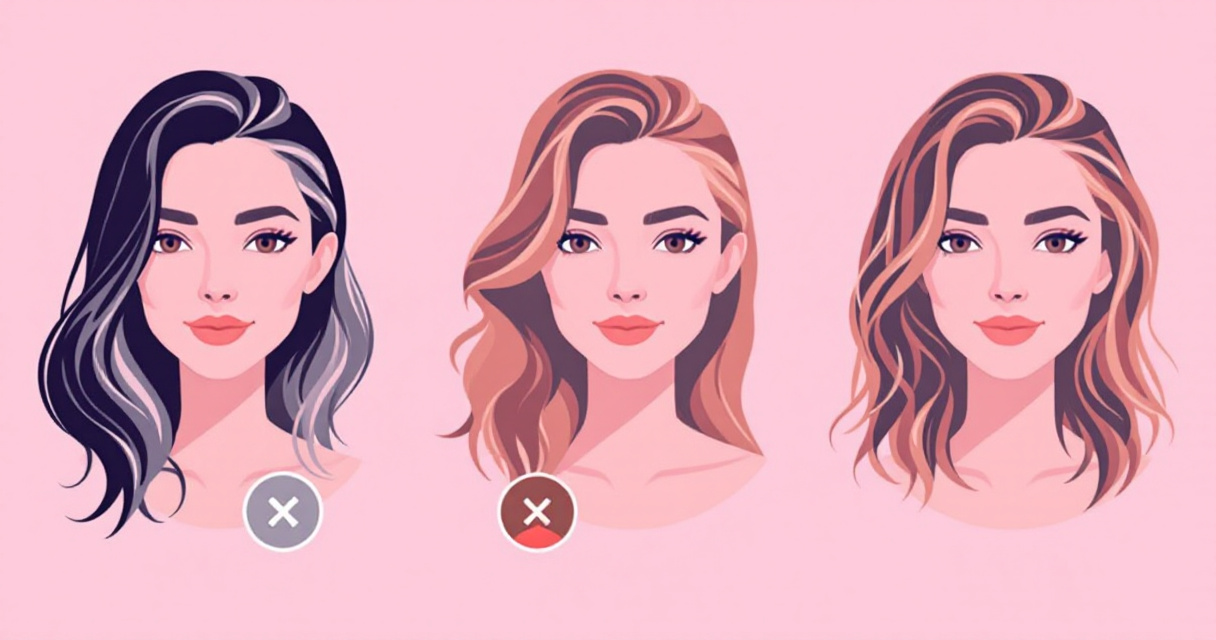
A recruiter often forms a first impression in under seven seconds, and your headshot plays a big role in that judgment. A headshot, defined as a portrait photograph focused primarily on a person's face, is widely used on professional profiles, social media, and dating platforms according to Wikipedia. In 2026, artificial intelligence tools can modify elements of these photos with surprising realism, including hair color. Instead of scheduling another photoshoot, professionals can adjust hair color digitally while keeping lighting and facial features intact.
Modern editing platforms such as The Looktara Lens make this process accessible to job seekers, entrepreneurs, and creators who want a polished image without expensive studio sessions. AI hair color editing now accounts for lighting, texture, and melanin-based pigmentation variations, making results far more believable than traditional photo filters. The sections below explain how the technology works, how to use it effectively, and what professionals should know before updating their headshot.
Why Hair Color Matters in Professional Headshots
Small visual changes can affect how a profile photo is perceived. Hair color influences contrast, skin tone balance, and overall visual authority in a headshot.
Human hair color comes from two types of melanin, eumelanin and pheomelanin, which determine how dark or warm the hair appears. According to Wikipedia, higher melanin concentrations create darker shades while lower levels lead to blond or lighter tones. AI editing tools simulate these variations digitally rather than applying a flat overlay.
Professionals often adjust hair color in headshots for several reasons:
Common Professional Reasons for Changing Hair Color
- Match your current appearance if the original photo is outdated
- Align your headshot with brand aesthetics or company culture
- Increase contrast for better visibility on small profile images
- Test new looks before committing to a real salon change
- Maintain consistency across multiple online platforms
A 2025 study in Scientific Reports by Nouar AlDahoul and colleagues found that visual characteristics in AI-generated portraits can subtly influence perception of identity and professionalism. That insight explains why professionals increasingly fine tune small details such as hairstyle and color in profile photos.
Where Professional Headshots Are Used Today
A single headshot often appears across multiple platforms, each with different visual requirements:
- LinkedIn and corporate profiles
- Personal websites and portfolios
- Speaker bios and conference materials
- Startup team pages
- Resume documents and job applications
If you are creating a profile photo for hiring platforms, tools like the AI resume headshot generator can generate studio style portraits and then apply subtle hair color edits for a consistent professional look.
How AI Hair Color Technology Works in 2026
Modern AI hair editing tools rely on computer vision models trained on millions of portrait images. These models identify hair boundaries, lighting direction, and strand texture before applying color changes.
Researchers studying AI design workflows, including Tsidylo and Sendra Chele (2023), note that generative AI tools can analyze visual structures in seconds, allowing precise transformations that previously required manual retouching.
Instead of painting color over the entire region, modern tools simulate natural pigmentation changes.
Key Technologies Behind AI Hair Editing
- Hair segmentation models detect hair areas pixel by pixel
- Color transfer algorithms adapt new tones to lighting conditions
- Texture preservation networks maintain individual strands
- Shadow mapping ensures highlights remain realistic
These techniques produce results that blend with the original photograph rather than looking like a filter.
Comparison of Traditional Editing vs AI Hair Color Tools
AI vs Manual Editing for Headshot Hair Color
| Feature | Traditional Editing | AI Hair Color Tools |
|---|---|---|
| Hair detection | Manual masking | Automatic segmentation |
| Realism | Depends on editor skill | Consistent results with lighting awareness |
| Editing time | 10 to 40 minutes | Often under 10 seconds |
| Cost | Professional retouching fees | Often free or low cost |
| Scalability | Hard for large teams | Works for hundreds of images |
For companies managing team pages or entrepreneurs building personal brands, AI editing reduces the time needed to produce consistent images.
Step by Step: Changing Hair Color in a Professional Headshot
Most AI headshot tools follow a similar workflow. The process usually takes less than a minute once your photo is uploaded.
Typical Workflow Used by AI Headshot Platforms
- Upload a clear portrait photo with good lighting and a neutral background.
- AI detects hair automatically using segmentation models.
- Select a new hair color such as dark brown, ash blonde, auburn, or black.
- Preview realistic lighting adjustments generated by the AI.
- Export the edited headshot for LinkedIn, resumes, or social media.
Using The Looktara Lens makes this process simple because the platform already focuses on professional profile imagery rather than casual selfie editing.
Video Demonstration of AI Portrait Editing
Watch AI Retouching in Action
The video shows how AI software can detect hair, skin tone, and lighting automatically, then apply realistic adjustments within seconds.
Best Hair Colors for Professional Headshots
Some hair colors photograph better than others, especially in high contrast profile images. Lighting and camera exposure affect how shades appear on screen.
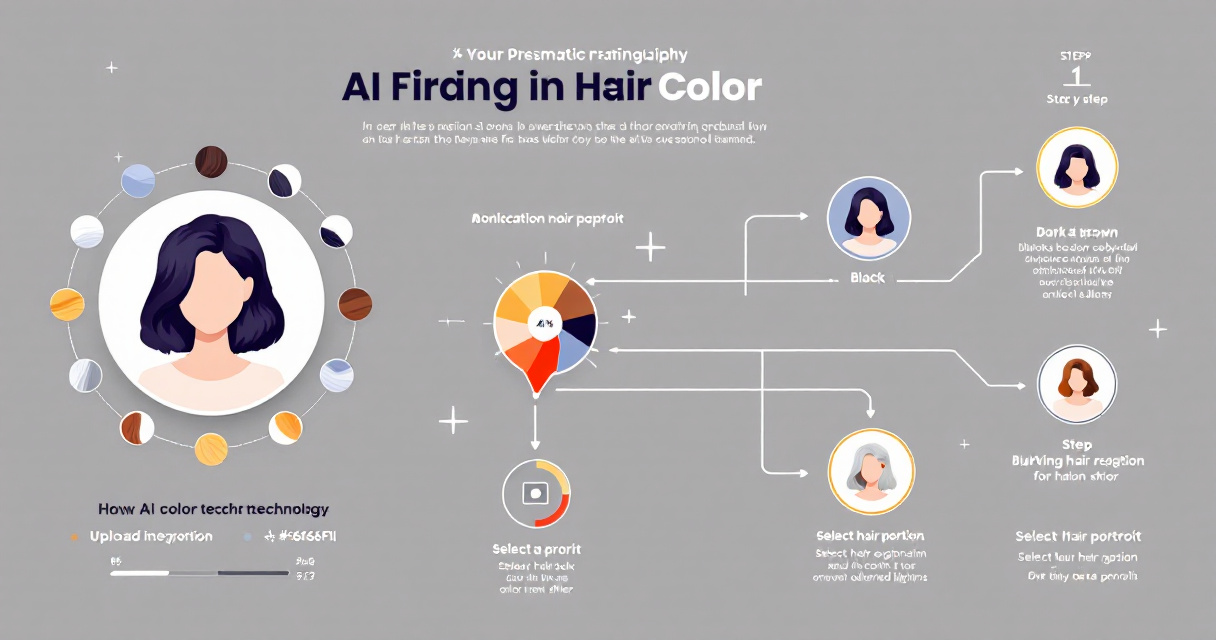
Professional Hair Color Options That Photograph Well
- Dark brown: balanced contrast for most skin tones
- Soft black: strong corporate look for executive profiles
- Ash blonde: modern appearance with cool lighting tones
- Chestnut brown: natural warmth without excessive brightness
- Subtle highlights: adds texture and dimension in studio lighting
Avoid extremely saturated colors in corporate headshots unless they align with your brand identity.
Hair Color and Background Pairing Guide
Choosing Hair Color Based on Background
| Background Color | Recommended Hair Colors | Reason |
|---|---|---|
| White or light gray | Dark brown, black | Creates contrast and definition |
| Dark background | Blonde, chestnut | Prevents blending with background |
| Office environment | Natural tones | Looks authentic and professional |
| Creative studio | Auburn or highlights | Adds personality without distraction |
Professionals updating their LinkedIn presence often pair these adjustments with optimized visuals such as AI generated LinkedIn post graphics to maintain consistent branding.
Ethical and Bias Concerns in AI Generated Portraits
While AI editing tools are powerful, researchers warn about unintended biases in generated imagery. Studies published in AI & Society in 2025 found that generative image systems can reinforce visual stereotypes depending on training data.
Hair color adjustments may seem minor, yet they interact with larger visual identity factors such as skin tone and cultural representation.
Potential Risks to Watch For
- Over smoothing or unrealistic texture changes
- Bias toward certain beauty standards
- Skin tone distortion when adjusting lighting
- Overly uniform corporate appearance
Researchers such as Yiran Yang (2025) caution that AI generated portraits may unintentionally reduce visual diversity if users rely heavily on preset styles.
Best Practices for Responsible Editing
- Keep edits subtle and realistic
- Avoid drastically altering your real appearance
- Use high quality original photos
- Review lighting and shadows before exporting
Authenticity remains important for professional credibility. AI tools should refine a headshot, not replace your identity.
Beyond Headshots: Using AI Visual Tools for Personal Branding
Once professionals start improving headshots, they often expand AI visuals into other parts of their online presence. Consistent branding across images increases recognition and trust.
Where AI Generated Visuals Are Commonly Used
- YouTube thumbnails for personal channels
- Website hero images for consulting or freelance sites
- Brand logos and startup visuals
- Social media marketing graphics
Creators frequently pair professional portraits with visuals generated using tools like a YouTube thumbnail AI generator for Shopify creators or a website hero image generator to keep their branding consistent.
Expanding Visual Identity With AI Branding Tools
Businesses building a personal brand often create supporting assets such as icons or logos. A tool like a logo AI generator for Shopify brands can produce visual elements that match your updated headshot color palette.
When your headshot, website graphics, and social media visuals share the same tone and lighting style, your profile appears more professional and recognizable.
What to Expect From AI Headshot Editing by 2027
AI portrait editing continues to evolve quickly. Image models released in 2025 and 2026 already produce near photorealistic adjustments with minimal user input.
Upcoming Improvements in AI Headshot Technology
- Real time hair recoloring during video calls
- Automatic lighting correction for selfies
- AI stylist suggestions based on facial structure
- Integrated brand color matching
Future tools may analyze your LinkedIn or portfolio page and recommend a headshot style that aligns with your professional industry.
How Platforms Are Expanding Their Features
Platforms such as The Looktara Lens are moving beyond single image editing. Many now combine headshot generation with branding visuals, social graphics, and marketing assets in one interface.
That shift reflects how professionals manage online identity today. Your headshot is no longer just a profile picture, it is part of a larger personal brand system.
Conclusion
A polished headshot can influence hiring decisions, networking opportunities, and personal branding success. AI tools now allow professionals to adjust details like hair color while preserving lighting, texture, and realism. Instead of booking a new photoshoot every time your style changes, you can update your photo digitally in minutes.
If you want a fast way to create or refine professional profile images, try The Looktara Lens. The platform combines AI headshot generation, editing tools, and branding visuals so your LinkedIn profile, website, and social media images stay consistent. Upload a portrait, experiment with subtle hair color changes, and download a polished headshot ready for your next career opportunity.