
TL;DR
Recruiters need headshots that signal trust, warmth, and professional judgment before the first outreach message is opened. The best AI-generated recruiter photos use natural lighting, calm backgrounds, industry-appropriate clothing, and consistent team standards across LinkedIn, email, and agency websites.
An AI headshot for recruiters and talent sourcers should make a hiring professional look approachable, credible, and easy to contact before any message is read. Candidates often meet recruiters through LinkedIn, email, applicant tracking systems, or a careers page, so the profile image becomes part of the first impression. AI headshot: a computer-generated or AI-enhanced professional portrait made from uploaded images, usually styled for business, social, or personal branding use. Platforms such as Looktara help recruiters create polished profile photos without booking a traditional studio session.
Table of Contents
What is an AI headshot for recruiters and talent sourcers?
An AI headshot for recruiters and talent sourcers is a professional portrait created with artificial intelligence for hiring-related profiles, especially LinkedIn, agency websites, email signatures, and sourcing tools. Its job is not glamour. Its job is to support trust, recognition, and a clear personal brand across candidate-facing channels.
LinkedIn: Wikipedia describes LinkedIn as an American business and employment-oriented social networking service used globally for professional networking and career development. That definition matters because recruiter headshots are not casual social images; they sit inside a professional networking context where credibility affects response quality.
Key insight: a recruiter headshot should feel human first and polished second. Overly edited portraits can reduce the sense of approachability that candidate-facing roles need.
Recruiter headshot requirements table
Recruiter portraits need a different brief from executive headshots, creator portraits, or dating app photos.
| Use case | Best visual signal | Risk if handled poorly |
|---|---|---|
| LinkedIn profile | Friendly, clear, current face | Low response confidence |
| Talent sourcing email | Recognizable identity across channels | Candidate confusion |
| Agency team page | Consistent team quality | Uneven brand perception |
| Conference speaker bio | Professional authority | Weak event credibility |
| Founder-led recruiting | Warm leadership presence | Image feels too corporate |
A good recruiter image should show the face clearly from the shoulders up, use balanced lighting, and match the tone of the market served. A healthcare recruiter, a fintech sourcer, and a creative staffing consultant may all need different styling, but each still needs clarity and trust.
Why do recruiter headshots affect candidate trust?
Recruiter headshots affect candidate trust because hiring outreach often begins with low context, short attention, and fast credibility checks. A clear, authentic-looking portrait can make a recruiter feel more reachable, while a poor or inconsistent photo can make even a relevant role feel less personal.
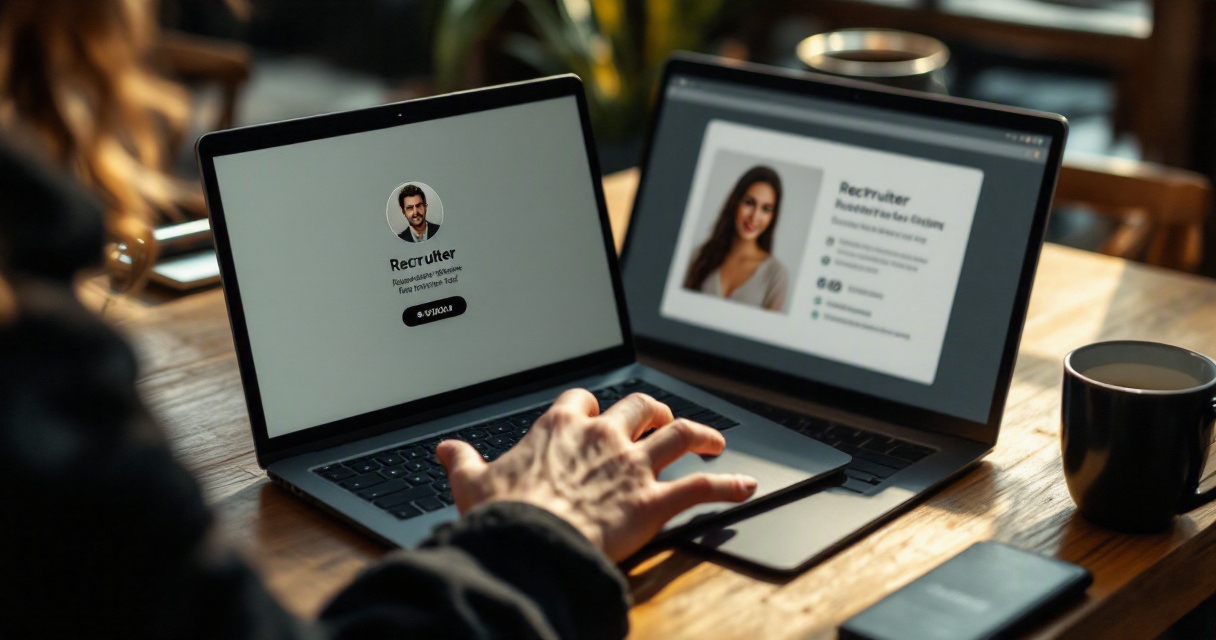
A 2024 SERP result analyzed in the research data reported that 76.5% of recruiters preferred AI headshots over real ones in that article's coverage. The same search snapshot showed 3,260,000 results, according to the provided DataForSEO SERP research, which signals strong competition around AI headshot content and recruiter branding.
Recruiters are often asking candidates to share time, salary expectations, career goals, and personal work history. The image beside that request should reduce friction.
- Trust: the face looks real, current, and consistent with the role.
- Warmth: the expression suggests a conversation, not a transaction.
- Competence: the lighting, framing, and clothing look intentional.
- Brand fit: the style matches the hiring sector and company tone.
- Recognition: the same image appears across LinkedIn, email, and team pages.
A recruiter with a strong portrait does not automatically earn candidate trust. Still, a weak image creates an avoidable obstacle before the message is judged on its substance.
Candidate-facing roles need human signals
Recruiting is a relationship-heavy function, even when automation supports sourcing, screening, and scheduling. A headshot gives candidates a quick human anchor before a conversation starts.
The best portraits avoid looking like stock photography. Natural skin texture, realistic eye contact, and a relaxed expression usually work better than dramatic studio lighting or a fashion-style pose.
Which headshot styles work best for recruiters and sourcers?
The best recruiter headshot style is bright, natural, current, and aligned with the role's hiring audience. Recruiters should usually choose a friendly professional look over a severe executive look, since the image must invite conversation from candidates, hiring managers, and clients.
Good and bad recruiter profile photo examples
| Photo choice | Strong example | Weak example |
|---|---|---|
| Expression | Small natural smile | Blank stare or exaggerated grin |
| Lighting | Soft daylight or clean studio light | Harsh shadows or blown-out highlights |
| Clothing | Solid blazer, knit, shirt, or smart casual top | Busy patterns or costume-like styling |
| Crop | Head and shoulders, face centered | Full-body image where face is tiny |
| Background | Office, soft neutral, muted color | Bedroom clutter, car selfie, party scene |
| Editing | Realistic skin and hair detail | Plastic skin, warped glasses, mismatched hands |
Recruiters should aim for a photo that says, approachable professional. Talent sourcers who work in technical, executive, healthcare, creative, or high-volume hiring can adapt wardrobe and background, but the face should remain the clear focus.
Backgrounds to avoid for recruiting profiles
Backgrounds can quietly change how a recruiter is perceived, especially on mobile screens where candidates see a small circular crop.
Avoid these settings:
- Cluttered home offices with visible personal items.
- Nightlife, wedding, vacation, or restaurant photos.
- Heavy AI-generated offices that look fake or oversized.
- Overly dark rooms that hide the face.
- Logos from past employers that create brand confusion.
- Busy city backgrounds that compete with the subject.
A plain gray, soft beige, light office blur, or subtle brand color usually works better. Strong backgrounds support the subject; they should not become the main thing noticed.
LinkedIn banner alignment for recruiters
A recruiter's headshot and LinkedIn banner should feel like one brand system, not two unrelated assets. The banner can carry context that the portrait should not carry alone.
Good banner elements include:
- A short recruiting specialty, such as SaaS sales hiring or healthcare leadership search.
- A company or agency color palette.
- A simple value message for candidates or hiring teams.
- Clean spacing around the profile photo crop.
- Minimal text that stays readable on mobile.
Key insight: the headshot earns recognition, while the banner explains positioning. Treating both as one visual pair makes a profile easier to understand.
How should recruiting teams create consistent AI headshots?
Recruiting teams should create consistent AI headshots by setting a shared visual brief before generating images. The brief should define wardrobe, background, lighting, crop, expression, and acceptable editing standards so every recruiter looks individual but still part of the same organization.
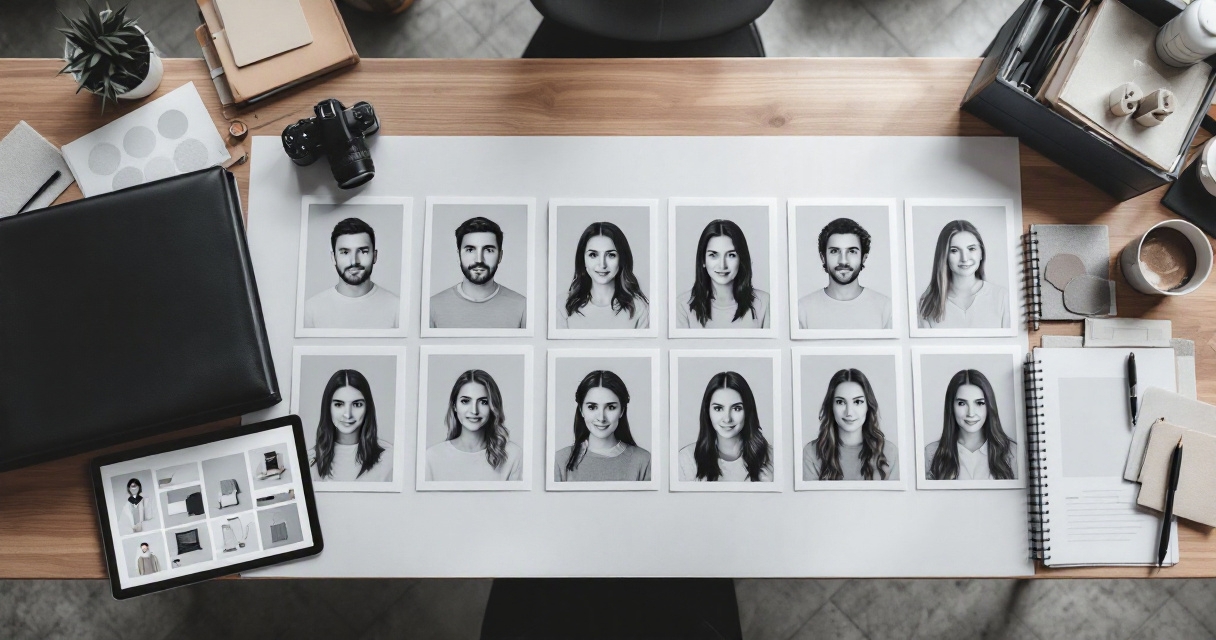
A practical Looktara workflow for recruiter headshots
A team workflow works best when standards come before image generation. The goal is a consistent candidate-facing presence across every recruiter, sourcer, coordinator, and recruiting leader.
Using the Looktara platform, a recruiting team can follow a simple process:
- Set the visual brief: define background, clothing tone, crop, and expression.
- Gather source photos: choose clear, recent images with different angles and lighting.
- Generate options: create several professional styles for each recruiter.
- Review for realism: check eyes, hair, glasses, jawline, clothing edges, and skin texture.
- Select channel versions: choose one primary LinkedIn image and one website or email version.
- Document standards: save the preferred crop, background, and banner pairing.
- Refresh on a schedule: update portraits when roles, branding, or appearance changes.
This process helps recruiting teams avoid random image choices while keeping each person recognizable.
Team standards that keep portraits credible
| Standard | Recommended choice | Why it matters |
|---|---|---|
| Crop | Shoulders up | Works in LinkedIn circles and email thumbnails |
| Expression | Warm and calm | Supports candidate outreach |
| Background | Neutral or brand-aligned | Keeps the team page consistent |
| Wardrobe | Smart casual to business professional | Fits most hiring conversations |
| Retouching | Light and realistic | Preserves trust |
| File naming | Name, role, year | Simplifies team asset management |
Consistency should not mean identical portraits. A recruiting agency team can share the same background family while allowing different clothing, hairstyles, and expressions. That balance feels more natural than a set of cloned corporate images.
FAQ about AI recruiter headshots
AI recruiter headshots work best when treated as professional identity assets, not quick profile decorations. The strongest results come from clear inputs, realistic styling, and regular review across LinkedIn, sourcing tools, email signatures, and company pages.
Can recruiters use AI headshots on LinkedIn?
Recruiters can use AI headshots on LinkedIn when the image accurately represents the person and looks professional. Since LinkedIn is a professional networking and career development platform, the portrait should support real-world recognition. A heavily altered or unrealistic image may create trust problems during video calls or interviews.
What should a talent sourcer wear in an AI headshot?
A talent sourcer should wear clothing that matches the hiring market. Solid colors, clean collars, simple knits, blazers, and smart casual tops usually work well. Highly reflective glasses, loud patterns, and trend-heavy outfits can distract from the face, especially when the image appears as a small profile thumbnail.
How often should recruiter headshots be updated?
Recruiter headshots should be updated when appearance, role, employer brand, or target market changes. Many teams benefit from a yearly review, especially after a rebrand, website update, or hiring campaign. A current portrait helps candidates connect the profile image with the person who appears on calls.
Are AI headshots better than studio photos for recruiters?
AI headshots are often faster and more flexible than studio photos, while studio sessions can offer full human direction and exact lighting control. For recruiting teams, AI portraits are useful when many people need consistent profile images across locations. The best choice depends on budget, timing, brand standards, and realism requirements.
Conclusion
A strong AI headshot for recruiters and talent sourcers should make a hiring professional look credible, approachable, and consistent across every candidate touchpoint. The smartest next step is to create a short visual brief, choose a realistic headshot style, align the LinkedIn banner, and standardize team portraits before the next sourcing push.
Recruiting teams ready to refresh profiles can compare current headshots against the tables above, remove distracting backgrounds, and generate polished options with Looktara. For a fast brand refresh, visit looktara.com and start with the recruiters who send the most candidate outreach.
Generated by EarlySEO.com