
TL;DR
Data scientists need profile photos that signal technical credibility, communication skill, and approachability. A good AI headshot should look current, realistic, and channel-specific for LinkedIn, portfolio sites, conference bios, and job applications.
A strong technical profile photo now does more than fill a square avatar slot; it shapes trust before a recruiter, founder, hiring manager, or conference organizer reads a single project summary. An AI headshot for data scientists works best when it presents the person as analytical, clear, and easy to collaborate with, not as a generic corporate stock image. AI headshot: a computer-generated or AI-enhanced professional portrait created from uploaded photos and styled for business, social, or personal profiles. For data professionals building a public brand, Looktara can fit into a broader profile update that also includes technical posts, project visuals, and consistent personal branding across looktara.com and other channels.
Table of Contents
What makes an AI headshot work for data scientists?
An AI headshot works for data scientists when it balances credibility, approachability, and technical context without making the person look overly formal. Data science, described in reference sources as an interdisciplinary field involving statistics, scientific computing, algorithms, coding, visualization, and systems, needs a visual style that fits both research rigor and business communication.
A data scientist's headshot should not look like a courtroom portrait or a fashion campaign. The strongest version feels clean, calm, and current: neutral background, natural expression, sharp lighting, and clothing that would not distract from a model demo, stakeholder meeting, or conference talk.
Key insight: The best professional portrait for a technical role says, "credible enough for leadership, approachable enough for collaboration."
A modern AI profile image should also respect the reality of remote work. Distributed teams often meet first through LinkedIn, Slack, GitHub, portfolio sites, and Zoom bios, so the image needs to remain recognizable at small sizes. A polished headshot can pair well with a thoughtful technical content plan, such as sharing project takeaways through a LinkedIn post generator for professional updates.
The credibility signals that matter most
- Natural face accuracy: facial structure, age, hair, skin tone, and expression should match real life.
- Clean composition: head and shoulders should be centered, with no busy objects behind the subject.
- Role-fit styling: smart casual clothing often works better than a full suit for technical profiles.
- Cross-platform consistency: LinkedIn, portfolio pages, speaker bios, and job applications should feel connected.
- Human warmth: a slight smile usually communicates collaboration better than a blank expression.
Where should data scientists use AI-generated headshots?
Data scientists should use AI-generated headshots across LinkedIn, portfolio sites, conference bios, job applications, and selected social profiles when the image is realistic and professionally consistent. Each channel has a different trust signal, so one portrait style rarely fits every placement.
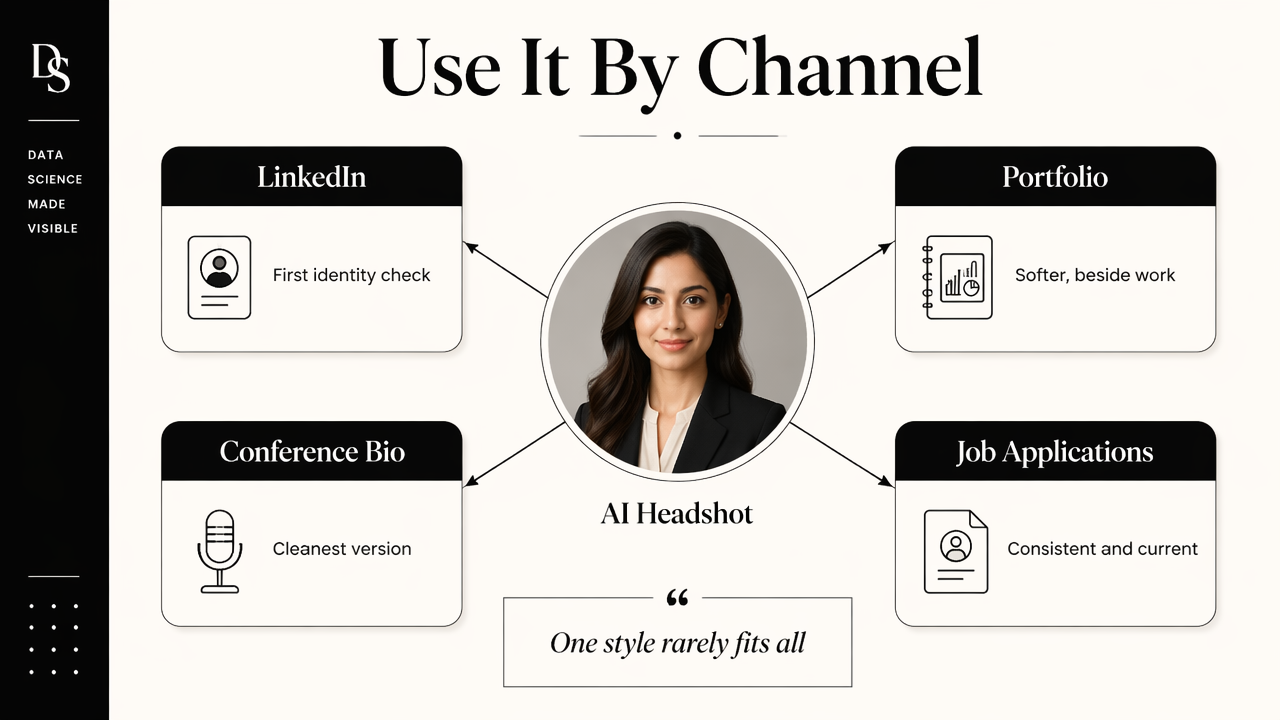
LinkedIn needs clarity and confidence because it often serves as the first identity check. A portfolio site can be a bit more relaxed because it sits beside case studies, notebooks, dashboards, or product demos. Conference bios usually need the cleanest version because organizers use the image in programs, landing pages, and promotional graphics.
For creators and freelancers, the headshot also supports audience memory. Technical educators, indie consultants, and analytics contractors often use one recognizable image across posts, thumbnails, pitch decks, and newsletters. A related visual system can include branded profile assets, such as an AI profile picture generator for social presence, when the goal is broader creator consistency.
Best headshot style by professional channel
| Channel | Best visual style | Why it works |
|---|---|---|
| Clean background, smart casual clothing, direct eye contact | Signals credibility to recruiters, peers, and hiring managers | |
| Portfolio site | Slightly warmer expression, modern workspace or neutral backdrop | Makes technical projects feel tied to a real person |
| Conference bio | High-resolution crop, simple clothing, minimal background | Works in event programs, speaker pages, and promo graphics |
| Job application | Conservative but not stiff, realistic lighting, clear face | Helps maintain professionalism without distracting from credentials |
| Founder or consultant page | Confident expression, brand-aligned colors, polished styling | Supports trust for sales calls, partnerships, and advisory work |
Recommended image set for one profile refresh
A practical refresh usually includes more than one output. Data professionals benefit from a small set of channel-specific portraits instead of forcing one image into every context.
- Primary LinkedIn headshot: neutral, sharp, and recruiter-friendly.
- Portfolio portrait: warmer and slightly more creative.
- Speaker bio image: clean crop with high resolution.
- Application version: simple, conservative, and realistic.
- Creator version: still professional, but suitable for newsletters and social posts.
How should a data scientist prepare photos for an AI headshot?
A data scientist should prepare varied, recent, well-lit source photos that show the face clearly from different angles. Strong inputs help the AI preserve identity, avoid awkward styling, and create headshots that look usable for professional settings.
Source photos should represent normal appearance. Large differences in hair, facial hair, glasses, or weight can confuse identity matching. The safest set includes recent selfies or casual portraits taken in daylight, with no heavy filters, sunglasses, group cropping, or extreme expressions.
Research on AI systems also supports careful review. Ángel Alexander Cabrera, Abraham J. Druck, and Jason Hong studied how crowdsourced reports can help discover AI errors in Discovering and Validating AI Errors With Crowdsourced Failure Reports. For headshots, that means outputs should be checked by the subject and, when possible, one trusted colleague before public use.
Key insight: AI can create polished portraits, but identity accuracy still needs human review before a headshot appears on a professional profile.
Input checklist before generating portraits
- Use recent photos, ideally from the last year.
- Include several angles: straight-on, slight left, slight right.
- Keep lighting even, with the face fully visible.
- Avoid hats, sunglasses, heavy filters, and crowded group crops.
- Include common real-life details, such as glasses or facial hair, if normally worn.
- Choose source images with natural expressions, not exaggerated smiles or dramatic poses.
Review checklist before publishing
The final review should be strict but simple. The image must look like the real person, not an idealized avatar.
- Check face shape, eyes, teeth, skin texture, and hairline.
- Inspect hands, collars, earrings, glasses, and background edges.
- Compare the result against the current LinkedIn or resume identity.
- Test the crop at small avatar size.
- Reject images that feel too glossy, too young, or too different from real life.
For technical professionals who share charts or explain models online, profile consistency can extend into supporting graphics, including a clean infographic generator for social education.
How Looktara handles professional headshots for technical profiles
Looktara handles professional headshots for technical profiles by focusing on practical brand use, not just a single polished portrait. The Looktara platform is most useful when a data scientist needs profile imagery that can sit beside analytics posts, portfolio visuals, pitch materials, and social content without clashing.
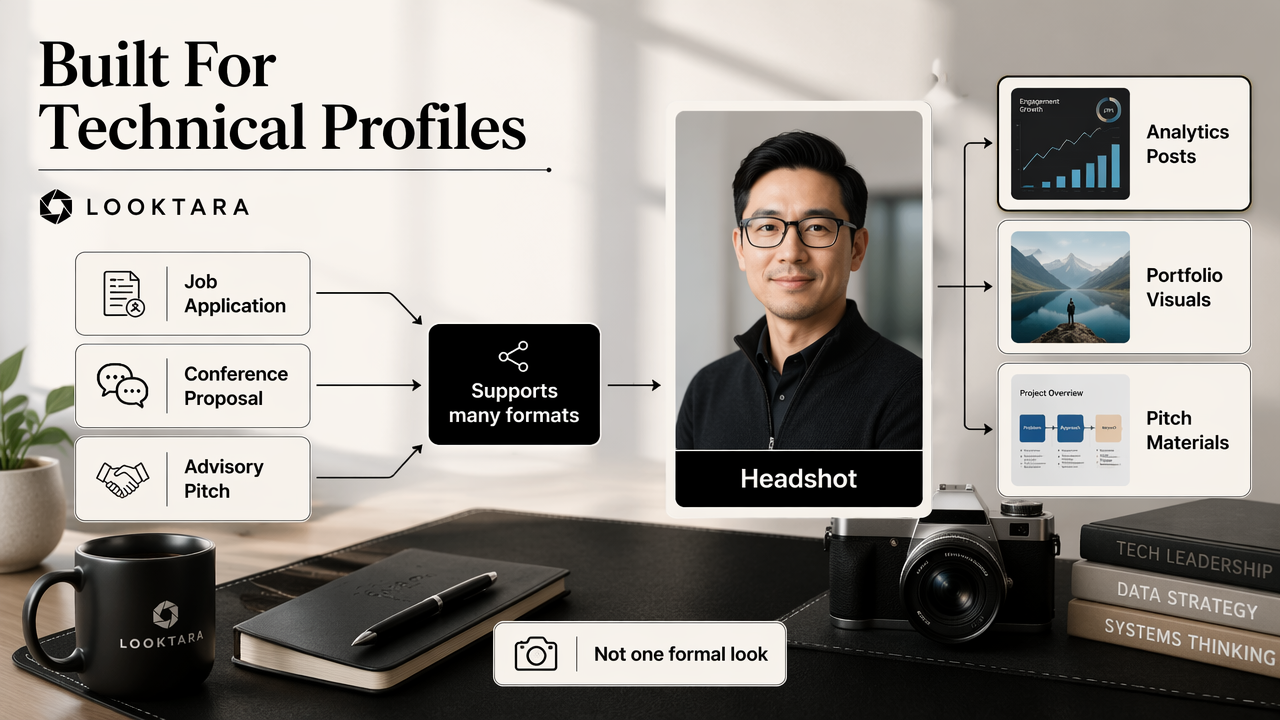
Technical careers often cross formats. One week may involve a job application, the next may involve a conference proposal, product analytics case study, or advisory pitch. A headshot should support that movement. It should not lock the person into a single overly formal identity.
Milagros Miceli and Julian Posada examined the human and organizational systems behind data production in The Data-Production Dispositif. That broader point matters for professional images too: AI outputs are not magic objects. They are part of a workflow that includes source data, user selection, review, and final context.
Headshot needs by data career stage
| Career situation | Recommended look | Best supporting asset |
|---|---|---|
| Entry-level applicant | Friendly, clean, not over-styled | Resume, GitHub, LinkedIn profile |
| Senior data scientist | Confident, calm, leadership-ready | Case studies and stakeholder-facing summaries |
| ML engineer | Direct, modern, technically credible | Portfolio, model demos, product writeups |
| Consultant or freelancer | Warm, trustworthy, brand-aligned | Sales page, proposal deck, client intro |
| Speaker or educator | Clear, memorable, high-resolution | Event bio, course page, social graphics |
A consultant or founder may also need presentation visuals, where a portrait connects to credibility in a deck. For that use case, a pitch deck slide generator for business storytelling can support a more complete brand package.
Where Looktara fits in the workflow
With Looktara, the best workflow starts with a clear goal: LinkedIn refresh, portfolio launch, speaker submission, or job search. The selected portrait style should match that goal first, then extend into other channels only when the image still feels natural.
For creator-style technical professionals, looktara.com can also support visual consistency beyond the headshot. Short-form updates, event announcements, and profile graphics tend to perform better when the portrait, colors, and messaging feel like one system rather than unrelated assets.
What should data scientists expect from AI headshots in 2026 and beyond?
Data scientists should expect AI headshots in 2026 and beyond to become more realistic, more customizable, and more closely tied to professional brand systems. The likely shift is away from one-off portraits and toward identity kits for LinkedIn, portfolios, talks, applications, and creator platforms.
AI portrait tools will likely keep improving at lighting, skin texture, clothing realism, and background control. Still, careful review will remain necessary. Hannah Zeavin's The Distance Cure examined mediated connection across distance, a useful lens for remote professional identity: digital presence can build trust, but only when it feels human and believable.
The next advantage will not be the glossiest image. It will be the most believable profile system. A data scientist who looks consistent across LinkedIn, a portfolio, conference pages, and educational posts will seem easier to recognize and remember.
2026 style guidance for technical professionals
- Choose smart casual over stiff formalwear unless the role is executive-heavy or client-facing.
- Use neutral or softly technical backgrounds rather than server rooms, fake labs, or dramatic city skylines.
- Keep the expression relaxed because collaboration matters in analytics and machine learning roles.
- Match the crop to the channel instead of stretching one file everywhere.
- Retain realistic imperfections because overly smooth skin or symmetrical features can look synthetic.
A polished public identity can also include announcement and event visuals, such as an Instagram story generator for profile updates.
Frequently asked questions
Is an AI headshot acceptable for a data science job application?
An AI headshot is acceptable for a data science job application when it looks realistic, current, and consistent with the applicant's real appearance. The image should not exaggerate age, facial features, clothing, or professional status. A conservative crop with natural lighting is safest for resumes, LinkedIn, and applicant tracking workflows.
Should a data scientist wear a suit in an AI headshot?
A suit is not required for most data science roles. Smart casual clothing, such as a plain shirt, blouse, knit top, or blazer without heavy formality, often fits better. The goal is to look credible in technical meetings, stakeholder reviews, and interviews without appearing disconnected from modern tech culture.
How many AI headshots should be generated before choosing one?
Several options should be generated and reviewed because small details can decide whether a portrait feels natural. The final choice should be based on identity accuracy, facial realism, channel fit, and recognizability at avatar size. A trusted colleague can help spot images that look polished but not authentic.
Can the same headshot work for LinkedIn and a conference bio?
The same headshot can work for both LinkedIn and a conference bio if the file is high-resolution, cleanly cropped, and visually neutral. Conference pages often need more space around the face for design layouts, while LinkedIn needs a tighter crop. Keeping both versions from the same image set usually works well.
Conclusion
An AI headshot for data scientists should make technical credibility easier to see, not bury it under fake polish. The best next step is simple: gather recent source photos, choose one primary use case, generate several realistic options, then publish only the image that still feels accurate at small size. For a broader profile refresh, pair the final portrait with consistent post graphics, portfolio visuals, and speaker assets; Looktara can help create that connected professional presence. Visit looktara.com when a credible, modern profile update is ready to move from idea to action.
Generated by EarlySEO.com