
A single profile photo often decides whether someone clicks your LinkedIn profile or scrolls past it. In tech fields where recruiters scan hundreds of profiles, that image acts like a visual handshake. AI headshot engineering has emerged as a fast way to create polished, studio style portraits without booking a photographer.
Modern tools now analyze lighting, composition, and facial features to generate realistic portraits from ordinary selfies. Platforms like The Looktara Lens make this process simple for developers, engineers, founders, and remote workers who want a consistent professional image across LinkedIn, resumes, and company websites. The result is not just a headshot but a carefully engineered professional style that signals credibility in the tech industry.
What AI Headshot Engineering Actually Means in 2026
AI headshot engineering refers to the process of generating or improving professional portraits using machine learning models trained on large image datasets. Instead of traditional photography steps like studio lighting or camera lenses, AI models simulate these effects digitally.
Modern systems rely on multimodal AI models that understand images and text together. Research such as Gemini 1.5: Unlocking multimodal understanding across millions of tokens of context shows how advanced models analyze visual context across extremely large inputs, which helps them interpret details like facial symmetry, lighting direction, and clothing style when generating images (Gemini Robotics Team, 2024).
For tech professionals, that means you can upload several casual photos and generate dozens of polished portraits designed for career platforms.
Key Elements AI Models Optimize in Professional Headshots
AI tools automatically adjust the visual signals recruiters subconsciously notice. These signals influence perceived professionalism and approachability.
- Lighting balance that mimics studio setups
- Background neutrality such as office or subtle gradient backdrops
- Facial clarity and symmetry adjustments
- Professional wardrobe styling like blazers or minimal tech casual
- Color tone correction to match corporate visual standards
A research survey on computational aesthetic evaluation explains how algorithms analyze image composition, color harmony, and facial features to determine visual quality (Zhang, Miao, Yu, 2021). Many AI headshot generators apply similar aesthetic scoring to select the most professional looking outputs.
The Engineering Style Tech Professionals Prefer
Not every professional headshot style works in the tech world. Engineering teams and startup environments tend to favor a clean, modern look rather than a corporate executive portrait.
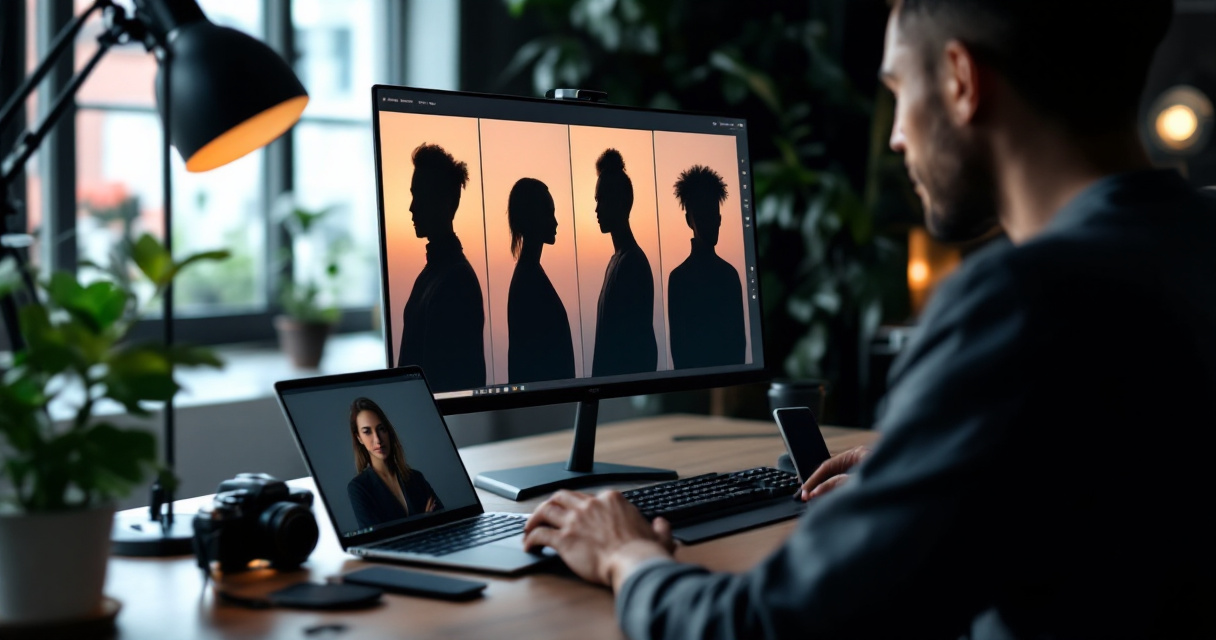
The goal is credibility without looking overly staged. AI tools help balance that subtle line.
Common Visual Styles for Developers, Engineers, and Founders
Different tech roles often gravitate toward slightly different visual styles.
Popular AI Headshot Styles in Tech
| Style | Typical Use | Visual Traits |
|---|---|---|
| Minimal corporate | Software engineers, consultants | Neutral background, blazer or smart casual |
| Startup casual | Founders, product managers | Relaxed clothing, natural lighting |
| Technical authority | CTOs, architects | Darker tones, confident posture |
| Creative tech | Designers, AI researchers | Soft lighting, modern color accents |
A strong tech headshot communicates competence first and personality second.
A good AI headshot should also match the rest of your brand assets. For example, founders preparing presentations often combine their portrait with assets created using tools like a pitch deck slide AI generator so every visual element follows a consistent style.
Clothing and Background Choices That Work Best
AI systems allow you to test different wardrobe and background styles without reshooting photos.
Strong combinations include:
- Neutral backgrounds such as gray, soft blue, or blurred office spaces
- Dark jackets with light shirts for contrast
- Soft natural lighting that reduces facial shadows
- Slightly angled body posture rather than straight-on poses
Using a generator like the AI resume headshot generator makes it easier to experiment with multiple looks before choosing one for LinkedIn or resumes.
Why AI Headshots Work for LinkedIn and Remote Tech Careers
Tech hiring is global in 2026. Remote work means recruiters often meet candidates online long before any interview happens. A strong headshot builds trust quickly.
AI generated headshots help because they remove many common issues found in casual selfies.
Problems With Typical Selfies on Professional Profiles
Many professionals still use cropped photos from vacations or social media posts. These images usually contain problems that reduce credibility.
Common issues include:
- Distracting backgrounds
- Poor lighting or shadows
- Inconsistent color balance
- Camera angles that distort facial proportions
Research titled Testing human ability to detect deepfake images of human faces explored how people perceive synthetic facial images (Bray, Johnson, Kleinberg, 2023). The study examined how well humans distinguish real and generated faces, showing how realistic modern image synthesis has become.
For professionals, the takeaway is simple. High quality AI generated portraits can appear just as natural as traditional photos when designed correctly.
Benefits for Remote Workers and Freelancers
Freelancers and remote engineers often appear across multiple platforms, from LinkedIn to GitHub and startup websites. Consistent visuals help build recognition.
Key advantages include:
- Speed. AI headshots generate dozens of options in minutes.
- Consistency across platforms.
- Lower cost than studio sessions.
- Easy updates when your brand evolves.
Professionals often pair their headshot with other branded visuals such as LinkedIn graphics created with a LinkedIn post AI generator to keep their online presence visually cohesive.
How to Engineer the Perfect AI Headshot Step by Step
Creating a strong AI generated portrait is not just uploading random selfies. A structured approach produces better results.
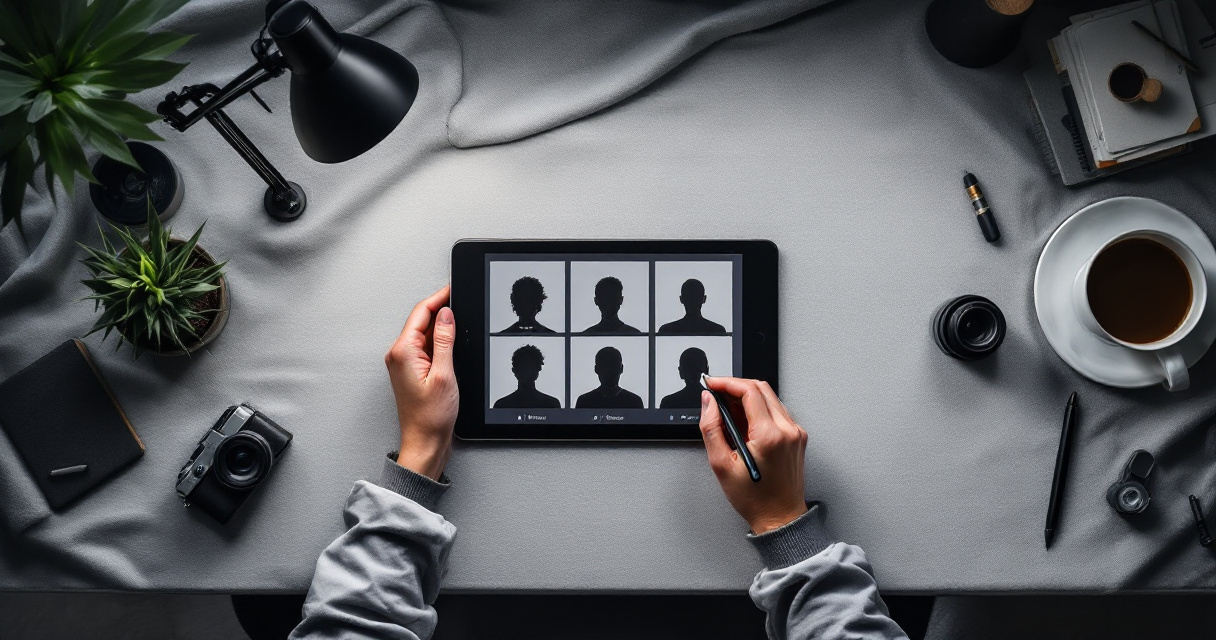
Step 1–3: Prepare Photos That Train the AI Correctly
Most AI headshot tools generate better results when trained on varied images of your face.
- Upload 10 to 20 clear photos from different angles.
- Avoid heavy filters or sunglasses that hide facial details.
- Include neutral expressions and slight smiles.
Platforms like The Looktara Lens analyze these photos and generate multiple professional variations suited for LinkedIn, resumes, and portfolio sites.
Step 4–6: Refine Style, Lighting, and Composition
After initial generation, fine tuning produces the final professional result.
- Choose a neutral or office style background
- Adjust lighting intensity and contrast
- Select professional wardrobe presets
Simple AI Headshot Workflow
| Step | Goal | Result |
|---|---|---|
| Upload selfies | Train AI model | Recognizes your facial features |
| Generate portraits | Create multiple styles | 20 to 100 variations |
| Select best image | Choose professional look | Final LinkedIn ready photo |
Entrepreneurs often extend this visual style to other branding assets. For example, product builders might generate presentation graphics with a website hero AI generator so their headshot aligns with their startup's design system.
What AI Headshot Technology Will Look Like by 2027
AI image generation continues to improve quickly. The next generation of headshot tools will likely produce even more realistic results and personalized styles.
Trends Already Appearing in AI Portrait Systems
Several technological improvements are shaping the future of professional portraits.
- Real time headshot generation from video frames
- Adaptive backgrounds based on industry roles
- Automatic brand alignment with personal websites
- Improved realism through multimodal models
Advances in large multimodal AI systems, like those discussed in the Gemini research paper, allow models to analyze both text prompts and visual references at much larger scale. This helps systems understand professional context, not just faces.
AI Personal Branding Suites
Headshots are becoming part of larger AI powered branding systems. Instead of generating a single photo, platforms will create a complete visual identity.
This includes:
- Profile photos
- Social media banners
- Presentation slides
- Content thumbnails
For example, creators who produce video tutorials might combine their portrait with graphics made using a YouTube thumbnail AI generator. The same visual style can extend across podcasts, newsletters, and online courses.
Conclusion
Professional identity in tech increasingly starts with a digital image. Recruiters, collaborators, and clients often form their first impression before reading your experience. AI headshot engineering offers a practical way to control that impression.
Tools like The Looktara Lens simplify the process by turning everyday photos into polished professional portraits that match modern tech industry style. Instead of scheduling studio sessions, you can generate dozens of credible headshots in minutes and choose the one that best represents your personal brand.
If your current profile photo looks outdated or casual, upgrading it is one of the fastest ways to strengthen your online presence. Try creating a new professional headshot using The Looktara Lens and align it with the rest of your digital branding across LinkedIn, portfolios, and startup materials.
Generated by EarlySEO.com