
Coordinating professional headshots for a growing team used to mean booking photographers, scheduling dozens of employees, and hoping everyone showed up on time. AI changed that. Modern tools can now process batches of selfies and convert them into consistent studio-style portraits for an entire organization. Platforms such as The Looktara Lens make it possible to generate professional images for dozens or even hundreds of employees while maintaining the same lighting, background, and visual style. For companies hiring remotely or scaling quickly in 2026, AI headshot batch processing has become one of the fastest ways to keep brand imagery consistent across websites, LinkedIn profiles, and marketing materials.
Why Companies Are Switching to AI Batch Processing for Team Headshots
Many organizations now operate across multiple cities or fully remote environments. Coordinating a traditional photoshoot can slow hiring, delay website updates, and cost thousands in production. AI headshot generation solves this by turning everyday photos into professional portraits.
Batch processing pushes the idea further. Instead of editing each photo manually, the system processes an entire group of images at once. That means a startup can onboard 30 new employees and publish consistent headshots on its website the same day.
Modern AI systems rely on generative models trained to produce photorealistic imagery. One widely used approach in generative AI is the generative adversarial network (GAN), a machine learning framework designed to generate realistic images by training two neural networks against each other. Wikipedia describes GANs as a class of machine learning frameworks commonly used for generative artificial intelligence, which includes synthetic image creation.
Batch processing allows companies to generate hundreds of consistent portraits in minutes instead of coordinating weeks of photoshoot logistics.
Organizations typically use AI-generated team photos for several purposes:
- Company "About Us" pages
- LinkedIn profiles for employees
- Investor pitch decks
- Speaker profiles for conferences
- Internal directories and communication tools
For marketing teams that already use AI for design tasks, tools such as a Shopify landing page banner AI generator or similar automation platforms, adding AI headshots becomes a natural extension of their visual workflow.
Traditional Photography vs AI Headshot Batch Processing
The difference between the two approaches becomes clear when teams grow or work remotely.
Cost and Time Comparison
| Factor | Traditional Photoshoot | AI Batch Processing |
|---|---|---|
| Scheduling | Requires coordinating calendars | Employees upload images anytime |
| Cost | Photographer, studio, editing | Software subscription or one-time fee |
| Turnaround | Days or weeks | Minutes to hours |
| Consistency | Depends on lighting and location | Uniform style generated by AI |
| Scalability | Hard to repeat across offices | Works for unlimited team size |
Traditional photography still makes sense for executive branding or campaign shoots. Still, many companies now combine both approaches: studio sessions for leadership and AI batch headshots for the broader team.
How AI Headshot Batch Processing Actually Works
At a technical level, AI headshot generators analyze facial features, lighting patterns, and pose information from uploaded photos. The system then produces new portraits that maintain the person's identity while applying a consistent visual style.
A 2023 research paper titled Visual Instruction Tuning by Haotian Liu, Chunyuan Li, and Qingyang Wu examined how models can learn visual understanding from multimodal instructions. The research, published on arXiv, explored methods that help AI systems better interpret visual input and generate images that match user instructions. You can review the paper here: Visual Instruction Tuning (2023).
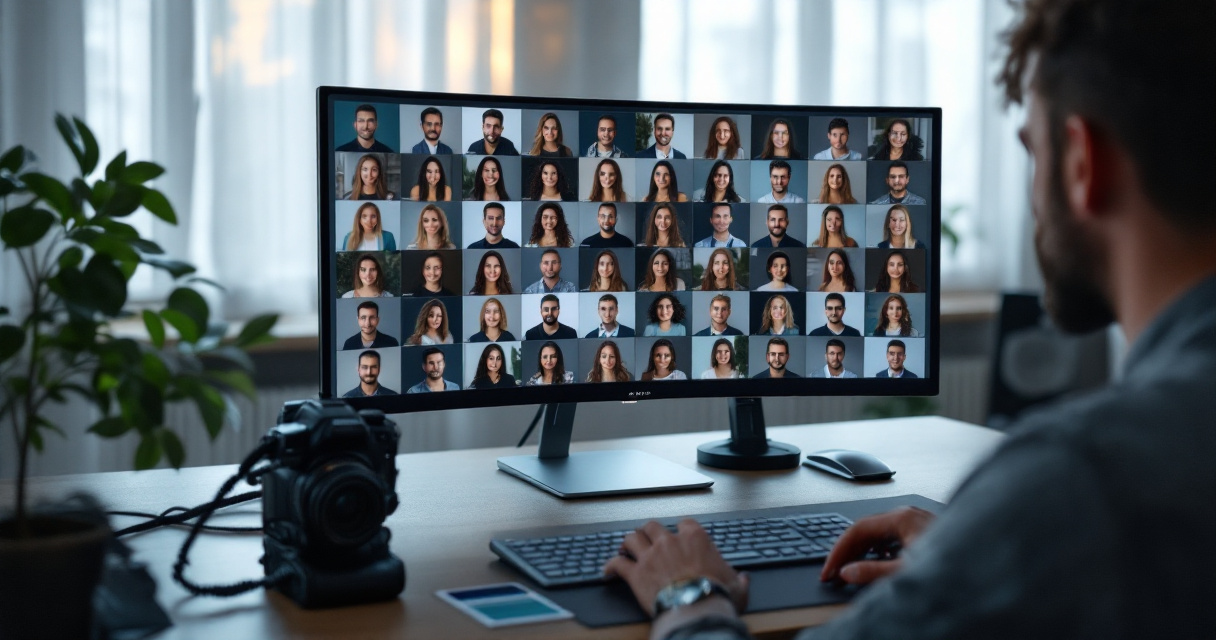
Batch processing automates the same pipeline across many images. Instead of generating one headshot at a time, the system processes multiple subjects simultaneously using a shared style model.
Typical Batch Workflow
- Team members upload 5 to 15 casual photos.
- The system analyzes facial structure and lighting conditions.
- A trained AI model generates multiple professional portraits.
- Administrators download consistent headshots for the entire team.
The key advantage is style consistency. Lighting, background, and framing remain identical across all portraits.
The result looks like a coordinated studio shoot even if employees uploaded photos from different countries.
Input Photo Guidelines for Better AI Results
Image quality strongly affects AI headshot output. Most platforms recommend a few simple guidelines.
- Use natural lighting when taking the original photo
- Avoid sunglasses or heavy filters
- Include both front-facing and slight angle poses
- Upload high-resolution images whenever possible
- Avoid crowded backgrounds
Following these basics helps the AI system create portraits that still look like the real person, which is essential for professional use.
Where Businesses Use AI-Generated Team Headshots
Once a company has consistent portraits for every employee, those images appear across many digital channels. Consistency matters because potential customers often encounter the team through several platforms before making contact.
Common Use Cases for AI Team Photos
- Corporate websites and leadership pages
- LinkedIn profiles and recruitment materials
- Investor presentations
- Media interviews and PR kits
- Slack or internal company directories
Example Placement Across Marketing Channels
| Platform | How Headshots Are Used |
|---|---|
| Company website | "Meet the team" pages and author bios |
| Professional employee profiles | |
| Pitch decks | Founder and leadership slides |
| Conference websites | Speaker profiles |
| Press kits | Media coverage and interviews |
For example, a startup preparing investor materials may combine AI-generated team portraits with a pitch deck slide AI generator to create consistent visuals across the entire presentation.
Marketing teams also reuse these headshots across social content. Tools that automate social visuals, such as a LinkedIn post AI generator, make it easier to build branded posts featuring team members.
Maintaining Brand Consistency Across Large Teams
Companies with hundreds of employees face a visual branding problem. Over time, team photos become inconsistent as people join, leave, or update their profiles. Different photographers, lighting setups, and editing styles can create a messy look on the company website.
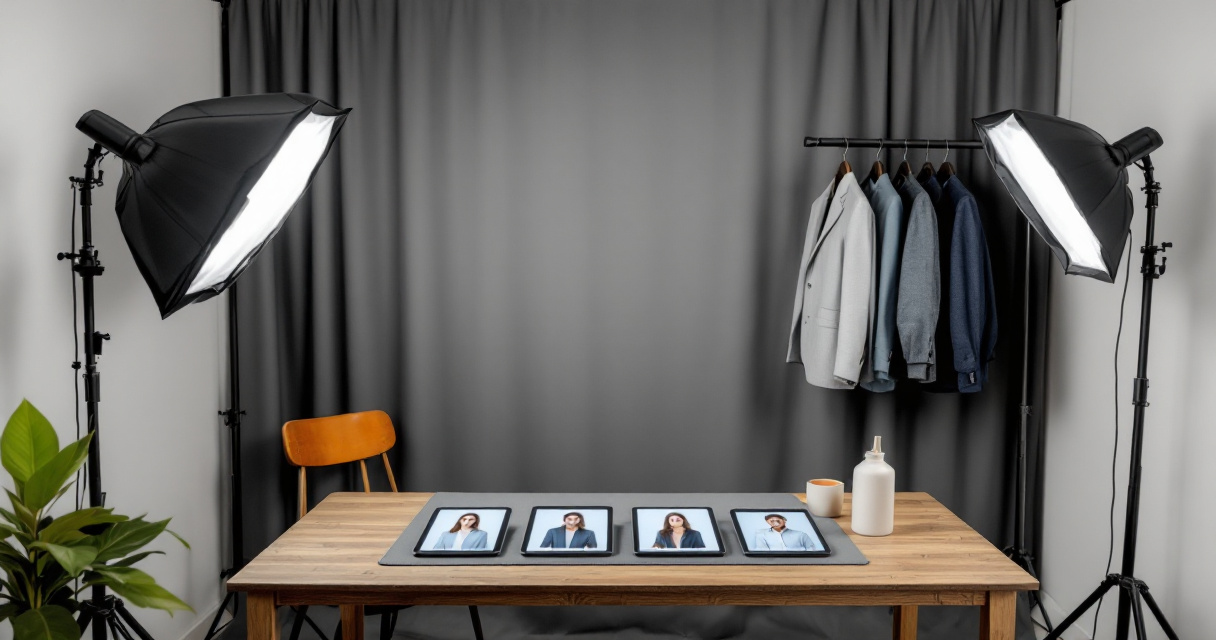
AI batch headshot systems solve this by locking visual parameters.
Brand Elements AI Systems Can Standardize
- Background color or office environment
- Lighting direction and intensity
- Crop ratio and framing
- Clothing style suggestions
- Image resolution and export format
Brand consistency builds trust. When every team member photo follows the same style, the company appears organized and professional.
Companies often pair AI headshots with other AI-generated brand visuals. For example, organizations designing marketing materials may also use a Shopify logo AI generator or branded graphics tools to maintain the same visual identity across websites and social media.
Platforms like The Looktara Lens support this approach by allowing teams to apply consistent visual styles across large batches of images.
Privacy and Security Considerations When Processing Employee Photos
AI-generated portraits raise understandable privacy concerns. Employees want to know how their images are stored, processed, and deleted after generation.
Companies implementing AI headshot workflows should address three areas clearly.
Data Handling Practices to Review
- How long uploaded photos are stored
- Whether images are used to train future models
- Encryption standards for image storage
- Access controls for administrators
Organizations operating in regulated industries often require written policies before uploading employee photos to any AI system.
Internal Policy Checklist
- Obtain employee consent before uploading photos.
- Document the platform's data retention policy.
- Restrict downloads to HR or marketing teams.
- Allow employees to request deletion of their images.
Transparency builds trust. When employees understand how the technology works, adoption tends to move much faster.
What to Expect From AI Team Headshots in 2027 and Beyond
AI-generated imagery keeps improving each year, and the next wave of tools will likely expand far beyond static portraits.
Future systems are expected to generate multiple media formats from the same source photos.
Likely Developments in the Next Few Years
- Automatic video avatars for employee introductions
- AI-generated team group photos created from individual headshots
- Real-time updates when employees change roles or departments
- Integration with HR software and onboarding systems
Some companies already experiment with combining headshot generators with marketing automation. For example, teams producing video content may generate custom profile graphics using a YouTube thumbnail AI generator that matches the same visual identity used in their staff photos.
As AI models improve, the distinction between traditional photography and AI-generated portraits will likely become harder to notice.
Conclusion
AI headshot batch processing has turned what used to be a logistical headache into a simple digital workflow. Instead of coordinating photographers, travel, and editing sessions, companies can generate consistent professional portraits for an entire team in a single batch. The technology works especially well for remote companies, fast-growing startups, and organizations that regularly update their team pages.
If you want a simplify way to produce professional team photos at scale, try using The Looktara Lens. The platform helps teams generate consistent, high-quality portraits while keeping branding aligned across websites, LinkedIn profiles, and marketing materials. Start with a small batch of team photos, test different styles, and build a visual identity that grows with your organization.
Generated by EarlySEO.com