
TL;DR
An AI Dutch photo works best for LinkedIn, personal branding, creator profiles, dating apps, and Dutch-themed visuals when you need a polished image fast. Use it for professional presentation, not for official documents unless a passport-photo service checks Dutch biometric rules.
A strong profile photo can change how people read your LinkedIn page, freelance pitch, dating profile, or founder bio before they read a single word. An AI Dutch photo usually means an AI-generated or AI-enhanced image with Dutch styling, Dutch scenery, Dutch professional cues, or a Netherlands-ready use case. For people who want a polished portrait without booking a studio, Looktara offers a practical way to create professional-looking images from regular photos while keeping the result believable.
Table of Contents
What is an AI Dutch photo?
An **AI Dutch photo** is a synthetic or AI-enhanced image that uses Dutch visual cues, such as Amsterdam streets, soft North Sea light, business-casual styling, orange accents, bikes, canals, brick architecture, or Netherlands-specific document framing.AI Dutch photo: a portrait or visual asset created or improved with artificial intelligence to fit a Dutch setting, audience, identity cue, or use case.
The term appears in several search contexts. Some people use it for Dutch passport photos. Others mean AI-generated Dutch-looking people for design. Many users also search because a viral Netherlands scenery image looks so perfect that viewers wonder whether it is real or generated.
Key insight: the best Dutch-style AI images look locally plausible, not overloaded with clogs, tulips, windmills, and postcard stereotypes.
The main meanings behind the term
- Professional profile image: a LinkedIn, CV, founder, or freelancer portrait with Dutch business styling.
- Dutch-themed creative image: a social post, campaign visual, thumbnail, or profile banner with Netherlands scenery.
- Passport or ID photo workflow: an image prepared for official Dutch document standards, usually with strict biometric checks.
- Synthetic human image: an AI-generated person used for design, mockups, advertising, or testing.
- Real-or-AI verification question: a debate about whether a very polished Netherlands photo is authentic.
Research on machine and deep learning for smart vision, including a 2022 review in Automation in Construction, shows how computer vision methods now classify, detect, and interpret visual scenes across real-world settings. That same technical direction explains why modern image tools can produce highly realistic portraits and backgrounds, though the source study focuses on construction applications rather than headshots Baduge, Thilakarathna, and Perera, 2022.

When should you use Dutch-style AI portraits?
Dutch-style AI portraits are useful when you need a credible, attractive image for online identity, branding, or creative content, but they are not a replacement for every kind of official or journalistic photo.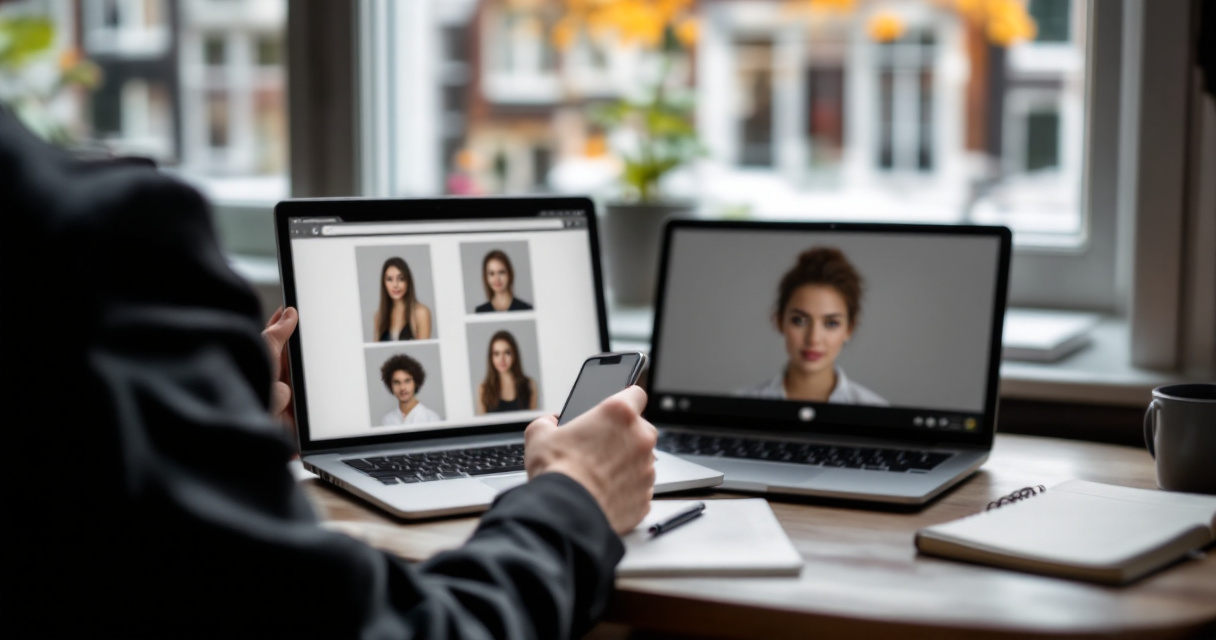
For career and business use, I'd treat AI portraits as a presentation tool. They help when your current photo is poorly lit, outdated, too casual, or inconsistent across platforms. They are less suitable when the photo must prove that a specific moment happened.
The Netherlands also has a strong visual journalism connection through the World Press Photo of the Year award, which is part of the World Press Photo Awards organized by the Dutch foundation World Press Photo. That context matters because realistic AI imagery makes clear labeling more important in journalism, documentary work, and public-interest content.
Best use cases by audience
| Audience | Good use | Watch-out |
|---|---|---|
| Job seekers | LinkedIn, CV, recruiter profile | Keep clothing and expression realistic for your industry |
| Entrepreneurs | Founder bio, speaker page, website hero image | Match the image to your actual brand presence |
| Freelancers | Upwork-style profiles, portfolio pages, proposals | Avoid backgrounds that feel too staged |
| Creators | Thumbnails, social avatars, campaign concepts | Label synthetic creative work when context calls for it |
| Dating app users | Warm, natural profile options | Choose authenticity over overly perfect skin or styling |
| Expats in the Netherlands | Localized business profile photos | Use subtle Dutch context instead of clichés |
How do you create one that looks natural?
Create a natural Dutch-style AI portrait by starting with clear source images, choosing a believable setting, keeping facial details consistent, and editing for restraint rather than perfection.A good result should pass a simple test: if someone who knows you sees it, they should recognize you immediately and feel the image matches how you present yourself in real life. I'd rather accept one small imperfection than use an image that feels plastic.
With Looktara, the strongest use case is turning everyday selfies into polished professional images for LinkedIn, founder pages, portfolios, and personal profiles. The Looktara platform fits people who want a clean result without learning prompt engineering or photo-editing software.
A practical 6-step workflow
- Choose 8 to 15 clear photos with different angles, outfits, and lighting.
- Pick one use case first, such as LinkedIn, dating, founder bio, or creator avatar.
- Use restrained Dutch cues, like canal-house light, a simple blazer, muted colors, or a modern Amsterdam office feel.
- Keep your face consistent by rejecting outputs that change your eyes, jawline, smile, or age.
- Check hands, teeth, glasses, earrings, and hairlines because small details often reveal weak generation.
- Export several options and ask one honest friend which image feels most like you.
A realistic image usually wins over a flawless one because people trust familiar human detail more than perfect symmetry.
Prompt ingredients that work well
Use prompts that describe lighting, setting, and purpose instead of stacking too many national symbols.
- For LinkedIn: "professional portrait, soft window light, modern Dutch office, neutral background, confident expression."
- For entrepreneurs: "founder headshot, Amsterdam startup office, relaxed blazer, natural skin texture, editorial style."
- For dating apps: "warm outdoor portrait, casual jacket, soft canal-side background, genuine smile, candid feel."
- For creators: "clean social profile image, Dutch city color palette, natural face, sharp but not overedited."
A 2024 paper on automated data-driven personalized information presentation studied how information can be adapted to individual needs in a high-stakes health context Krahmer, Clouth, and Hommes, 2024. The same broad idea applies here in a lower-stakes way: better outputs come from matching the image to the person, audience, and decision being made.
Can you use AI images for Dutch passport photos?
You should use caution with AI images for Dutch passport photos because official document photos must meet biometric and format requirements, not just look professional.
Several ranking pages focus on Dutch passport photo tools, online upload flows, and Netherlands passport photo requirements. That tells us the search intent is practical: people want a photo accepted by an authority, not just a good-looking portrait. For that use case, compliance matters more than creativity.
AI retouching can also create problems if it changes facial geometry, skin texture, shadows, or the neutral expression needed for biometric review. For official documents, use a service that checks the latest Dutch requirements or visit an approved photo provider.
Profile photo vs passport photo rules
| Feature | Profile or brand photo | Dutch passport or ID photo |
|---|---|---|
| Goal | Look trustworthy, attractive, and current | Meet official biometric standards |
| Expression | Natural smile is often fine | Usually neutral and rule-based |
| Background | Office, city, studio, or lifestyle | Plain, compliant background |
| Editing | Light enhancement can be acceptable | Heavy AI changes are risky |
| Clothing | Brand-appropriate choice | Must not conflict with document rules |
| Best tool | AI headshot or portrait generator | Passport-photo compliance service |
Common mistakes to avoid
- Don't use a generated face for an official identity document.
- Don't smooth skin so much that natural texture disappears.
- Don't change eye shape, face width, age, hairline, or facial marks.
- Don't add dramatic shadows, hats, filters, or artistic backgrounds.
- Don't assume a nice photo is automatically compliant.
Samsung's Galaxy AI is an example of how AI features have moved directly into mobile devices, with Samsung first releasing the feature collection for Galaxy-branded phones with the Galaxy S24 series. Mobile editing is convenient, but convenience does not equal official acceptance for identity photos.
What will change for AI portraits in 2027?
AI portraits in 2027 will likely become more personalized, more regulated, and more clearly labeled across professional, social, and creative platforms.Two forces are moving at the same time. Image quality keeps improving, while trust standards are getting stricter. I expect platforms, employers, dating apps, and media organizations to care less about whether AI helped and more about whether the image is truthful, consent-based, and not misleading.
Energy use may also become part of the conversation around AI media. A 2023 review in Environmental Chemistry Letters examined strategies for saving energy during the energy crisis, and that broader pressure is relevant as image generation and data-center workloads keep growing Farghali, Osman, and Mohamed, 2023.
What to expect next
- Better identity consistency: tools will preserve facial features more accurately across outfits and settings.
- Clearer disclosure norms: professional platforms may add labels or metadata for synthetic images.
- Local style presets: Dutch business, startup, academic, creative, and expat looks may become easier to select.
- More compliance separation: official-photo tools and creative-headshot tools will become more distinct.
- Higher trust expectations: people will prefer images that feel real, current, and ethically made.
The winning profile image in 2027 won't be the most artificial-looking one. It will be the image that feels polished, honest, and fit for its context.
FAQ about AI Dutch photos
AI Dutch photo questions usually come down to realism, trust, and whether the image fits the platform where it will appear.Is an AI-generated Dutch portrait acceptable for LinkedIn?
Yes, an AI-generated Dutch portrait can work for LinkedIn if it still looks like you and matches your professional role. Keep the clothing, lighting, and background realistic. Avoid images that change your facial structure, age, or expression too much, because recruiters and clients value recognizability.
Can I use one for a dating profile?
Yes, but use the most natural version, not the most polished one. Dating app photos should feel current and honest. A lightly improved portrait can help you look approachable, while an overly edited image can create disappointment when you meet someone in person.
What makes a Dutch-themed AI image look fake?
Overloaded symbols usually make the image look fake. Windmills, tulips, clogs, orange clothing, canals, bikes, and dramatic skies in one frame feel forced. A subtler image with natural light, simple clothing, and one believable Dutch setting often looks far more credible.
Should I label AI portraits as AI-generated?
Labeling depends on context. For a personal LinkedIn headshot, many people do not label minor AI assistance. For journalism, documentary work, political content, advertising claims, or anything where viewers may assume a real event happened, disclosure is the safer and more ethical choice.
Conclusion
A good AI Dutch photo should make you look more like your best real-world self, not like a different person standing in a stock-image version of the Netherlands. Use AI for professional polish, local style, and faster profile updates, but keep official document photos separate and compliance-focused.
If you want updated headshots for work, branding, or personal profiles, try a small batch first and compare them against your current photo. For a simple starting point, head to looktara.com and create a set you can test on LinkedIn, your portfolio, or your next founder bio.
Generated by EarlySEO.com